More AI Image Generators
Explore our collection of specialized AI image generators designed for different creative needs and styles
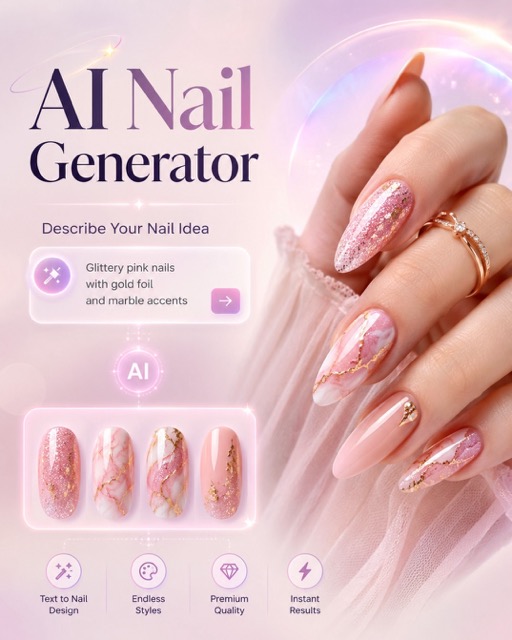
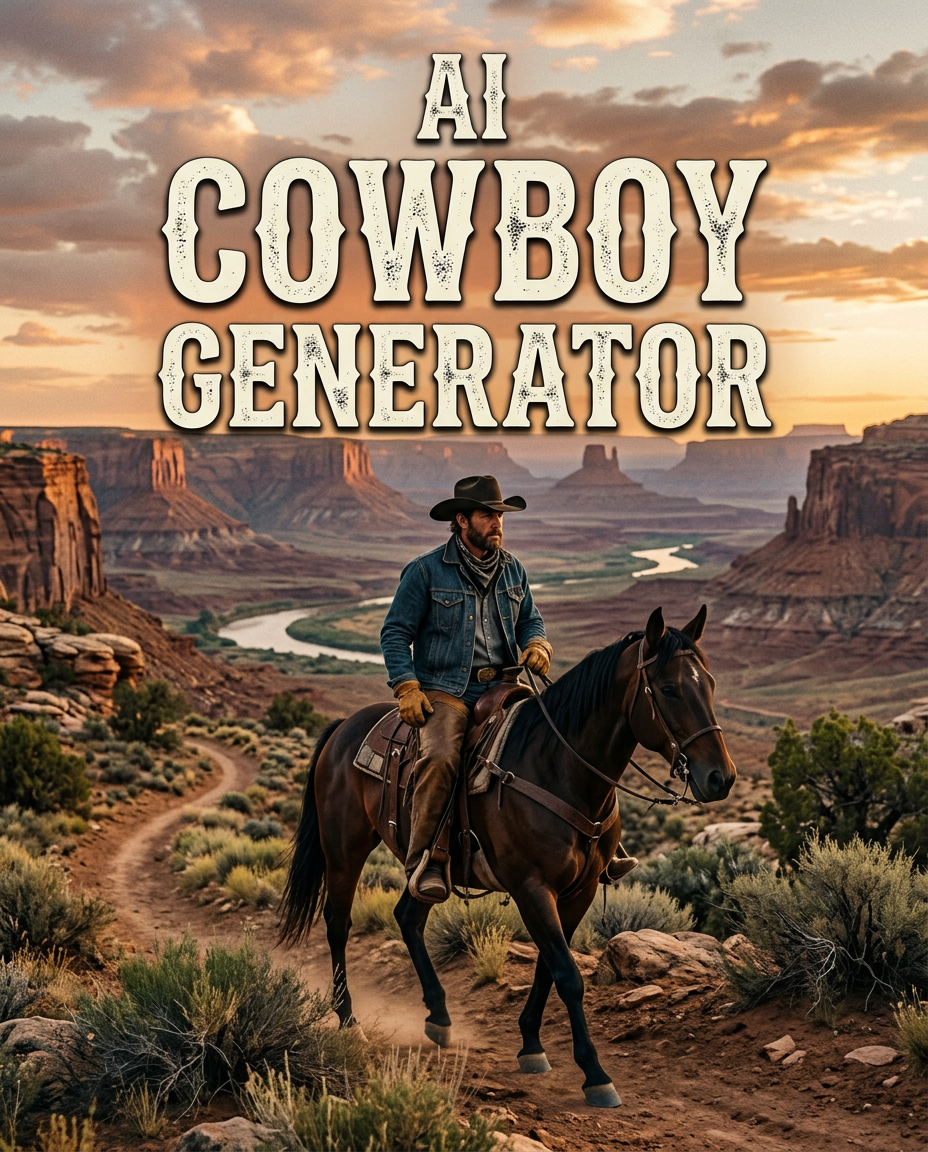
Create Western Portraits with AI Cowboy Generator
Let AI Cowboy Generator rebuild the portrait with a believable cowboy look.
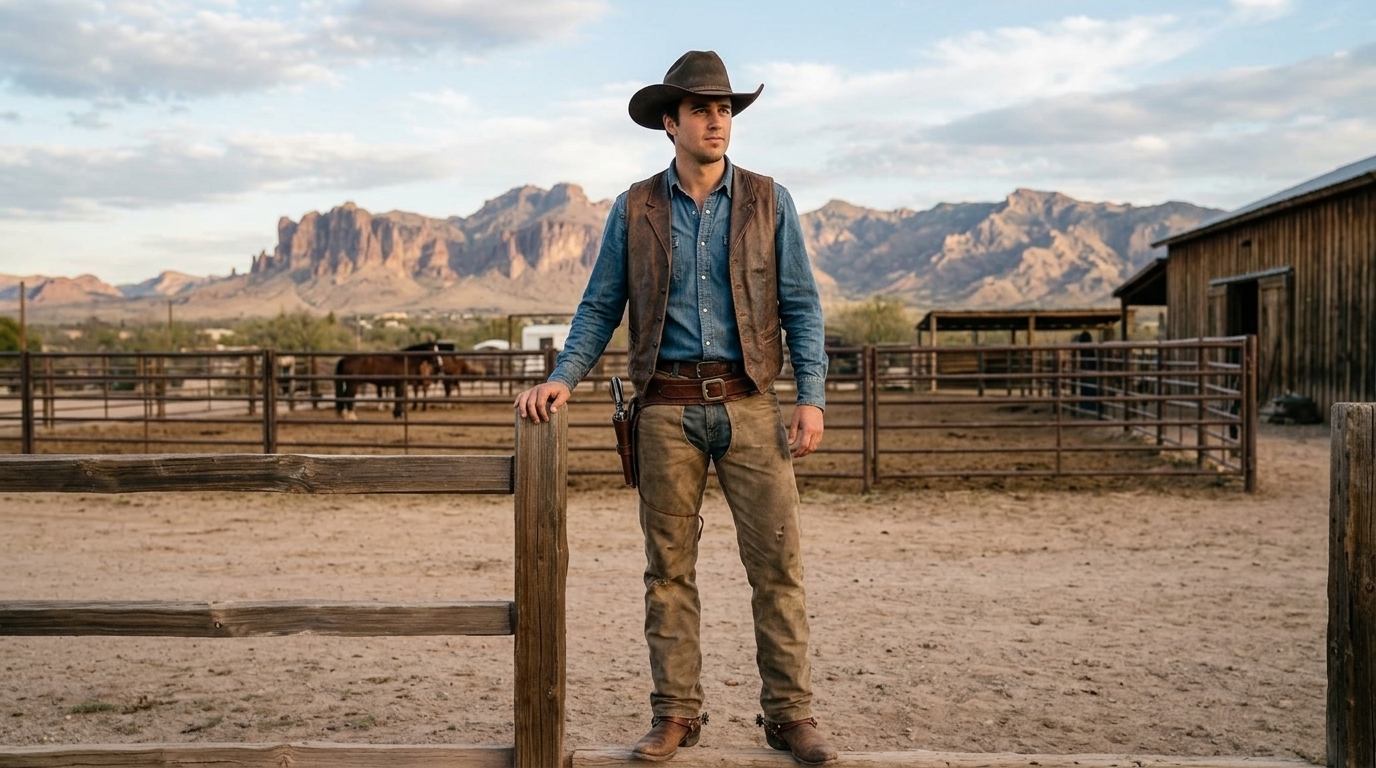
AI Cowboy Generator turns an ordinary uploaded image into a natural western portrait where clothing, lighting, background, and mood feel connected. Instead of pasting a hat onto a face, AI Cowboy Generator studies the source photo and applies a complete AI Cowboy Effect that keeps the subject recognizable while the environment becomes cinematic, dusty, and frontier-inspired.
How to Use AI Cowboy Generator
AI Cowboy Generator keeps the process simple: upload an image, choose the output size, and create a western portrait with a natural cowboy outfit, scene, and atmosphere. AI Cowboy Generator also keeps the setup focused on one direct photo-to-western workflow.
Upload a Clear Photo
Start AI Cowboy Generator by uploading a portrait, selfie, couple photo, or character image with a visible subject. A clean image helps the AI Cowboy Filter preserve facial structure, posture, and expression before the western transformation begins.

Choose Image Size
Select the image size or ratio that fits your use case, then run AI Cowboy Generator. The tool applies the AI Cowboy Effect across outfit, hat, props, background, and light direction so the result feels like one coherent western scene.
Preview and Download
Review the finished portrait from AI Cowboy Generator and download the version that best fits your profile, social post, story concept, or creative project. Cowboy AI Generator keeps the workflow direct, from uploaded image to finished western-style result.
Best AI Image Tools for Creative Projects
Explore creative tools for image, learn tips and tricks, and see how AI can be your assistant in turning concepts into finished projects.
Features of AI Cowboy Generator
AI Cowboy Generator combines photo preservation, western costume generation, matching environments, and flexible image sizing for portraits that look cohesive. AI Cowboy Generator is useful for creators who want western detail without building a manual composite.
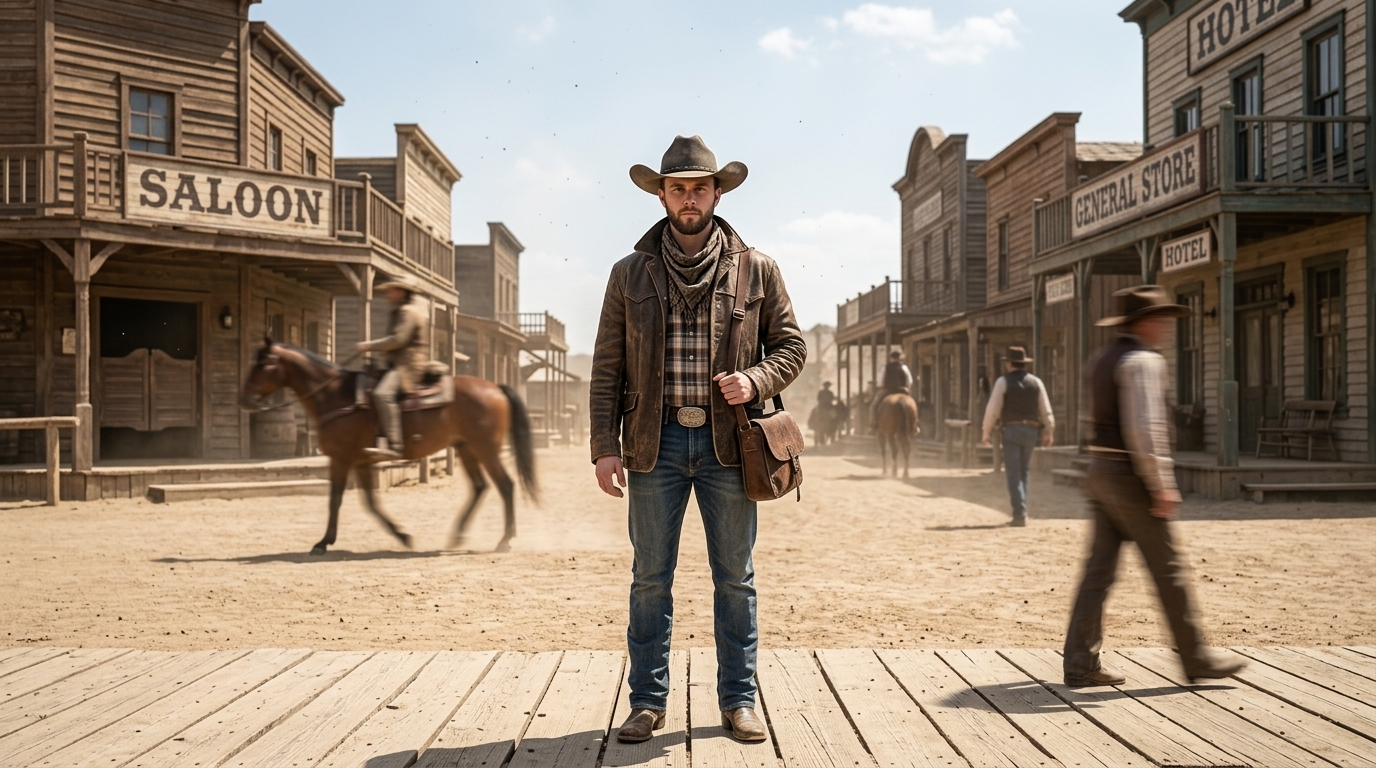
Natural Cowboy Styling, Not a Sticker Look
- AI Cowboy Generator applies the western outfit as part of the image, not as a flat overlay.
- The AI Cowboy Filter adapts hat angle, jacket texture, denim, leather, dust, and shadows to the uploaded photo.
- AI Cowboy Generator also balances face detail with costume detail, so the subject remains recognizable while the AI Cowboy Effect feels intentional.
- Use AI Cowboy Generator when you need a polished cowboy portrait for profile images, themed campaigns, character concepts, or playful social posts.
- AI Cowboy Generator is especially helpful when the source image needs a complete western scene, not just costume decoration.
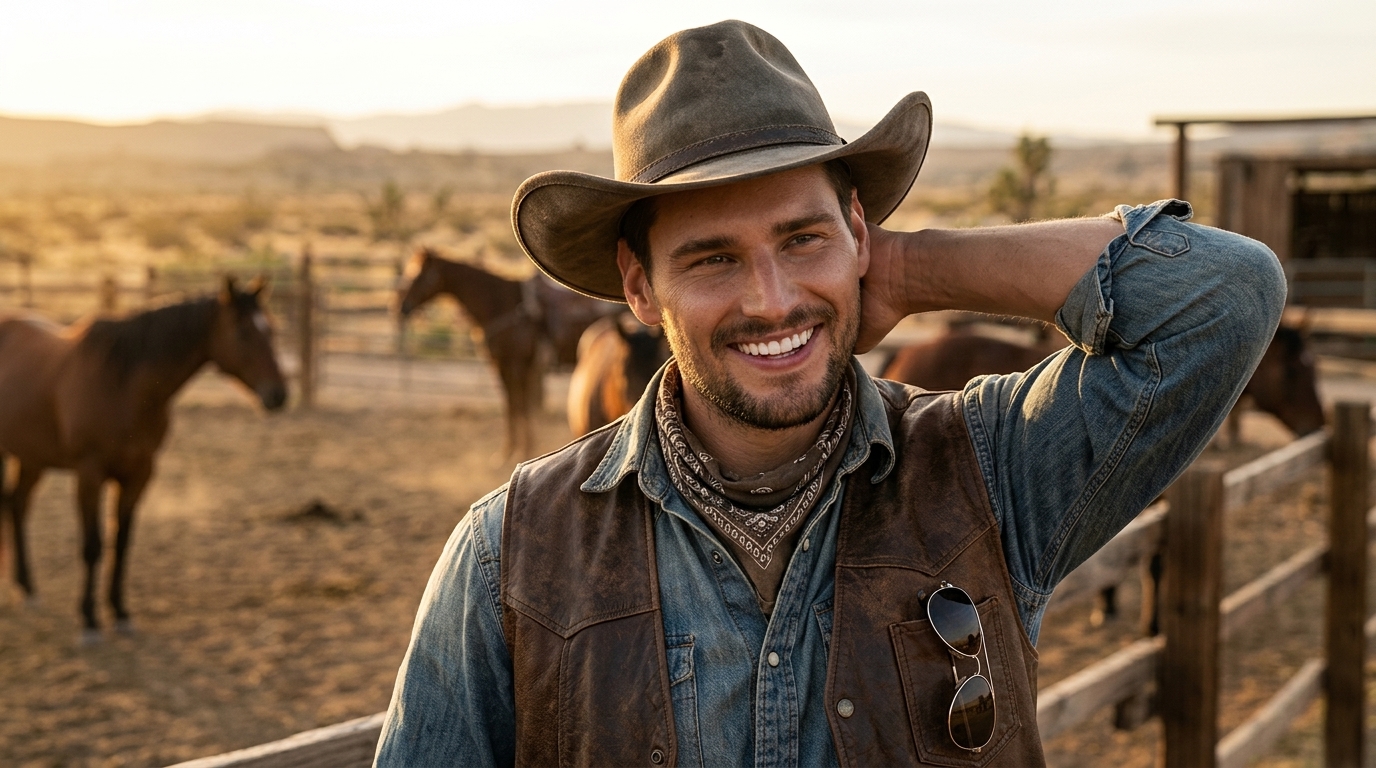
Western Backgrounds That Match the Subject
- AI Cowboy Generator updates the surroundings as carefully as the clothing, placing the subject into a believable ranch, desert trail, saloon doorway, open plain, or sunset scene.
- Cowboy AI Generator aligns color temperature, depth, and light direction so the person does not feel cut out.
- The AI Cowboy Effect works best when the result looks photographed as one moment.
- AI Cowboy Generator gives creators a fast way to build a western mood without manual background editing.
- AI Cowboy Generator treats the background as part of the transformation, which makes the final portrait more believable.
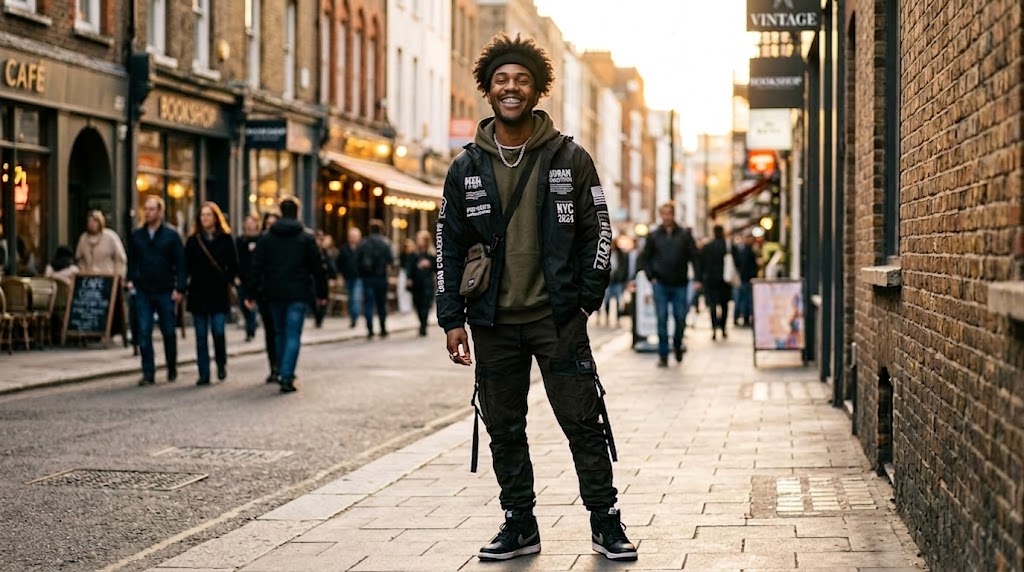
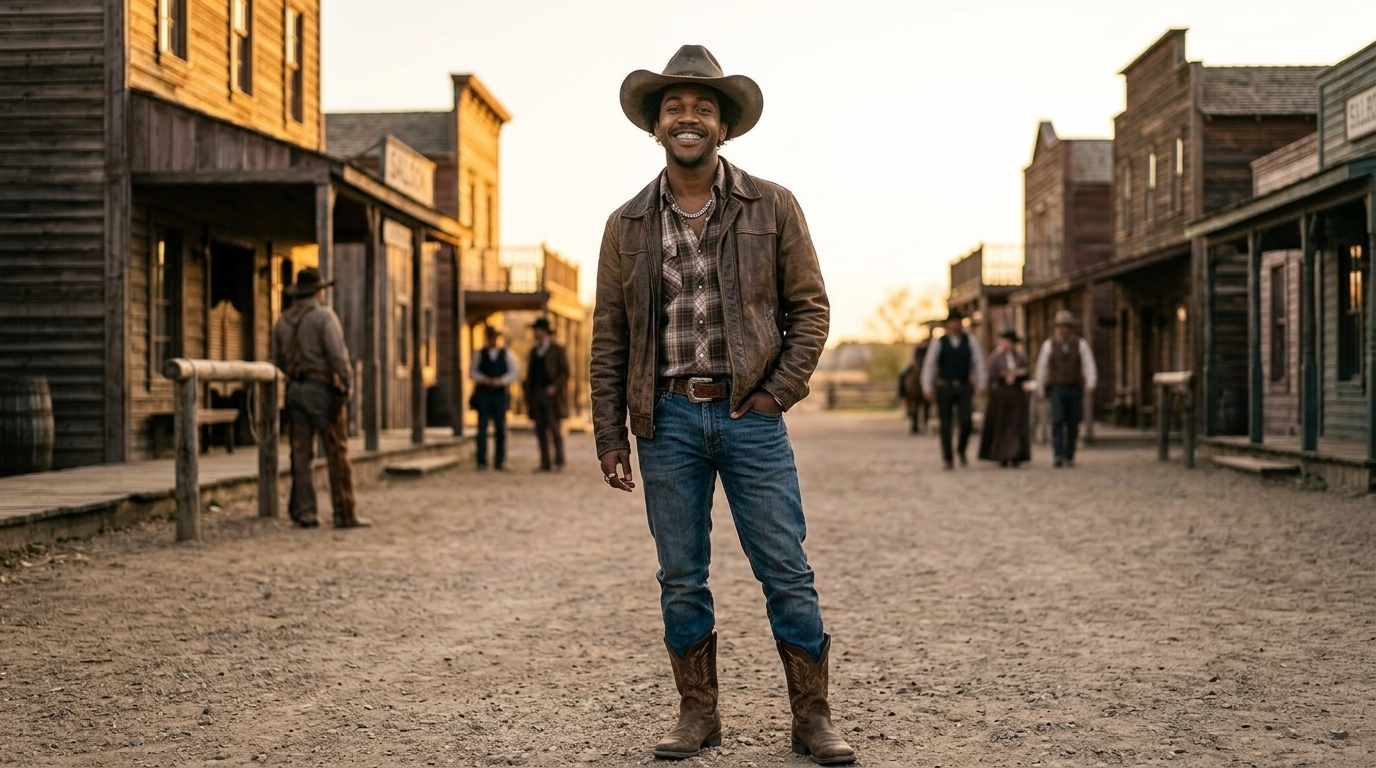
Flexible Image Size for Every Channel
- Choose an image size before running AI Cowboy Generator so the result fits where it will be used.
- Portrait ratios work well for avatars and profile photos, while wider ratios are useful for banners, storyboards, thumbnails, and campaign visuals.
- AI Cowboy Generator composes the hat, shoulders, props, and western background around the selected frame.
- The AI Cowboy Filter adapts the same uploaded image to different layouts without forcing awkward cropping.
- AI Cowboy Generator supports creative planning because the chosen frame guides the whole western composition.
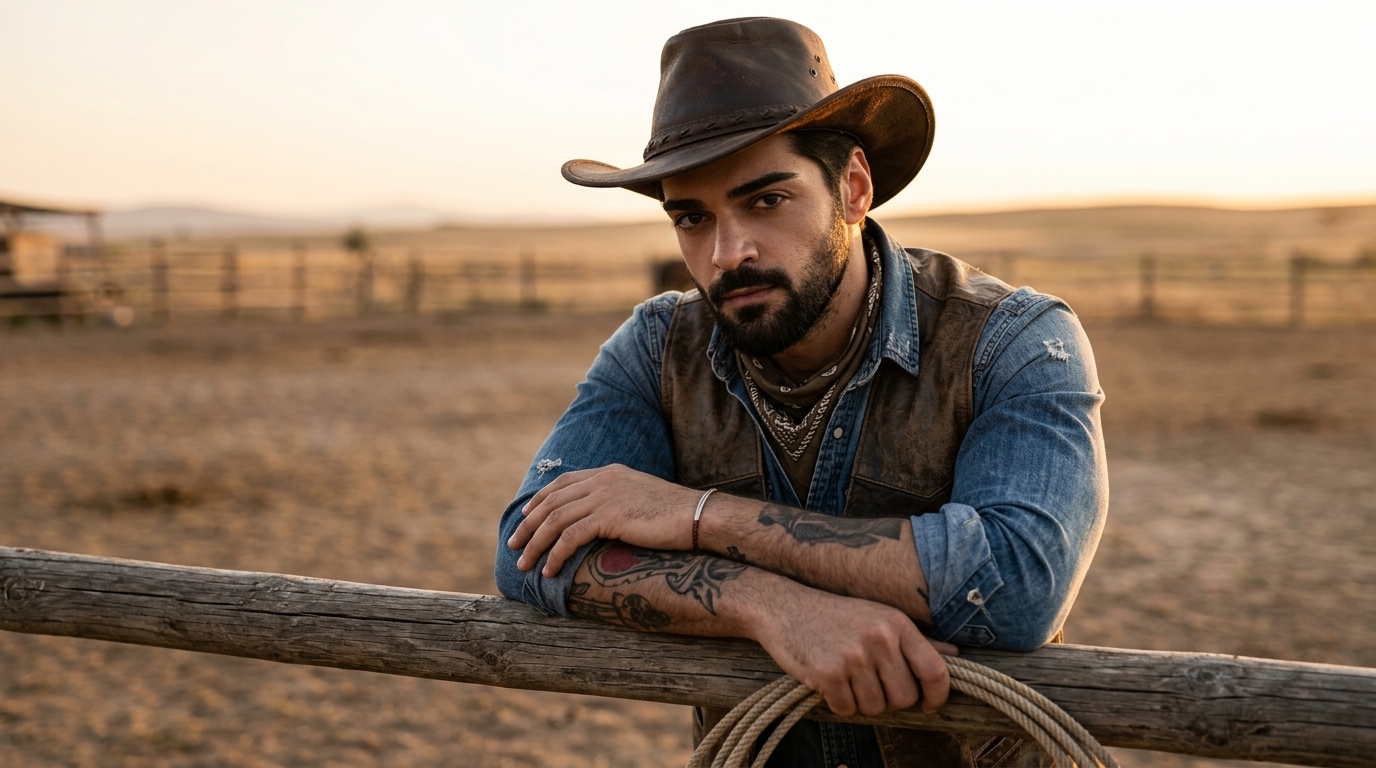
Recognizable Faces with Cinematic Western Detail
- AI Cowboy Generator is designed for photo-to-style editing where identity, expression, and pose should stay intact.
- Cowboy AI Generator changes the wardrobe and scene while respecting the main subject, avoiding a generic character replacement.
- The AI Cowboy Effect can introduce warm sunset light, textured fabric, dust, saddle leather, fence lines, or desert color while keeping the source composition readable.
- AI Cowboy Generator is useful when realism matters more than exaggerated costume effects.
- AI Cowboy Generator gives the western look room to develop while keeping the source image visually grounded.
Why Choose AI Cowboy Generator
AI Cowboy Generator focuses on coherent photo editing: the subject, outfit, background, and selected image size work together to create a believable western result. AI Cowboy Generator helps each final image feel planned for its frame instead of randomly restyled.
Profile Photos with Western Character
Use AI Cowboy Generator to create a distinctive avatar that still looks like you. The tool adds a western hat, rugged clothing, and matching atmosphere while keeping the face, expression, and pose connected to the original photo. AI Cowboy Generator keeps the transformation centered on the uploaded subject.
Social Posts and Themed Campaigns
AI Cowboy Generator helps creators build scroll-stopping western visuals for seasonal posts, music drops, events, and brand moments. The AI Cowboy Filter gives a consistent look without requiring a costume shoot or manual retouching. AI Cowboy Generator keeps the transformation centered on the uploaded subject.
Character Concepts and Roleplay Art
Turn a reference image into a frontier character study with AI Cowboy Generator. Writers, game masters, and visual storytellers can explore cowboy outfits, desert settings, dramatic lighting, and scene moods from a single uploaded image. AI Cowboy Generator keeps the transformation centered on the uploaded subject.

Couple, Group, and Pet-Friendly Ideas
When the uploaded image has more than one clear subject, AI Cowboy Generator can inspire coordinated western visuals for friends, couples, teams, or stylized pet portraits. The best results come from photos with visible faces and uncluttered lighting. AI Cowboy Generator keeps the transformation centered on the uploaded subject.
Mood Boards for Shoots and Costumes
Use Cowboy AI Generator before a real shoot to explore hats, jackets, color palettes, dusty roads, ranch scenes, and sunset lighting. It gives art directors and photographers a quick visual direction before planning wardrobe or locations. AI Cowboy Generator keeps the transformation centered on the uploaded subject.
Creative Edits from Everyday Images
AI Cowboy Generator is made for quick experimentation with ordinary photos. A casual selfie, travel snapshot, or simple portrait can become a western scene with believable costume detail, matching environment, and a clear final composition. AI Cowboy Generator keeps the transformation centered on the uploaded subject.
What Creators Say About AI Cowboy Generator
Creators use AI Cowboy Generator for avatars, campaigns, concepts, and themed portraits because it keeps the subject recognizable while building a full western scene around them.
AI Cowboy Generator gave me a portrait that looked like a real themed shoot. The hat, jacket, and dusty background matched my original lighting, and I did not have to fight with masks or layers. AI Cowboy Generator made the workflow feel clear and repeatable.
I used AI Cowboy Generator for character references, and the results were much more useful than a simple costume overlay. The image kept the face readable while adding enough western texture to guide the scene. AI Cowboy Generator made the workflow feel clear and repeatable.
The AI Cowboy Filter helped our event team test a western theme before creating final assets. We could compare portrait and banner sizes quickly, which made the creative direction easier to approve. AI Cowboy Generator made the workflow feel clear and repeatable.
Cowboy AI Generator was straightforward enough for our social team. We uploaded a clean photo, picked a wide format, and got a western visual that felt cohesive instead of pasted together. AI Cowboy Generator made the workflow feel clear and repeatable.
I wanted a playful profile image without losing my expression. AI Cowboy Generator kept the portrait recognizable and added a convincing ranch-style background with warm light and natural costume detail. AI Cowboy Generator made the workflow feel clear and repeatable.
The AI Cowboy Effect worked well for a mood board. It helped me see how a modern portrait could translate into a frontier look before we committed to props, clothing, and locations. AI Cowboy Generator made the workflow feel clear and repeatable.
FAQs About AI Cowboy Generator
These answers explain how AI Cowboy Generator handles uploads, image size choices, western styling, recognizable subjects, and natural-looking cowboy photo transformations. AI Cowboy Generator is ready when you want a quick themed edit with a polished western finish.
AI Cowboy Generator is a photo editing tool that turns an uploaded image into a cowboy-inspired portrait. It applies western clothing, hat details, warm lighting, and a matching environment around the subject. The goal is a natural result where the person still feels connected to the original photo, not a generic character pasted into a costume. AI Cowboy Generator works best when the source image gives the model enough visual detail.
The AI Cowboy Filter analyzes the uploaded image, then rebuilds the visual style around the main subject. It can add cowboy clothing, hat shape, leather or denim texture, dusty scenery, ranch elements, and western color grading. A clear image gives the model better structure to preserve identity, pose, and expression while changing the overall setting. AI Cowboy Generator works best when the source image gives the model enough visual detail.
Use a clear photo where the subject is visible and not heavily blocked by sunglasses, extreme shadows, or motion blur. A front-facing or three-quarter portrait usually works best, but casual photos can also be useful. The better the source image, the easier it is for AI Cowboy Generator to create believable clothing and scene details. AI Cowboy Generator works best when the source image gives the model enough visual detail.
Yes. The workflow includes an image size choice before generation so the result can fit the channel you have in mind. A portrait frame works for avatars and profile images, while wider frames can support banners, thumbnails, and storytelling visuals. The selected ratio guides composition, cropping, and background placement. AI Cowboy Generator works best when the source image gives the model enough visual detail.
The intended result is to preserve the recognizable subject while applying the cowboy transformation. AI edits can vary depending on input quality, pose, lighting, and how much the style changes the scene. For best results, upload a sharp image with visible facial features and avoid source photos where the face is too small. AI Cowboy Generator works best when the source image gives the model enough visual detail.
A natural AI Cowboy Effect depends on matching the whole scene, not only adding a hat. Clothing texture, shadows, background perspective, color temperature, and light direction should work together. That is why the tool focuses on both the subject and the environment, creating an image that feels photographed as one western moment. Small choices such as crop, contrast, and source sharpness can make the finished portrait more convincing.
Cowboy AI Generator can be useful for concept art, mood boards, profile visuals, campaign drafts, themed party graphics, and storytelling references. It gives creators a fast way to test western looks before planning a photoshoot or manual edit. You can use different image sizes to explore social, portrait, and banner compositions. It also helps teams compare several visual directions before choosing a final production style.
No editing experience is required. The basic flow is upload, choose image size, generate, preview, and download. You do not need to mask hair, cut out backgrounds, or manually match lighting. AI Cowboy Generator handles the transformation so casual users and production teams can create western portraits without complex software. This keeps the creative process approachable while still producing a finished themed visual.
Create Your Western Portrait Now
Upload a photo, choose image size, and let AI Cowboy Generator create a natural cowboy portrait with matching outfit, lighting, and western scenery. AI Cowboy Generator gives the final call to action a clear path from upload to download.