More AI Image Generators
Explore our collection of specialized AI image generators designed for different creative needs and styles









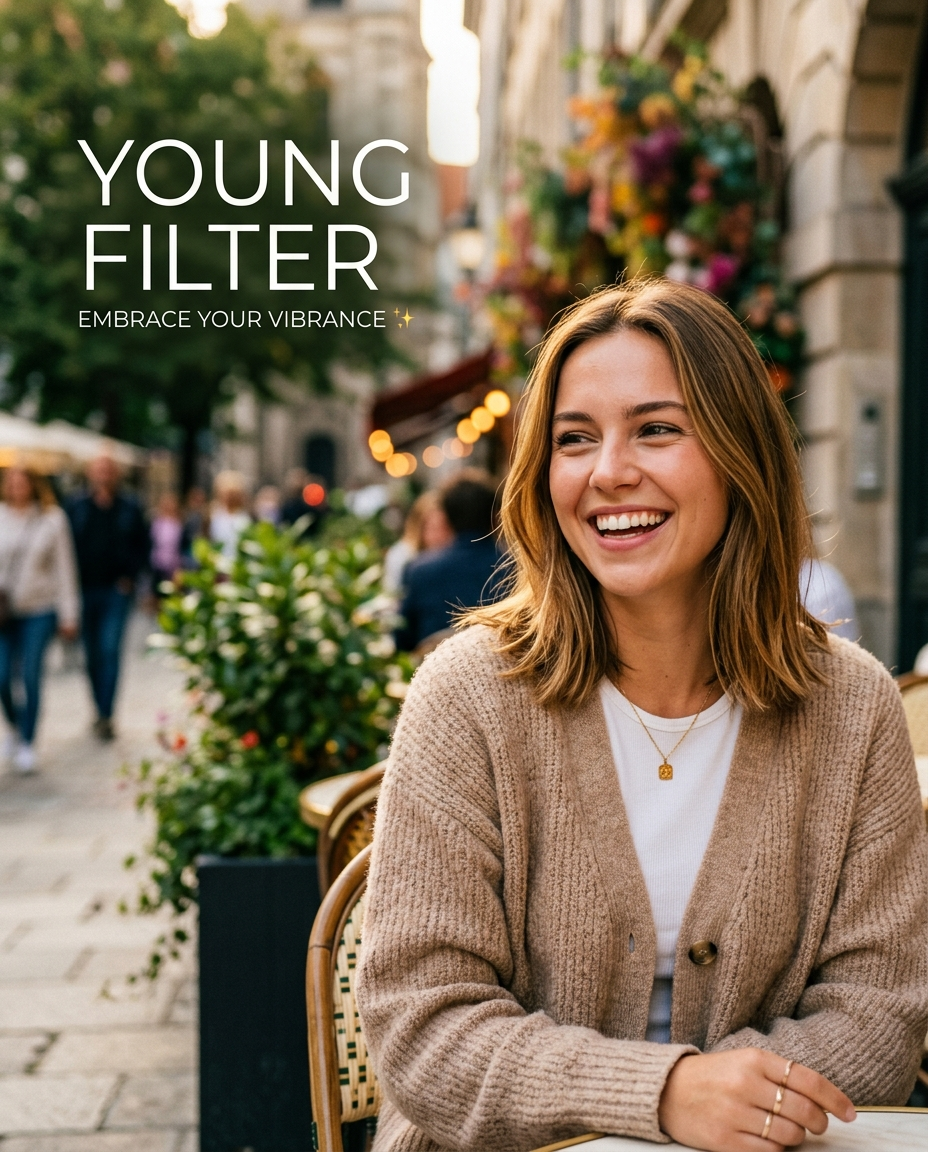
Young Filter for Natural AI Photo De-Aging
Let Young Filter create a refreshed, youthful version.
Young Filter helps turn portraits into youthful edits without making them look artificial. Upload a photo, select the image size that fits your post or project, and use Young Filter to soften age cues while preserving identity.

How to Use Young Filter
Young Filter keeps the workflow simple: upload an image, choose the image size, generate a youthful version, and download the result. The process is built for casual edits, creator assets, and polished portrait experiments.

Upload Your Portrait
Start Young Filter by adding a clear face photo from your device. A front-facing selfie, family portrait, profile image, or older photo works best when the face is visible and lighting gives the model enough detail. For best results, Young Filter should receive the original photo rather than a screenshot that has already been heavily compressed.

Choose Image Size
Pick the image size before generation so Young Filter can format the result for your intended use. Choose a square crop for avatars, a vertical ratio for stories, or a wider image size for banners and before-after layouts. Young Filter uses that framing decision as part of the requested output, so the edited image fits the format you selected.

Generate and Save
Run Young Filter and preview the youthful transformation. When the edit feels natural, save the image and use it for social posts, profile refreshes, creative projects, throwback concepts, or personal comparison galleries. Young Filter can be regenerated with a different source photo or image size if the first result feels too subtle or too strong.
Best AI Image Tools for Creative Projects
Explore creative tools for image, learn tips and tricks, and see how AI can be your assistant in turning concepts into finished projects.


Young Filter Features Built for Real Portraits
Young Filter combines age-reversal editing with practical output control. Instead of only applying a surface effect, it helps create a younger-looking portrait that remains recognizable, usable, and formatted for the right destination.

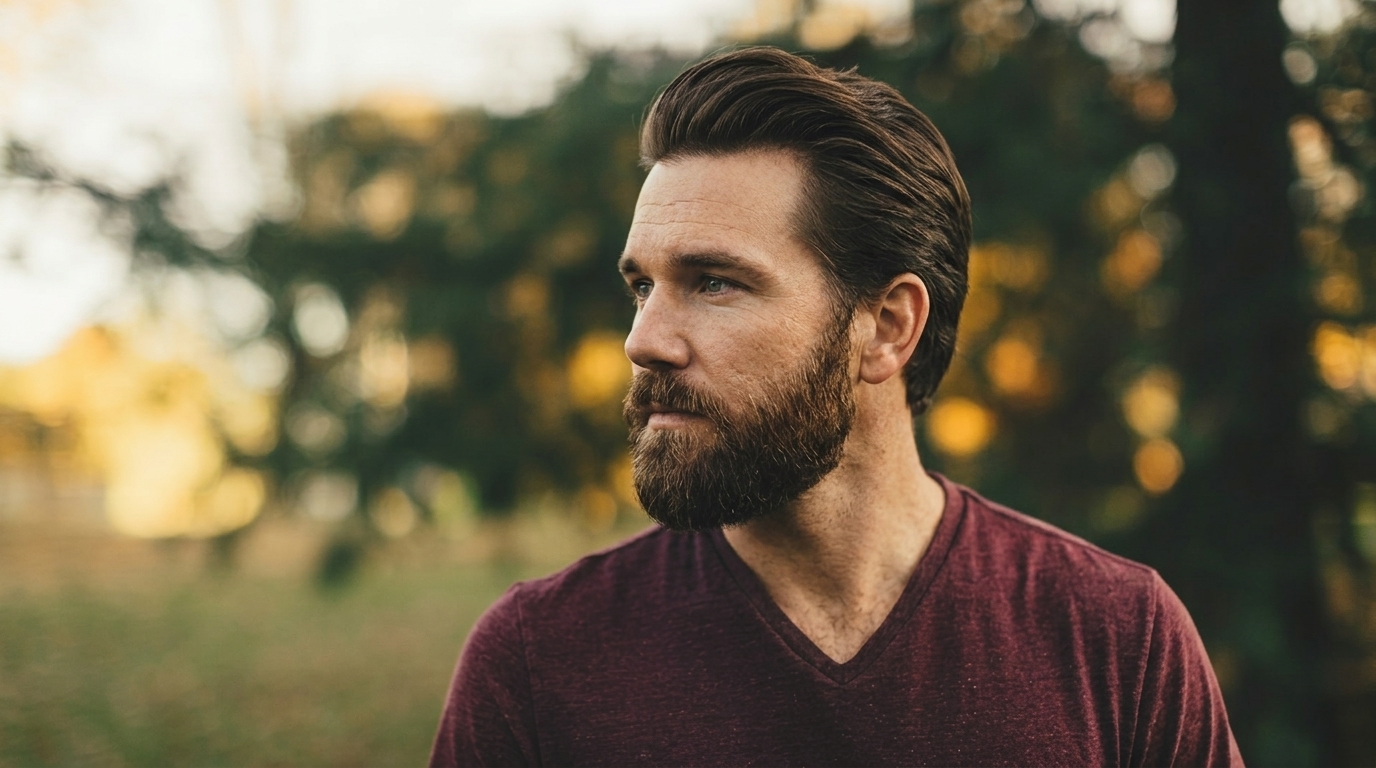
Natural Youthful Portrait Transformation
- Young Filter focuses on subtle facial rejuvenation rather than a plastic beauty effect.
- It can soften visible age lines, brighten the overall expression, and create a fresher portrait while keeping the same face, hairstyle, pose, and photo mood.
- Use Young Filter when you want a younger-looking version that still feels like the original person.
- The AI Youth Filter approach is useful for nostalgic edits, profile updates, and creative age-reversal concepts.
- Young Filter can also be used with older personal images where the subject wants a polished yet familiar result for a private album or social post.
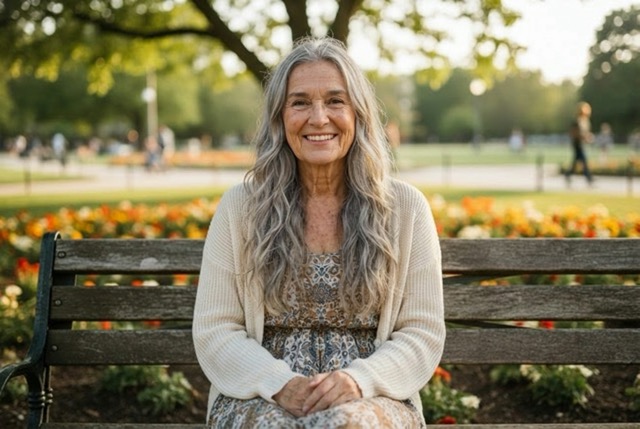
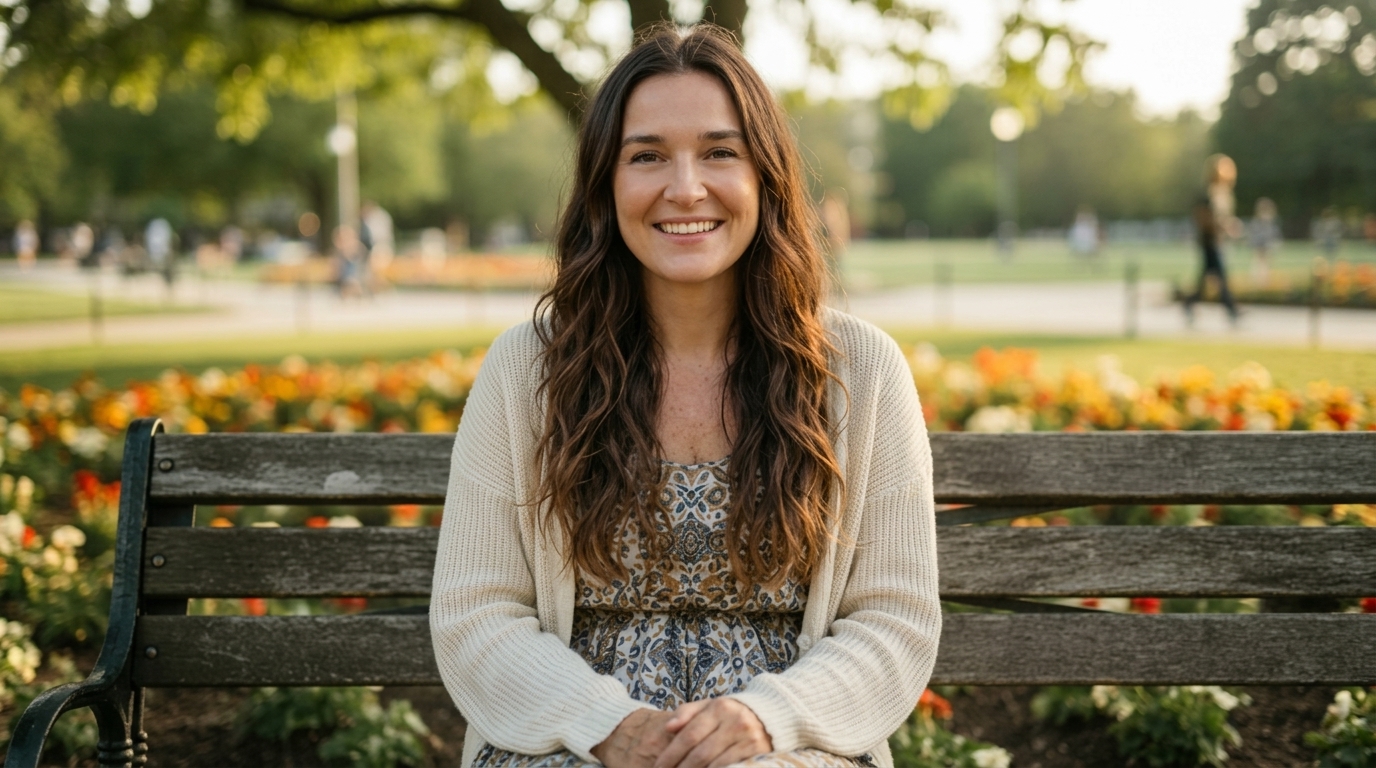
Image Size Control for Every Channel
- Young Filter includes image size selection so the output matches where you plan to use it.
- Choose portrait framing for social stories, square framing for avatars, or landscape framing for thumbnails and comparison graphics.
- This keeps the Young Filter result practical after generation because the crop, composition, and format are considered before the edit starts.
- The AI Youth Filter result should feel ready for sharing rather than needing heavy manual resizing.
- Young Filter keeps the workflow practical for creators who need several crops from one portrait concept without rebuilding the edit manually.


Identity-Preserving Face Editing
- A useful Young Filter should not replace the person with a generic young face.
- The edit needs to retain eye shape, facial proportions, expression, hair direction, clothing, and the original scene whenever possible.
- Young Filter is designed around controlled transformation, so the younger look appears connected to the source photo.
- This makes the AI Youth Filter suitable for portraits where recognition matters, including family memories and personal profiles.
- Young Filter works best when the source photo contains enough detail for the model to respect the person rather than invent a new face.


Before-and-After Storytelling
- Young Filter works especially well for before-and-after content because the contrast is immediate and easy to understand.
- Use one side for the source photo and the other for the youthful output, then choose an image size that fits the destination.
- The AI Youth Filter can support personal throwbacks, creator posts, lighthearted family comparisons, or campaign concepts that need an age-reversal visual without complex retouching.
- Young Filter can turn a simple portrait into a shareable visual story while preserving the emotional tone of the original image.
Why Choose Young Filter
Young Filter is made for clear portrait transformations, not vague photo effects. It gives users a focused upload-to-result flow, image size control, and youthful edits that work for personal, social, and creative use cases.

Refresh Profile Photos
Use Young Filter when a profile image needs a fresher, lighter look without changing the person behind it. The model can produce a youthful edit for social accounts, creator pages, team bios, or personal experiments where recognition still matters. Young Filter is especially helpful when the goal is a light refresh, not a complete redesign of the face or background.

Create Nostalgic Throwbacks
Young Filter can turn a current portrait into a playful throwback concept. The result is useful for memory posts, birthday collages, family chats, and social trends where people want to imagine a younger version of themselves. Young Filter gives the post a personal angle because the younger portrait is based on the uploaded image, not a generic stock-style face.

Edit Family Portraits
A family photo can become a conversation starter when Young Filter creates younger-looking versions of relatives while keeping the group composition intact. Use it for personal keepsakes, reunion graphics, or light creative projects centered on shared memories. Young Filter can keep the original setting and clothing visible, which helps the edited photo feel connected to the family moment.

Build Character Concepts
Writers, roleplay creators, and visual storytellers can use Young Filter to explore a character at another life stage. The edit helps develop backstory visuals, younger avatars, and age-reversed portraits without starting from a blank prompt. Young Filter supports this kind of visual exploration because the starting point is an existing face, pose, and mood.

Prepare Social Comparisons
Young Filter supports split-screen comparison content where the original portrait sits beside the youthful version. Choose the image size first, generate the result, and create clean visual material for reels, thumbnails, posts, and personal galleries. Young Filter keeps the visual story simple: viewers can understand the original and the youthful edit at a glance.

Experiment with Youthful Styling
Use Young Filter to preview how softer age cues, brighter skin tone, and a lighter facial presentation may change the feel of a portrait. It is a creative image effect for exploration, not a substitute for professional identity documents. Young Filter is also useful for testing how a portrait responds to a softer retouch before deciding whether to create a final shareable edit.
What Users Say About Young Filter
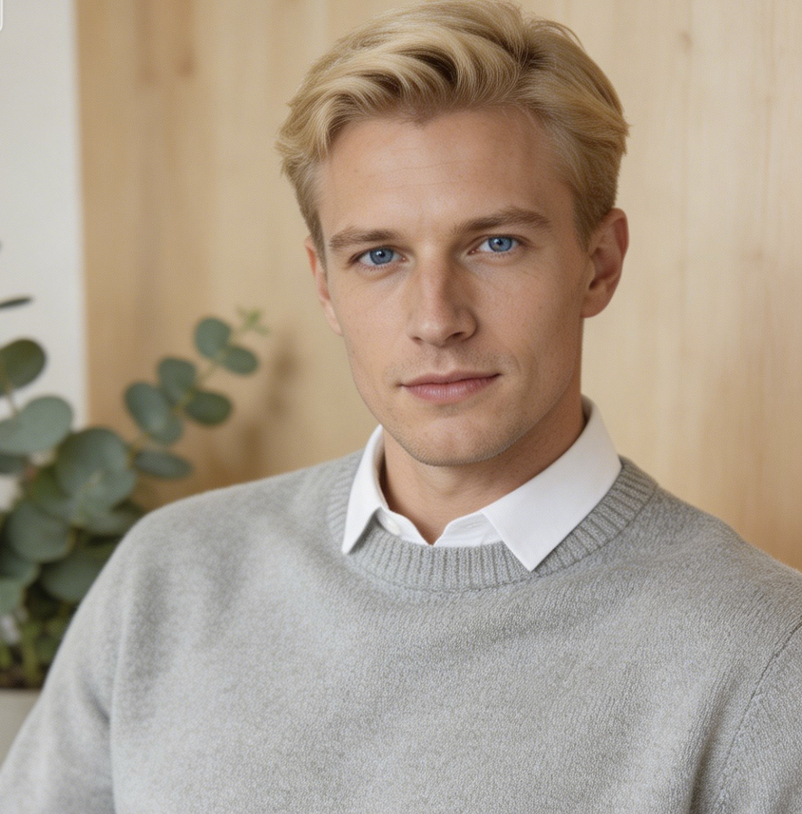
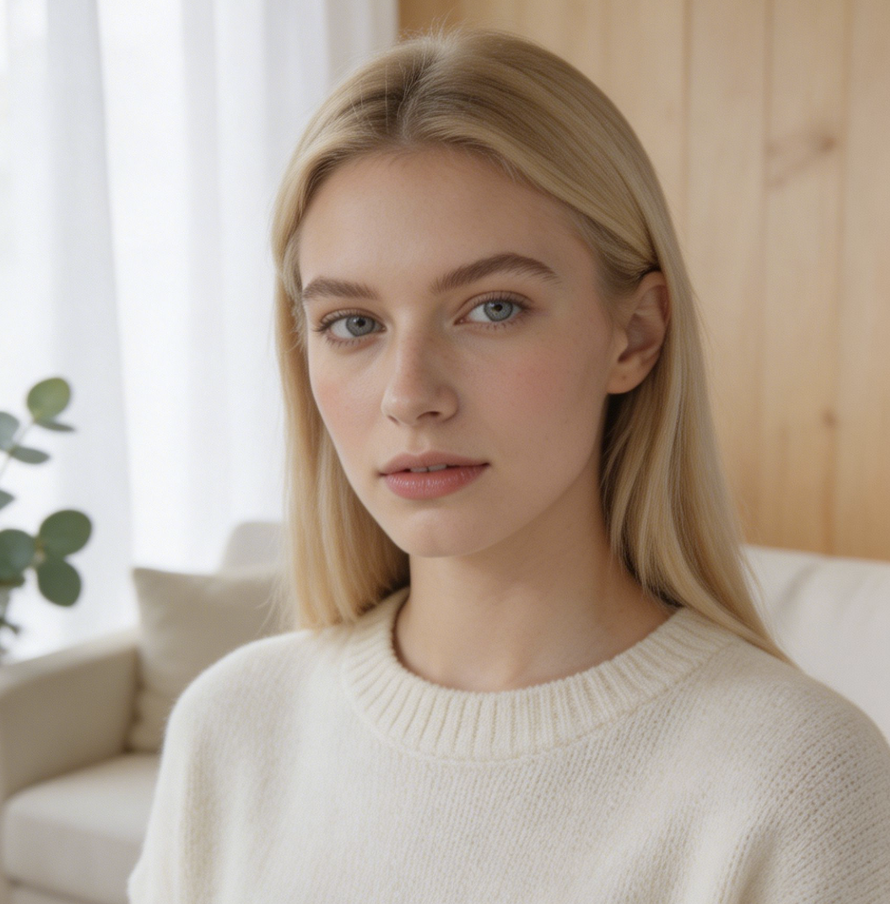
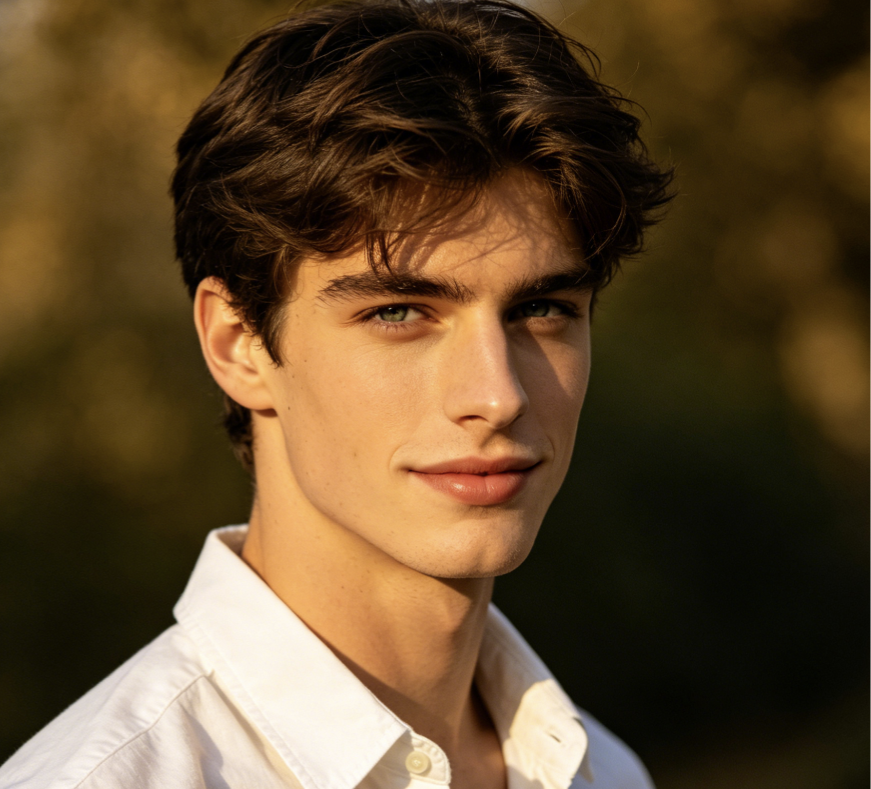
Users turn to Young Filter for recognizable age-reversal edits, quick profile refreshes, family comparisons, and creative experiments. These examples show how the tool fits everyday portrait workflows without requiring advanced editing skills.
Young Filter gave me a younger-looking profile image without making my face look like someone else. I liked that I could choose the image size first and keep the final crop clean for my avatar.
I used Young Filter on a family portrait for a reunion slideshow. The younger version was fun, but it still kept the expressions and relationships in the photo clear enough for everyone to recognize.
The AI Youth Filter helped me create a before-and-after concept for a social campaign. It was easier than manual retouching, and the Young Filter output had the soft youthful mood we needed.
Young Filter was useful for character exploration. I uploaded a portrait reference, selected a wide image size, and got a younger version that still matched the original character design.
I wanted a playful throwback image for a birthday post. Young Filter made the portrait brighter and younger without turning it into a cartoon, which kept the result personal and shareable.
The AI Youth Filter was straightforward: upload, choose image size, generate, download. Young Filter gave my old headshot a refreshed look while keeping the lighting and clothing believable.


FAQs About Young Filter
Learn how Young Filter handles uploads, image size selection, youthful edits, and identity preservation. These answers help users prepare better portraits and understand what to expect from an AI age-reversal workflow.
Young Filter is an AI photo editing tool that transforms an uploaded portrait into a younger-looking version. It focuses on reducing visible age cues, softening the overall appearance, and keeping the person recognizable. The workflow is simple: upload a photo, choose the image size, generate the result, and save the edited portrait for personal or creative use. Use clear portraits for cleaner edits.
The AI Youth Filter analyzes the portrait and applies a youthful transformation guided by facial structure, expression, and source-image context. It should preserve core identity details while making the face look fresher and younger. Results depend on the input photo, especially lighting, face visibility, image quality, pose, and whether the selected image size keeps the face framed clearly. A balanced image helps reduce artifacts.
Yes. The intended workflow includes selecting image size before the model creates the edit. This helps Young Filter produce a result that fits the final destination, such as a square avatar, vertical story image, or wide comparison graphic. Choosing image size early also reduces the need for extra cropping after the youthful transformation is complete. It also makes sharing more convenient.
Young Filter usually works best with a clear portrait where the face is visible, not heavily blurred, and not hidden by extreme shadows or accessories. A natural expression and stable lighting give the model more useful information. Group photos can work for creative experiments, but a single face often gives a cleaner, more controlled youthful edit. Avoid very small crops when possible.
Young Filter is intended to create a younger-looking version while preserving identity, not replace the person with a generic face. It should keep recognizable features such as facial proportions, eye shape, expression, hairstyle, and the broader photo context. Because it is an AI edit, you should review the result and regenerate if the transformation feels too strong. Subtle settings usually produce the most believable outcome.
Yes, Young Filter is well suited for social posts, profile refreshes, throwback-style content, comparison layouts, and creator experiments. Choose the image size that matches the platform format before generation. For best results, use a photo you have the right to edit and avoid presenting the result as an untouched or official identity image. Keep context clear when sharing edited portraits.
No. AI Youth Filter can be used on selfies, older portraits, family photos, character references, and other face-focused images. Selfies are often easiest because the face is large and clear, but Young Filter can also support memory projects and creative storytelling when the source photo gives the model enough detail to preserve the person. Clear source detail improves the final edit.
Start with a well-lit photo, choose an image size that keeps the face prominent, and avoid heavily compressed or motion-blurred inputs. If the first result looks too smooth, try a different source image with more natural skin texture and balanced lighting. Young Filter works best when the goal is a believable youthful edit, not an exaggerated transformation. Review the result before publishing or sharing.
Create a Younger-Looking Portrait with Young Filter
Upload a photo, choose your image size, and let Young Filter transform the portrait into a youthful version that stays recognizable, practical, and ready to share.