More AI Image Generators
Explore our collection of specialized AI image generators designed for different creative needs and styles

AI Plush Generator for Plush Toy Design
Let AI Plush Generator turn uploaded photo into a soft plush toy concept.
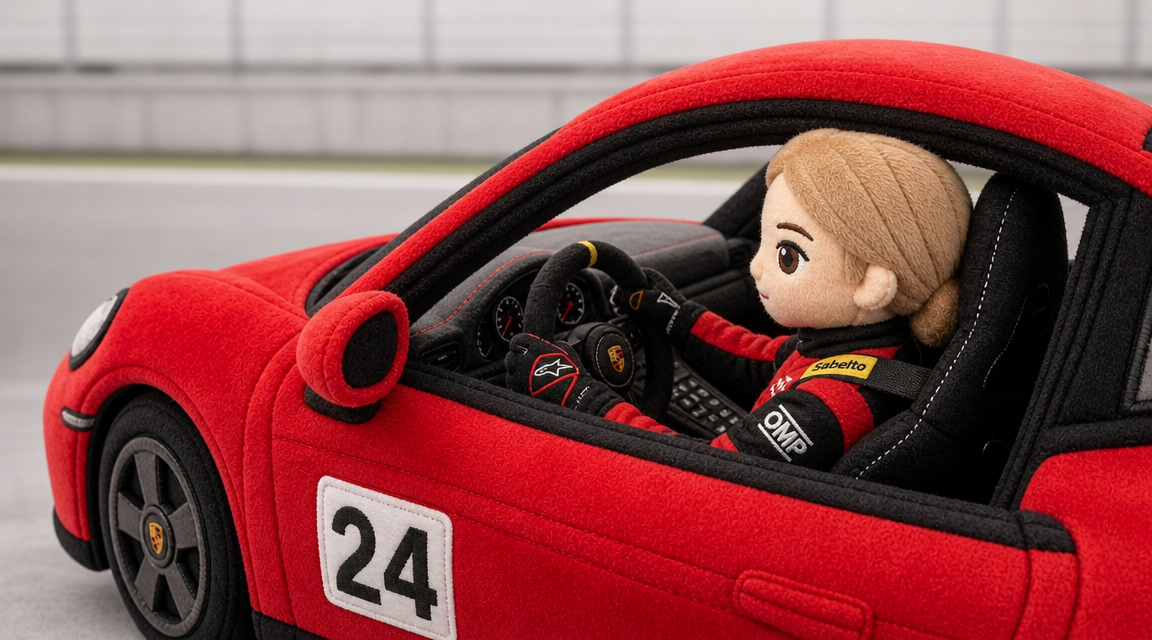
AI Plush Generator turns images into cuddly toy-style visuals with soft fabric, rounded proportions, stitched details, and a product-ready feel. AI Plush Generator is built for fast concepting, so the output feels like a finished visual reference.
How to Use AI Plush Generator
AI Plush Generator keeps the workflow direct: upload an image, choose the image size, generate the plush toy version, and save the result. The process supports playful edits, product mockups, character concepts, and gift ideas.

Upload Your Image
Start AI Plush Generator by uploading a clear source image. It can be a portrait, pet photo, mascot, product sketch, doodle, sticker design, or character illustration as long as the main subject is easy to identify. AI Plush Generator benefits from images where the subject is not hidden by heavy shadows, clutter, or extreme motion blur.

Choose Image Size
Select the image size before generation so AI Plush Generator can frame the plush toy concept correctly. Use square for product previews, vertical for social posts, or landscape for before-and-after comparisons and creative presentation layouts. AI Plush Generator uses that framing choice to keep the finished toy concept balanced and easy to reuse.

Generate Plush Toy Art
Run AI Plush Generator and preview the transformed plush toy image. The model interprets the subject as a soft object with fabric texture, rounded edges, stitched accents, and a huggable toy-like shape ready to download. AI Plush Generator can be run again with a tighter crop or different image size when you want a more focused plush preview.
Best AI Image Tools for Creative Projects
Explore creative tools for image, learn tips and tricks, and see how AI can be your assistant in turning concepts into finished projects.
AI Plush Generator Features
AI Plush Generator combines image upload, plush-style transformation, and image size control. It helps users turn portraits, pets, sketches, mascots, and product ideas into soft toy concepts that are easy to preview and share.
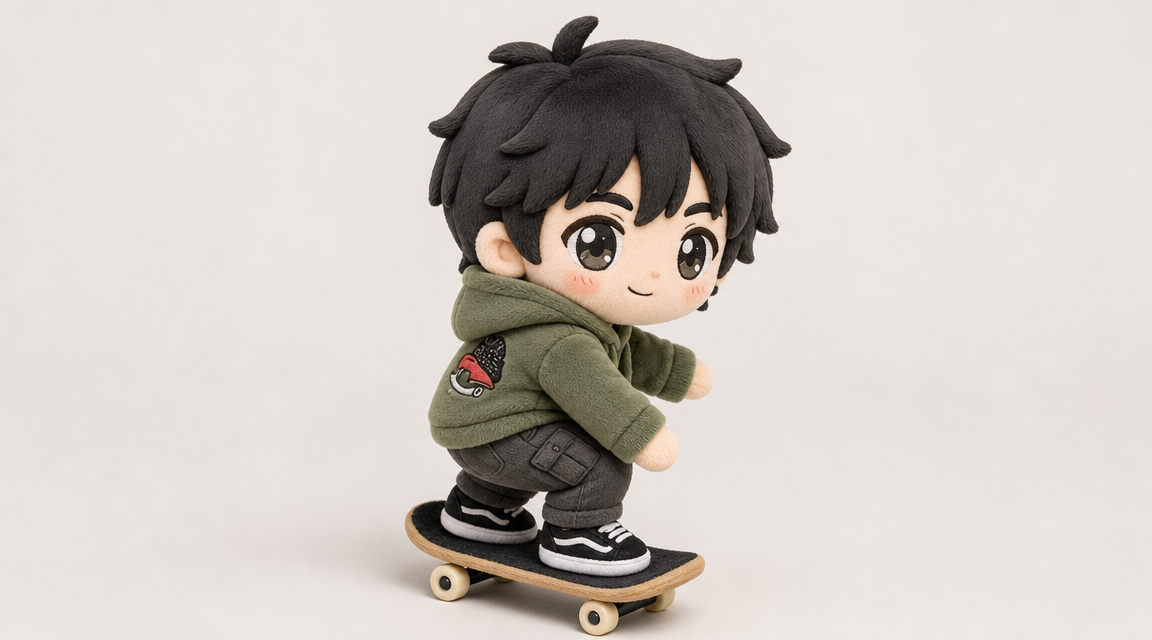
Turn Photos into Plush Toy Concepts
- AI Plush Generator converts a flat image into a soft toy-style visual while keeping the subject recognizable.
- The model can reinterpret portraits, pets, mascots, and character art with rounded forms, fabric texture, seam-like accents, and plush proportions.
- AI Plush Generator works best when the original image has a distinct subject and enough detail for the model to preserve the design.
- Use AI Plush Toy Generator results for mockups, social posts, mood boards, and playful personal projects.
- AI Plush Generator is useful when you want the source image to stay recognizable while gaining a softer, toy-inspired personality.
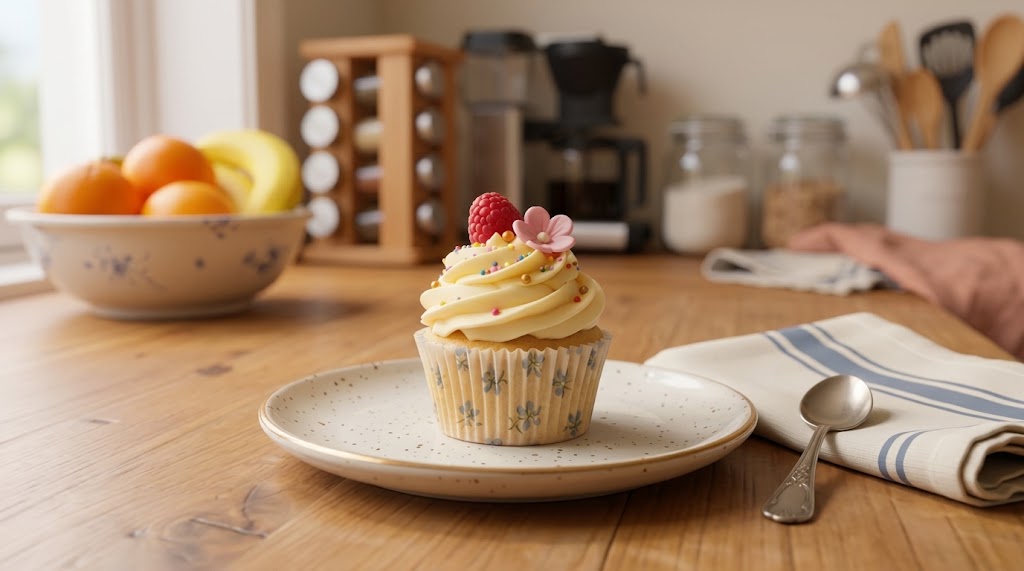
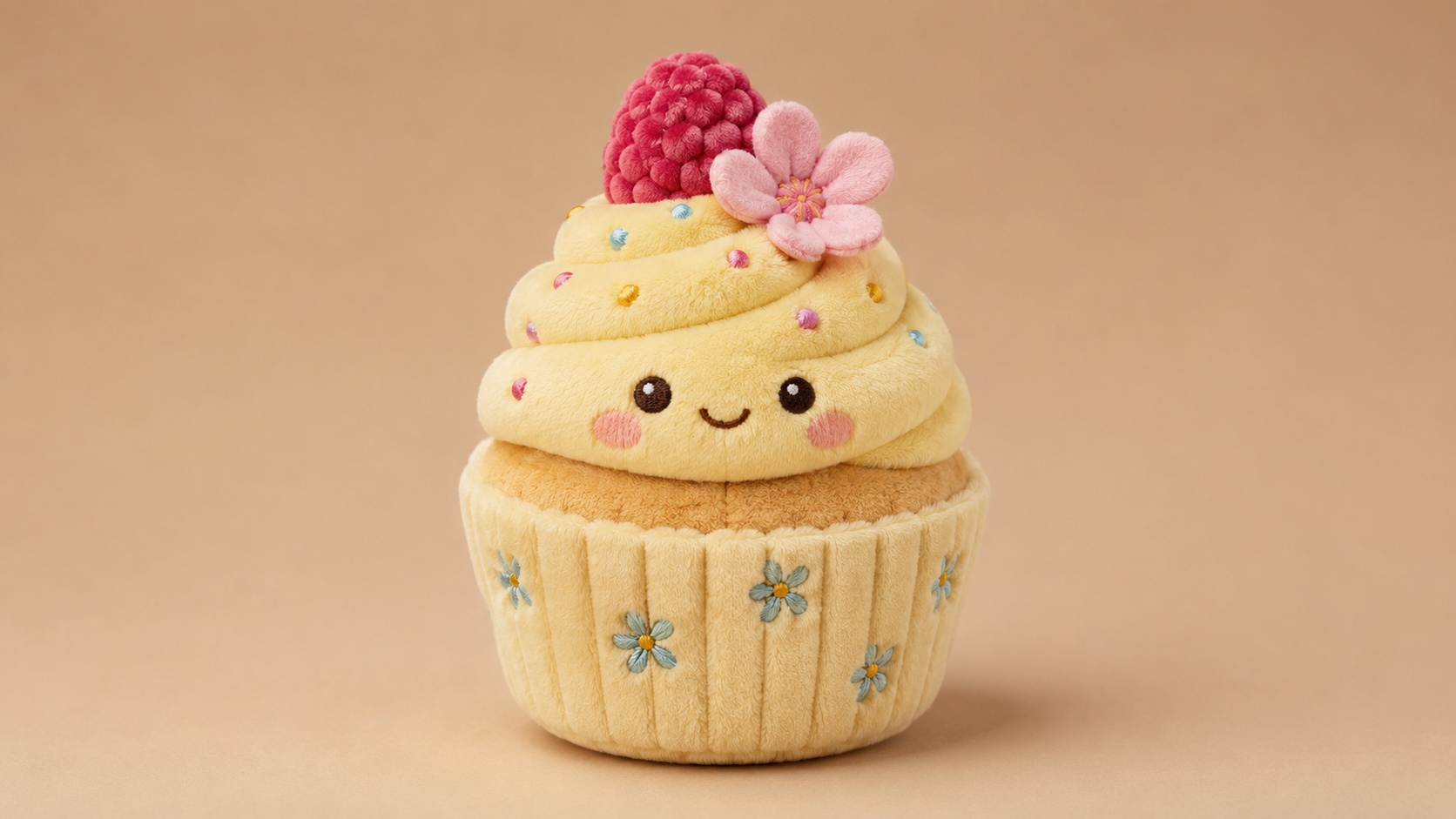
Image Size Control for Every Plush Preview
- AI Plush Generator includes image size selection so the final toy concept fits the destination.
- Choose square framing for marketplace-style mockups, vertical framing for stories and short-form posts, or wide framing for side-by-side presentations.
- The selected image size helps AI Plush Generator keep the toy centered, visible, and easy to compare with the uploaded source.
- This makes AI Plush Toy Generator output easier to reuse without rebuilding the crop afterward.
- AI Plush Generator helps creators prepare outputs for galleries, landing pages, marketplace mockups, or internal reviews with less manual resizing.
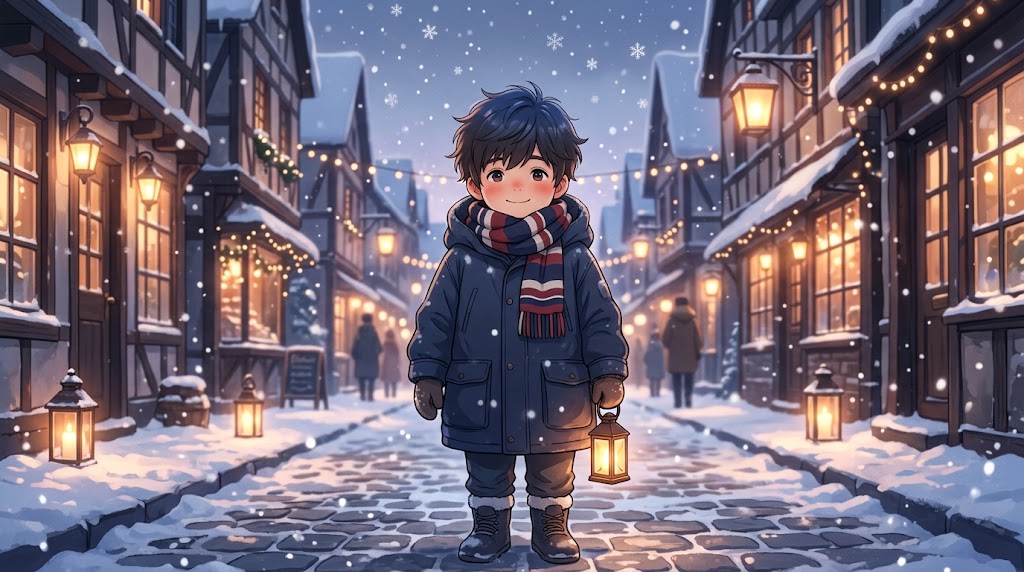
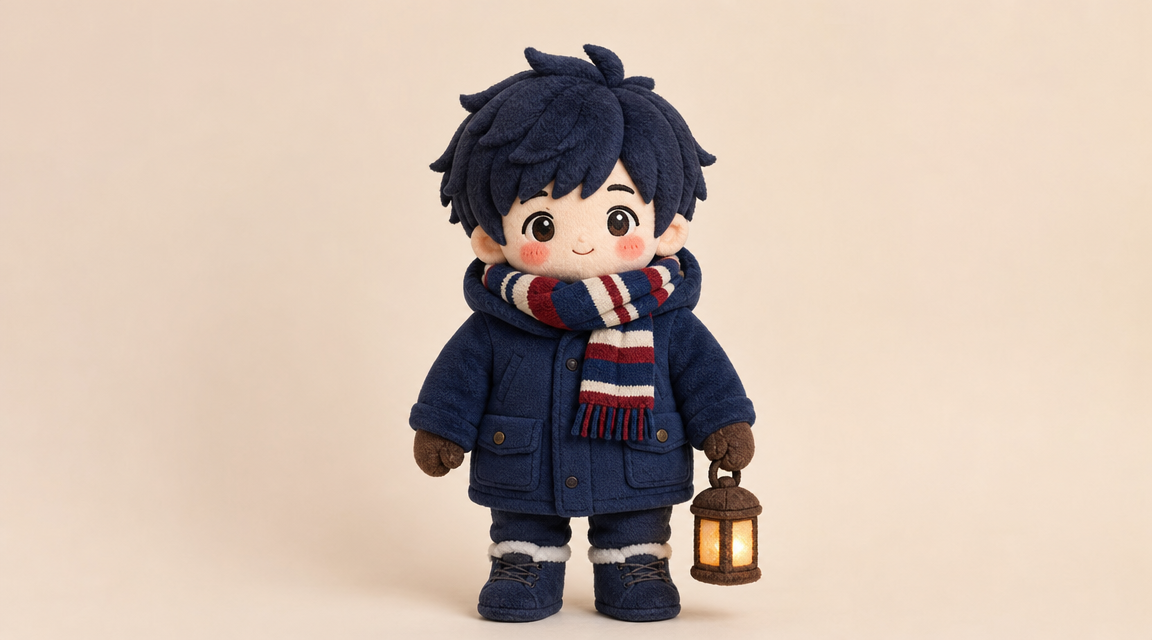
Fabric, Stitching, and Soft Toy Detail
- A good plush transformation is more than a filter placed over the source image.
- AI Plush Generator should translate the subject into soft material, visible fuzz, sewn edges, toy-like volume, and gentle proportions.
- It can suggest details such as button-style eyes, embroidered expressions, soft paws, rounded ears, or simplified costume shapes when the source supports them.
- AI Plush Toy Generator helps creators quickly visualize how an idea might feel as a physical stuffed toy concept.
- AI Plush Generator can make material direction easier to discuss because the image shows softness, volume, and construction details in one preview.
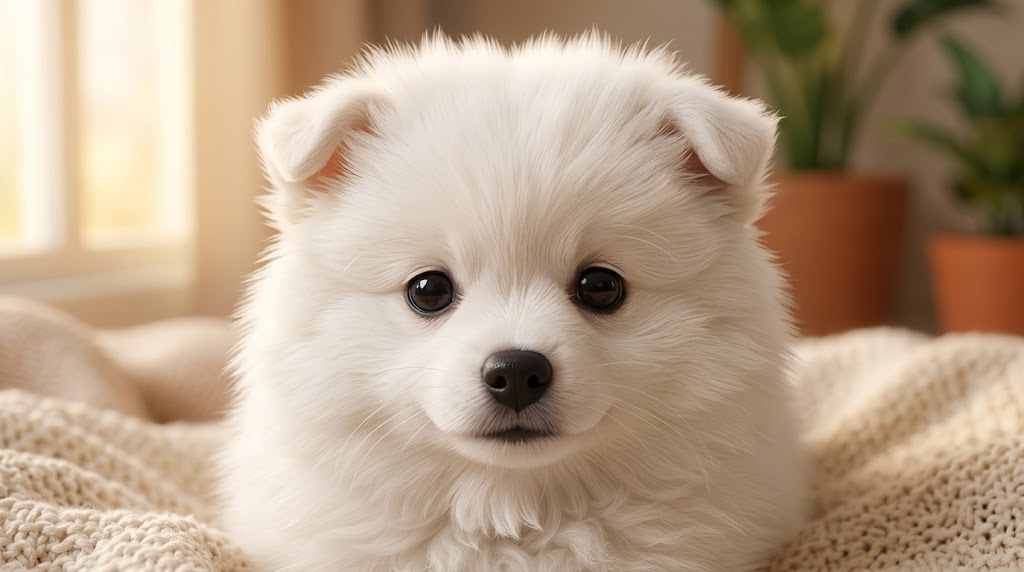
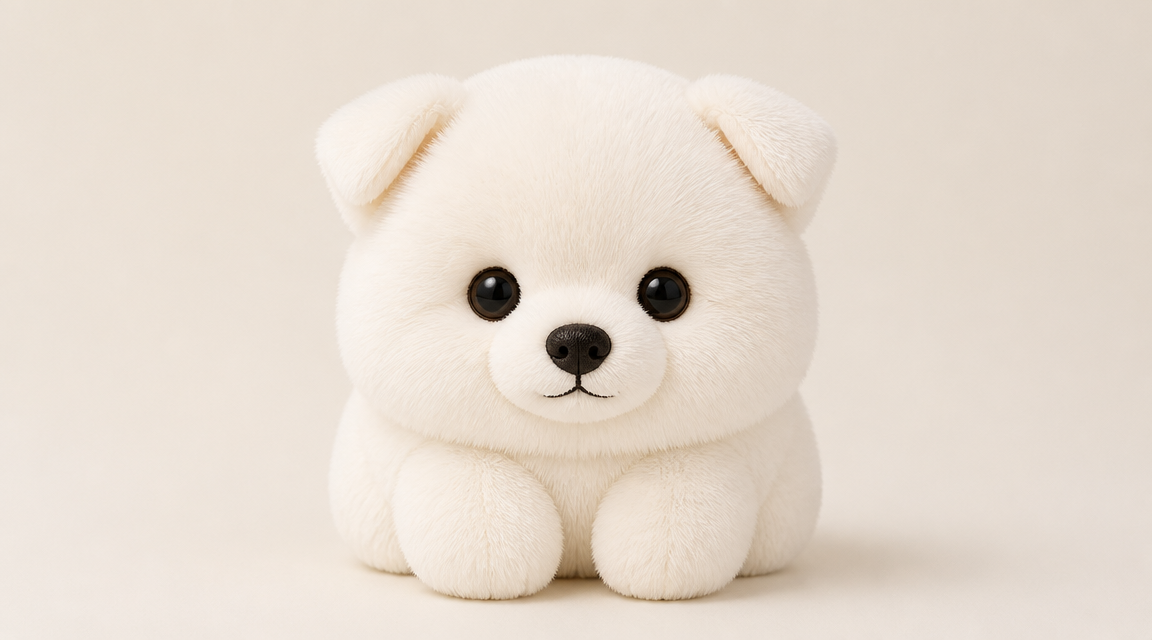
Before-and-After Plush Storytelling
- AI Plush Generator works well for before-and-after visuals because the original image and plush result tell a clear story.
- Place the uploaded character, pet, portrait, logo, or object on one side and the plush toy version on the other.
- Choose the image size first so AI Plush Generator can produce a layout suited to social posts, design boards, presentation slides, or product exploration.
- The AI Plush Toy Generator result becomes a fast concept image, not a physical manufacturing file.
- AI Plush Generator is also helpful for quick creative testing when you need several plush directions before choosing a final visual style.
Why Choose AI Plush Generator
AI Plush Generator is designed for concept visualization, playful image edits, and plush toy style exploration. It turns clear source images into soft, shareable visuals while giving users control over output framing through image size.

Visualize Custom Gift Ideas
AI Plush Generator can turn a pet, doodle, portrait, or inside joke into a plush-style concept for birthdays, holidays, anniversaries, and personal surprises. The result gives gift givers a visual idea before commissioning or planning anything physical. AI Plush Generator turns the idea into something concrete enough to discuss, share, or refine further.

Prototype Character Merchandise
Artists, game teams, and brand owners can use AI Plush Generator to explore how a mascot or character might look as a toy. The plush version helps communicate shape, softness, personality, and product direction during early merchandise planning. AI Plush Generator can support early reviews before investing time in detailed product art or vendor communication.

Turn Pet Photos into Toy Concepts
AI Plush Generator is useful for pet owners who want a playful plush interpretation of a dog, cat, rabbit, bird, or other companion. A clear pet photo can become a soft toy-style image with rounded features and cozy texture. AI Plush Generator keeps distinctive markings visible when the source photo clearly shows them.

Transform Kids Art and Doodles
Children’s drawings often have bold shapes and charming imperfections that work well as plush concepts. AI Plush Generator can reinterpret a doodle as a soft toy image, turning a simple sketch into a memorable keepsake-style visual. AI Plush Generator preserves the spirit of the drawing while giving it a more dimensional plush look.

Create Social Content Fast
AI Plush Generator can produce eye-catching before-and-after posts for creators, meme pages, hobby accounts, and small brands. Choose an image size that fits the platform, then use the plush toy result as a playful visual hook. AI Plush Generator gives the post a clear visual payoff because the transformation is immediately understandable.
Explore Product Mockup Directions
Designers can use AI Plush Generator as an early visualization aid when exploring toy-like product language. It helps test whether a logo, mascot, creature, or object reads clearly after being simplified into a soft stuffed form. AI Plush Generator is a practical first pass before more detailed industrial design, illustration, or production planning.
What Users Say About AI Plush Generator
Creators use AI Plush Generator for pet portraits, mascot mockups, gift concepts, character merchandise, and social content. These examples show how a simple uploaded image can become a soft plush toy visual. AI Plush Generator also gives teams a low-friction way to compare different source images and pick the strongest plush direction.
AI Plush Generator helped me turn my dog photo into a cute toy-style concept for a birthday card. The image size option made it easy to create a square version for posting.
I used AI Plush Generator to test a mascot idea before sending anything to a manufacturer. The result showed the soft proportions and stitched details I needed for a quick team discussion.
The AI Plush Toy Generator gave my character sketch a charming stuffed-toy look while keeping the original silhouette. It was useful for a mood board and much faster than making a mockup manually.
AI Plush Generator made our game creature feel like real merch. We uploaded the concept art, chose a wide image size, and got a before-and-after visual that worked for the pitch deck.
I tried AI Plush Generator with my niece’s drawing, and the plush result kept the handmade charm. It looked soft, colorful, and personal enough to share with the whole family.
The AI Plush Toy Generator was straightforward: upload, pick image size, generate, and download. I used it to explore three product directions without opening a complex design tool.

FAQs About AI Plush Generator
Learn how AI Plush Generator handles uploads, image size selection, plush toy styling, and common source images. These answers help users prepare better inputs and understand what the digital output represents.
AI Plush Generator is an image editing tool that turns an uploaded picture into a plush toy-style visual. It can reinterpret a portrait, pet photo, doodle, mascot, product idea, or character sketch with soft fabric texture, rounded proportions, and stitched details. The output is a digital plush concept image, not a physical stuffed toy or manufacturing pattern. It is made for visual exploration.
AI Plush Toy Generator analyzes the uploaded image, identifies the main subject, and renders it as a soft toy-inspired concept. It translates shapes into rounded plush volume, adds fabric-like texture, and may simplify fine details so the result feels huggable. The selected image size helps frame the final composition for the intended post, preview, or presentation. Clear subjects produce cleaner toy forms.
Yes. The workflow includes choosing image size before generating the plush toy result. This helps the model compose the subject for the final use case, whether you need a square product mockup, a vertical social image, or a landscape before-and-after layout. Good framing also keeps the plush subject visible and easy to compare. This makes the result easier to reuse.
AI Plush Generator usually works best with clear images that have one main subject. Pet photos, character art, simple product sketches, mascots, stickers, and children’s drawings are strong inputs. Avoid heavily blurred, crowded, or low-contrast images when possible, because the model needs enough visual information to preserve important shapes and turn them into believable plush details. Simple backgrounds usually improve the transformation.
No. AI Plush Generator creates a digital image that shows what your subject could look like as a plush toy. It does not sew, manufacture, ship, or create a production-ready pattern. You can use the result as a concept image, a playful social asset, a design reference, or inspiration for a future custom plush project. Treat the output as creative visualization.
Yes, pets are a natural fit for AI Plush Generator because their shapes, ears, paws, markings, and expressions can translate into a charming stuffed-toy style. Use a clear photo where the pet is the main subject and the face is visible. The result can become a keepsake-style image, gift idea, profile post, or concept for a custom plush. Distinct markings often make the concept more personal.
AI Plush Toy Generator can work with drawings, doodles, mascots, and character sketches when the subject is legible. Bold outlines and simple shapes often translate well into soft toy concepts. If the drawing is very messy or contains several competing subjects, crop around the main character and choose an image size that keeps the design centered before generation. Strong outlines usually create clearer plush shapes.
Start with a clean image, keep the subject prominent, and choose an image size that matches your final layout. If the first result feels too busy, try a simpler source image or crop closer to the subject. AI Plush Generator performs best when the uploaded image gives the model a clear shape, expression, color palette, and design direction. Review details before sharing the final image.
Create a Plush Toy Concept with AI Plush Generator
Upload a photo, drawing, pet image, or mascot, choose your image size, and let AI Plush Generator turn it into a soft plush toy concept ready to share. AI Plush Generator is best treated as a creative concept tool, so the final visual should be reviewed before being used in any production workflow.