More AI Image Generators
Explore our collection of specialized AI image generators designed for different creative needs and styles
AI Texture Generator: Create Seamless Textures from Text or Images
Use AI Texture Generator to turn prompts or uploaded photos into seamless, tileable textures for 3D materials, game assets, product visuals, backgrounds, and design projects.
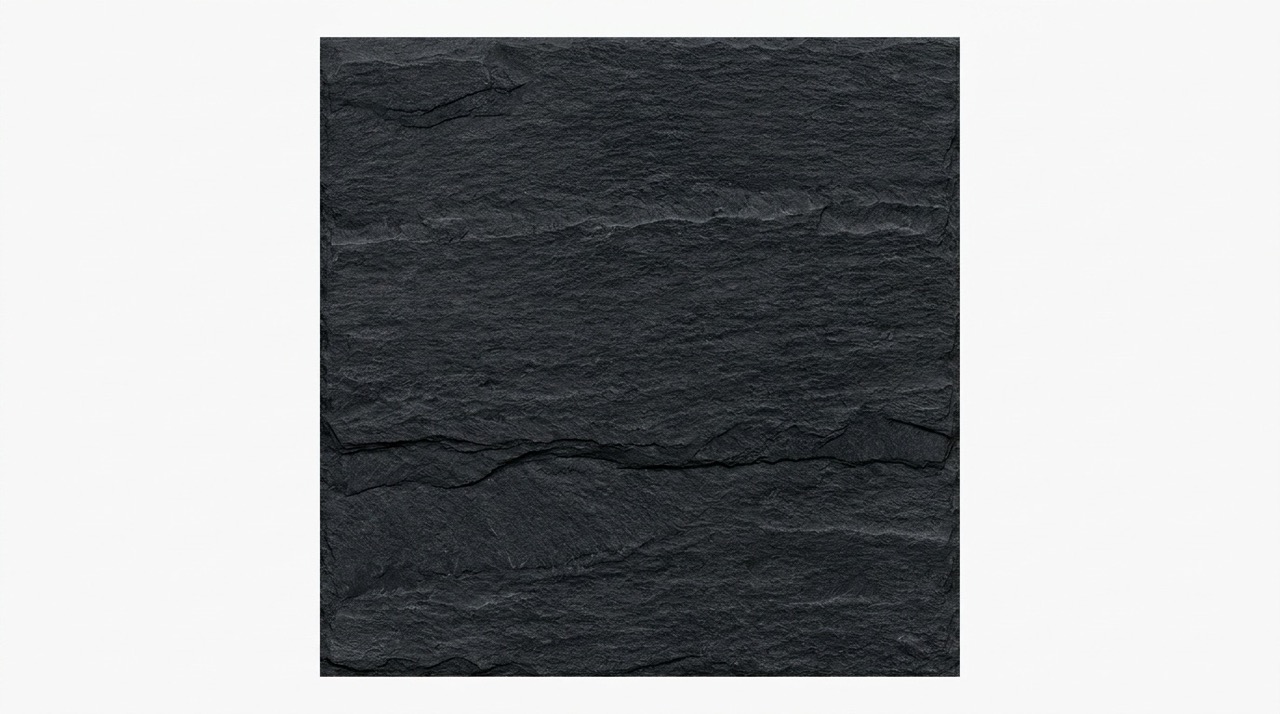
Create texture direction quickly from a detailed prompt, a short material phrase, or a real-world photo reference. AI Texture Generator focuses on usable surface images, not full scenes, so results are easier to test as patterns, material concepts, backgrounds, and design assets.
How to Use AI Texture Generator in 3 Steps
AI Texture Generator follows the workflow shown in the generation panel: choose a mode, provide a prompt or reference image, select the basic output options, and click Generate Image. The steps are simple, but they still support both text to texture and image to texture creation. This makes the same page suitable for prompt to texture generator needs, photo to texture generator tasks, and quick material exploration.

Choose Text to Image or Image to Image
Start AI Texture Generator in Text to Image when you want a texture from a prompt only. Switch to Image to Image when you want to upload a material photo, then add an optional prompt to guide color, style, detail, or changes. AI Texture Generator supports both paths in one page.

Enter a Prompt or Upload a Photo
Write what you want AI Texture Generator to create, such as seamless oak wood grain, worn concrete wall, black marble with gold veins, or woven linen fabric. In Image to Image, you can upload a photo and leave the prompt empty. AI Texture Generator can infer the surface from the uploaded reference.
Select Basic Output Settings and Generate
Choose the image size, resolution, number of images, and visibility option shown in the panel. Click Generate Image, then AI Texture Generator creates the texture result for preview, comparison, reuse, and download. AI Texture Generator keeps the workflow focused on fast texture creation, not complex editing.
Best AI Image Tools for Creative Projects
Explore creative tools for image, learn tips and tricks, and see how AI can be your assistant in turning concepts into finished projects.
What Makes AI Texture Generator Useful
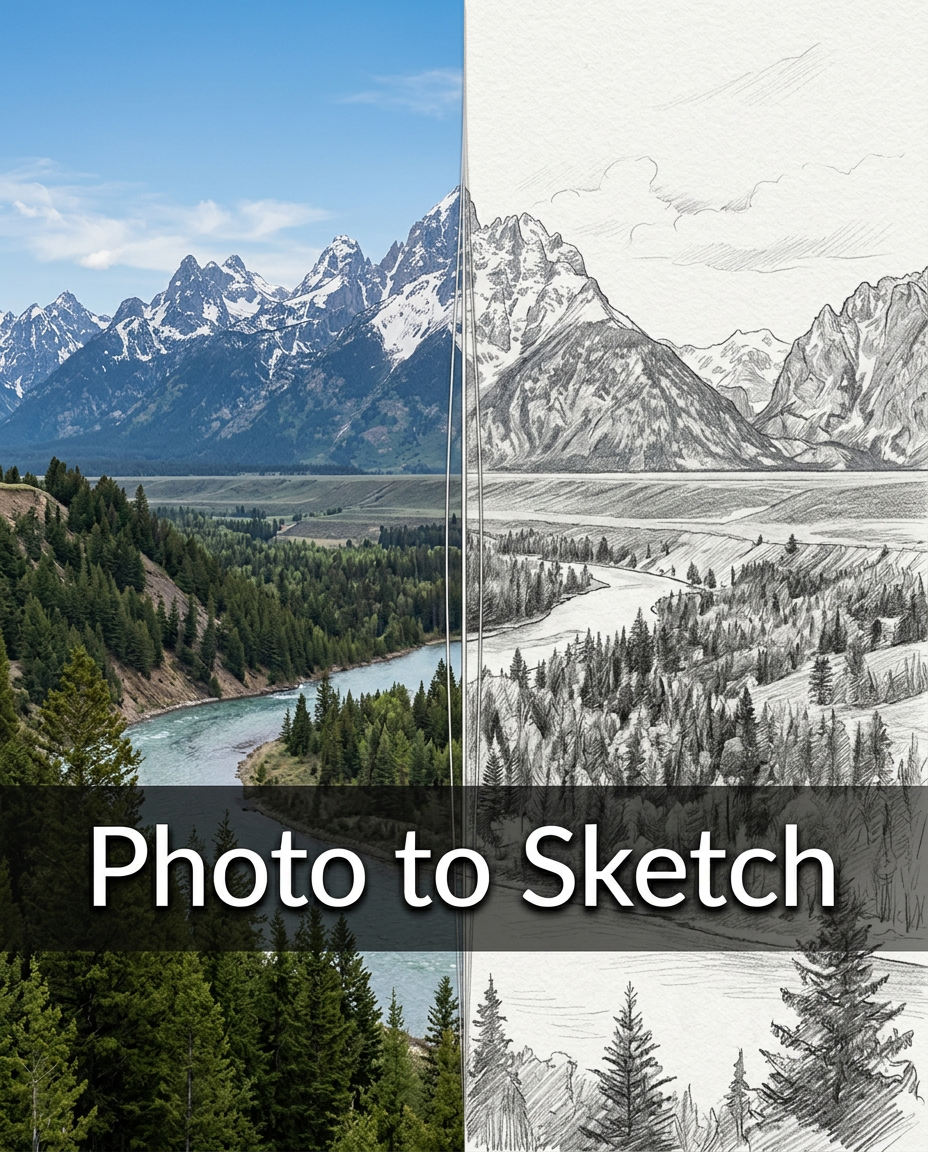
AI Texture Generator is built around real texture tasks: creating from prompts, transforming uploaded photos, and producing surfaces that are easy to repeat, test, and reuse across creative projects. It helps users move from vague material ideas to concrete visual references. Use it for seamless AI textures, tileable AI textures, and early PBR texture inspiration before deeper material work.
Create Textures from Prompts
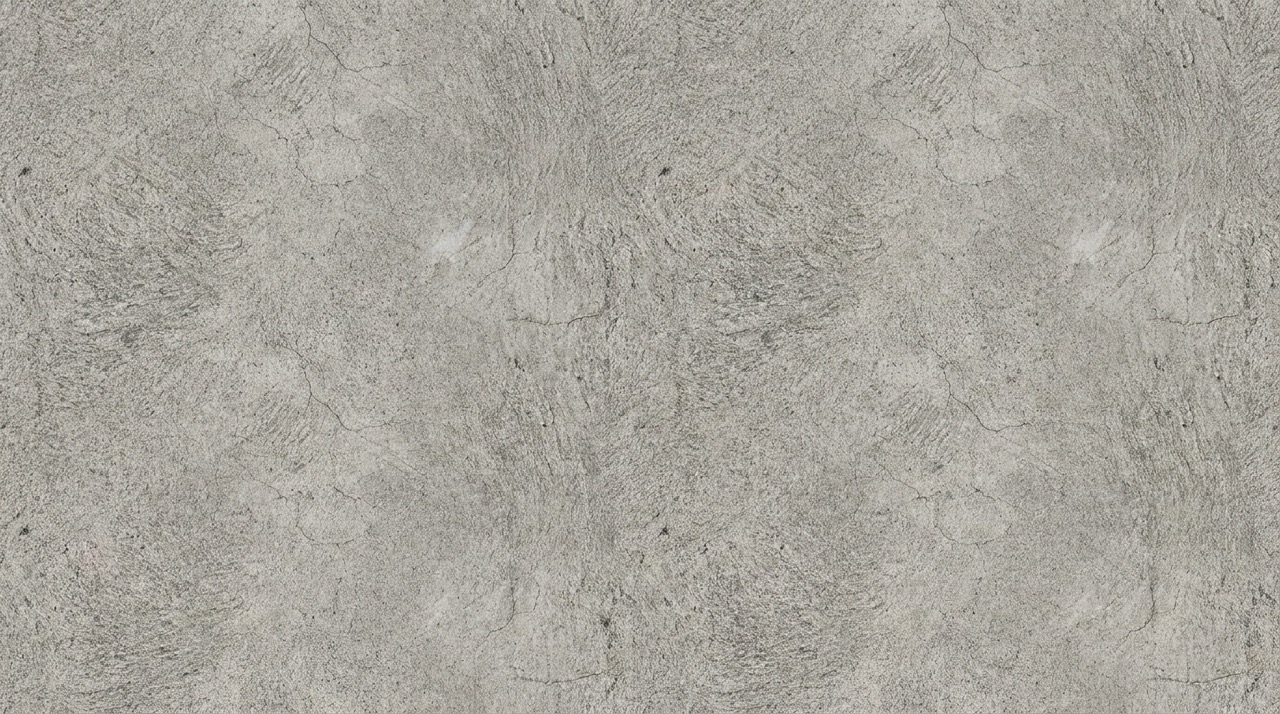
AI Texture Generator works as a text to texture generator for creators who know the surface they want but do not have a source image. Describe material, pattern, age, finish, and mood in natural language. Ask for cracked stone, brushed metal, mossy brick, soft velvet, polished marble, alien skin, or clean paper grain. AI Texture Generator focuses on the surface itself, so you get a texture swatch rather than a scene, object, frame, or decorative mockup. This makes prompt results easier to reuse in 3D concepts, backgrounds, and design experiments.
Turn Photos into Usable Texture Sources
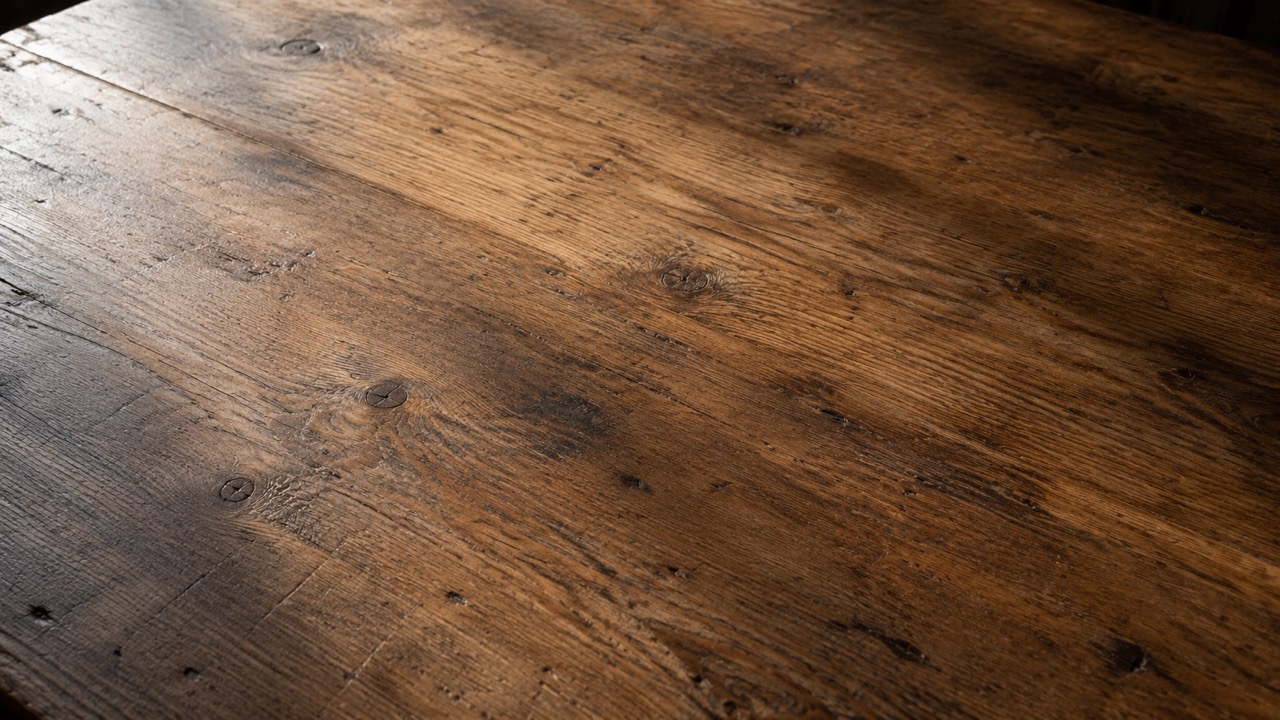
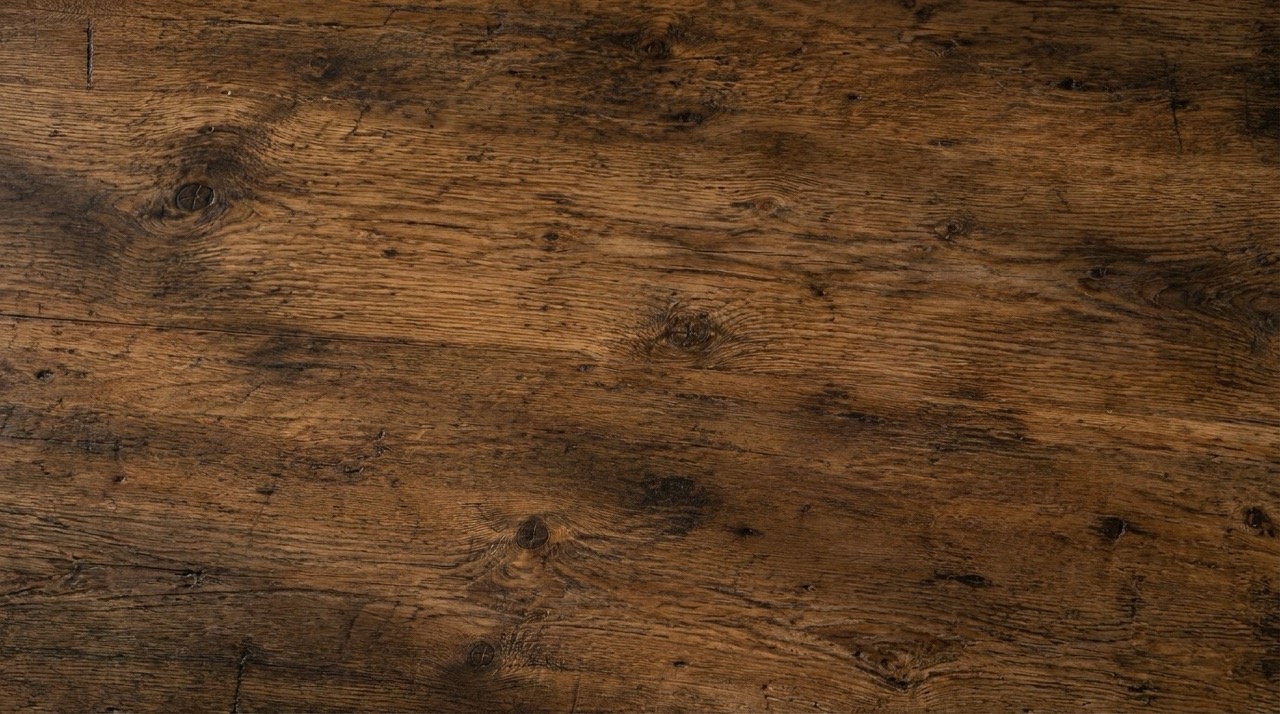
AI Texture Generator also works as an image to texture generator. Upload a wall, floor, fabric, stone, leather, wood, or metal photo, then generate a cleaner texture based on the reference. You can guide the result with a short prompt, or upload only the photo and let the tool infer the material. AI Texture Generator is useful when a real surface has the right character but needs a cleaner, more repeatable texture result. It can help reduce distraction from lighting, perspective, clutter, and uneven photo conditions.
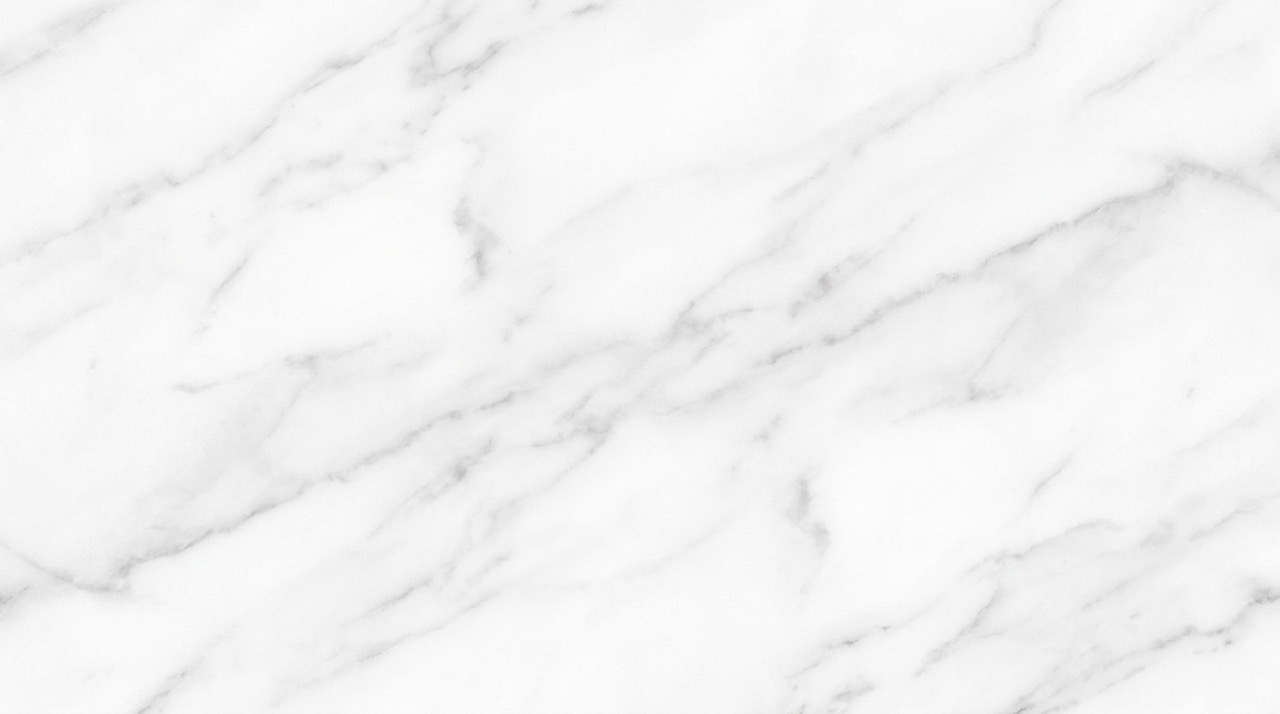
Build Seamless and Tileable Texture Ideas
AI Texture Generator is designed for texture images that should work beyond a single picture. A seamless texture generator helps you create surfaces that can repeat across backgrounds, floors, walls, props, packaging mockups, and digital materials. Instead of spending time fixing obvious edges, you can focus on the visual direction: rough or smooth, clean or aged, natural or stylized, subtle or dramatic. AI Texture Generator makes tileable texture exploration more direct for users who need repeatable surfaces.
Who Should Use AI Texture Generator?
AI Texture Generator fits creators who need flexible texture images for 3D concepts, game worlds, architectural visuals, mockups, digital design, and creative exploration. It is useful when texture direction matters more than building a complete final material pipeline. It can help with textures for 3D models, textures for game development, textures for architecture, and textures for digital art.

3D Artists and Material Designers
AI Texture Generator helps 3D creators explore material directions before final production. Use it to create wood grain, stone walls, concrete floors, metal plates, ceramic tiles, leather, fabric, or abstract surface concepts. The generated texture can guide material look development, scene blocking, mood studies, or early asset planning for Blender, Unity, Unreal Engine, and similar workflows.

Game Developers and Environment Artists
AI Texture Generator supports fast game texture ideation. Generate terrain, walls, sci-fi panels, dungeon stone, worn metal, fantasy floors, alien organic surfaces, or stylized ground patterns. It is especially helpful during prototyping, when teams need visual variety quickly and want to compare surface ideas before creating final production assets.

Interior, Architecture, and Product Visuals
AI Texture Generator can support concept visuals for interiors, architecture, furniture, product displays, and packaging mockups. Create marble, walnut, plaster, brick, concrete, linen, paper, terrazzo, clay, or brushed metal textures. Designers can test material moods, color families, and surface finishes without waiting for custom photography or manual texture editing.

Graphic Designers and Content Creators
AI Texture Generator is useful for posters, thumbnails, social visuals, presentation backgrounds, digital art, and brand mood boards. Generate subtle paper grain, neon abstract texture, retro print noise, metallic foil, soft fabric, liquid marble, or rough concrete. The result can become a background, overlay, pattern base, or visual reference for broader design work.
What Creators Say About AI Texture Generator
Creators use AI Texture Generator to move from rough material ideas to usable visual texture references with less friction and more creative control. These examples show how different users apply it in practical workflows. Their workflows include text to texture creation, image to texture conversion, seamless texture experiments, and material mood exploration.
AI Texture Generator helped me explore material ideas for a small game scene before I committed to final assets. I typed prompts for mossy stone, rusty metal, and cracked floor tiles, then compared the results quickly. AI Texture Generator made early environment direction much easier and helped me decide which surfaces deserved more production time.
I used AI Texture Generator with a photo of an old wooden tabletop. The result kept the character of the original surface but looked cleaner and more usable as a texture. The optional prompt was helpful when I wanted a darker, more aged version. AI Texture Generator saved me from manually rebuilding the surface from scratch.
For interior mood boards, AI Texture Generator is great for testing marble, plaster, fabric, and concrete looks. I can create texture references that match the feeling of a room concept without searching through endless stock images. AI Texture Generator helps me show material direction to clients earlier in the process.
AI Texture Generator gives me quick background textures for thumbnails and campaign visuals. I like that I can start from text or upload a reference image. It is especially useful for abstract patterns, paper grain, metal, and dramatic stone surfaces. AI Texture Generator helps me create a consistent visual mood faster.

FAQs About AI Texture Generator
Find quick answers about prompts, photo uploads, seamless output, material types, and how AI Texture Generator fits texture creation workflows.
AI Texture Generator creates texture images from text prompts, uploaded photos, or both. It focuses on surface materials such as wood, stone, metal, fabric, marble, paper, concrete, and abstract patterns. AI Texture Generator is made for generating texture swatches, not complete scenes.
Use Text to Image when you want AI Texture Generator to create a texture from a written prompt only. Use Image to Image when you want to upload a photo as the visual reference. Both modes can support seamless texture generator and tileable texture generator use cases.
No. In Image to Image mode, AI Texture Generator can infer the material from your uploaded photo. A prompt is optional when you want to change color, style, detail, or surface mood. For example, write keep original color, make it darker, remove cracks, add moss, or create a stylized version.
Yes. AI Texture Generator can create seamless and tileable texture results when your prompt or settings ask for a repeating surface. You can also preview how a texture may repeat. AI Texture Generator is especially useful when a surface must cover a larger area. Include words like seamless, tileable, repeating pattern, or top-down texture in your prompt.
AI Texture Generator works well for wood, stone, marble, metal, concrete, brick, fabric, leather, paper, ground, wall, sci-fi, organic, and abstract texture ideas. AI Texture Generator can handle both natural materials and invented surfaces. These categories also work well for backgrounds, mockups, visual references, and concept boards.
Good prompts for AI Texture Generator include material, surface finish, age, color, and use case. For example: seamless black marble texture with gold veins, polished finish, realistic surface. AI Texture Generator responds best to clear material words and visual modifiers. Avoid asking for a full room, object, poster, or scene when you want a pure surface texture.
Start Creating with AI Texture Generator
Use AI Texture Generator to create seamless textures from prompts, uploaded photos, or both. Build wood, stone, metal, fabric, marble, concrete, paper, abstract, and fantasy surfaces for your next creative project. AI Texture Generator turns a short idea or a reference photo into a practical texture starting point.