

More AI Image Generators
Explore our collection of specialized AI image generators designed for different creative needs and styles























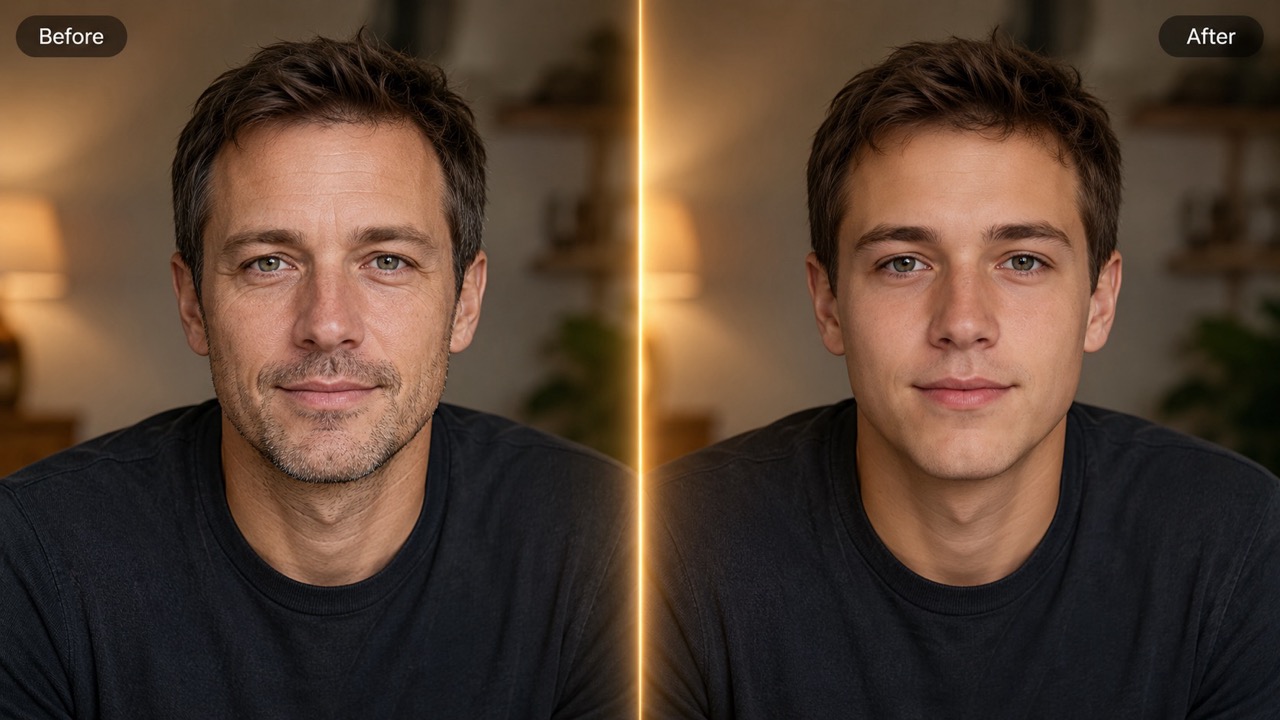
AI Teenage Filter: Create a Realistic Younger Self in Seconds
Upload a portrait and let AI Teenage Filter create a natural teenage version while keeping your identity, expression, lighting, and background intact.
AI Teenage Filter helps you explore a believable younger self with one simple photo. It softens age cues, keeps facial identity recognizable, and creates a clean teenage portrait for memories or social posts. AI teen filter behavior also helps make photo look younger without turning the portrait into a fantasy face. Teenage Look filter styling keeps the final image familiar.
How to Use AI Teenage Filter in 3 Simple Steps
AI Teenage Filter is built around the exact workflow you need: upload image, review the simple settings, and generate. The process is fast, visual, and easy for anyone who wants a realistic Teenage Look filter effect. AI Teenage Filter works best when you start with one face, keep the setup focused, and let the generation step produce the teenage look.

Upload a Reference Image
Start AI Teenage Filter by uploading a clear reference image. Drag and drop your JPG or PNG, or choose a picture from your assets library. A front-facing portrait works best for AI teen filter results, especially when the face is visible and lighting is even.

Keep the Default Image Settings
Use the preset layout shown on the panel, then review the reference before generation. AI Teenage Filter focuses on the teenage transformation itself, so you do not need complex editing choices. Teenage Look filter output works best when the original face is not covered by heavy shadows, masks, or extreme blur.

Click Generate Image
Press Generate Image and AI Teenage Filter will create a younger self portrait. The AI teen filter reduces mature facial signs while keeping the person recognizable. Preview the result, save your favorite version, and use it for social media, memories, or creative profile concepts.
Best AI Image Tools for Creative Projects
Explore creative tools for image, learn tips and tricks, and see how AI can be your assistant in turning concepts into finished projects.



Why AI Teenage Filter Creates Better Younger Self Results
AI Teenage Filter focuses on believable age reversal, identity preservation, and emotional impact. The goal is a natural younger self image, not a random beauty edit or a generic AI Young Filter effect. AI Teenage Filter also supports social storytelling, family comparisons, and quick profile ideas. AI teen filter edits stay focused on age style, while Teenage Look filter results keep the face friendly and recognizable.
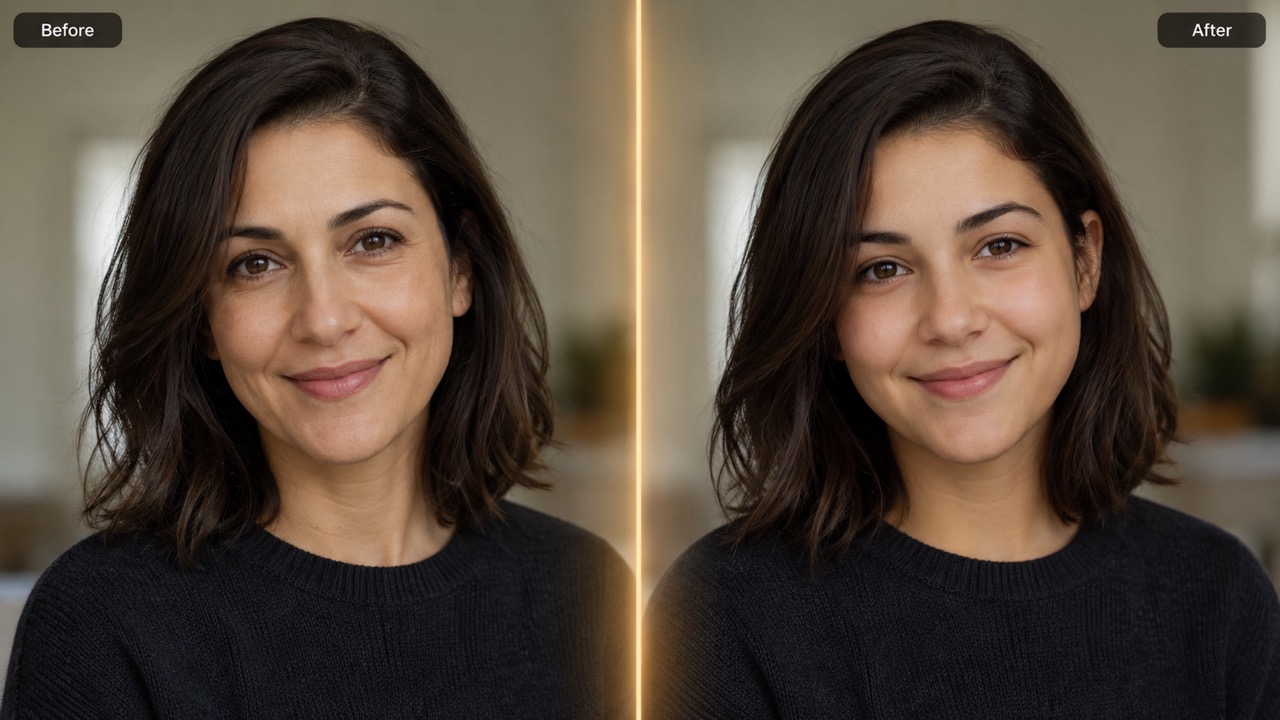
Create a Recognizable Teenage Version of Yourself
AI Teenage Filter is designed to make a portrait look younger without replacing the person. Instead of giving you a random face, AI Teenage Filter keeps core identity cues such as eye shape, smile, face outline, and expression. This makes the result feel like a believable younger self rather than a generic edit. The AI teen filter is useful when you want to see your younger self for fun, compare past and present looks, or create a nostalgic portrait. It can make photo look younger while maintaining natural skin texture and personality. For people who want a memory-like result, AI Teenage Filter can balance soft skin, fuller cheeks, and natural features. AI teen filter processing supports a clear younger self look without changing hair direction, pose, or background.
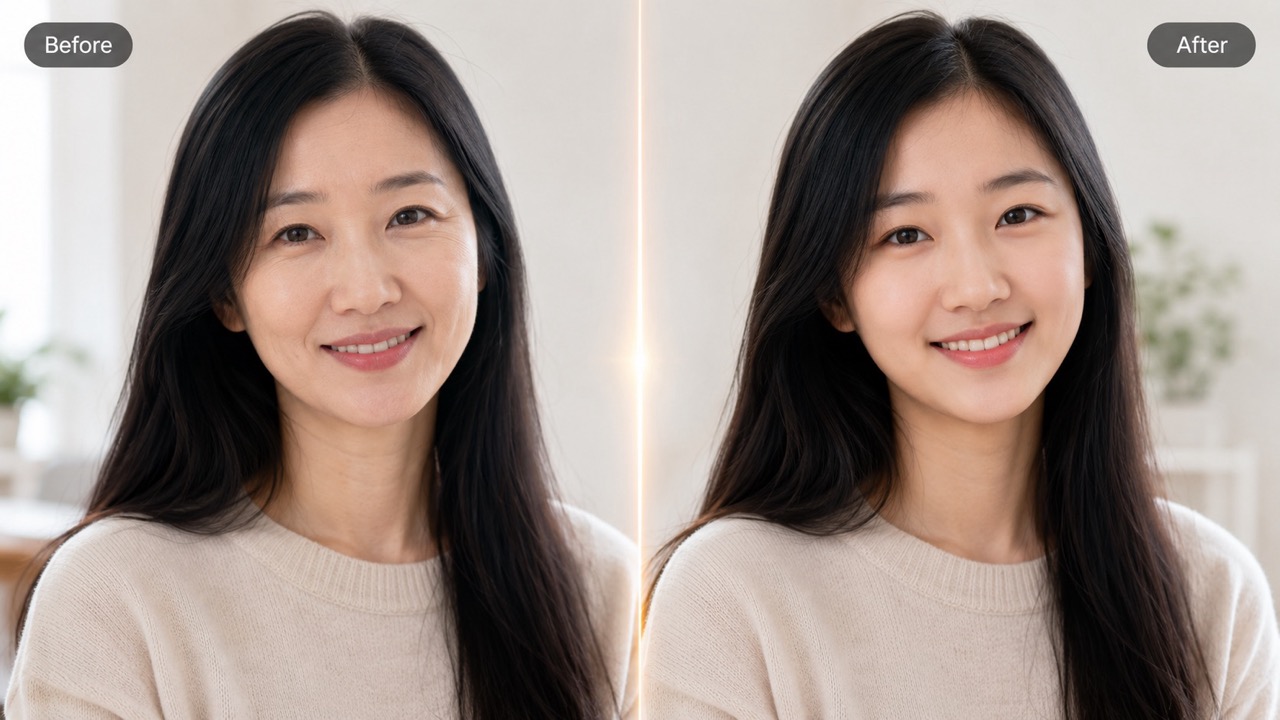
Make Mature Features Softer Without Overediting
A good Teenage Look filter should not erase everything that makes a face unique. AI Teenage Filter gently reduces wrinkles, fine lines, eye bags, age spots, and heavier facial shadows while keeping the edit realistic. It can make photo look younger by adding soft teenage fullness to cheeks and jawline, but it avoids an artificial doll-face result. The AI Young Filter direction is especially helpful for portraits where you want youthfulness, not heavy beautification. AI teen filter output stays close to the original mood and expression. This makes AI Teenage Filter useful for anyone who wants a thoughtful younger self edit rather than a simple face smoother. Teenage Look filter changes should feel believable at first glance and still look convincing after a closer look.
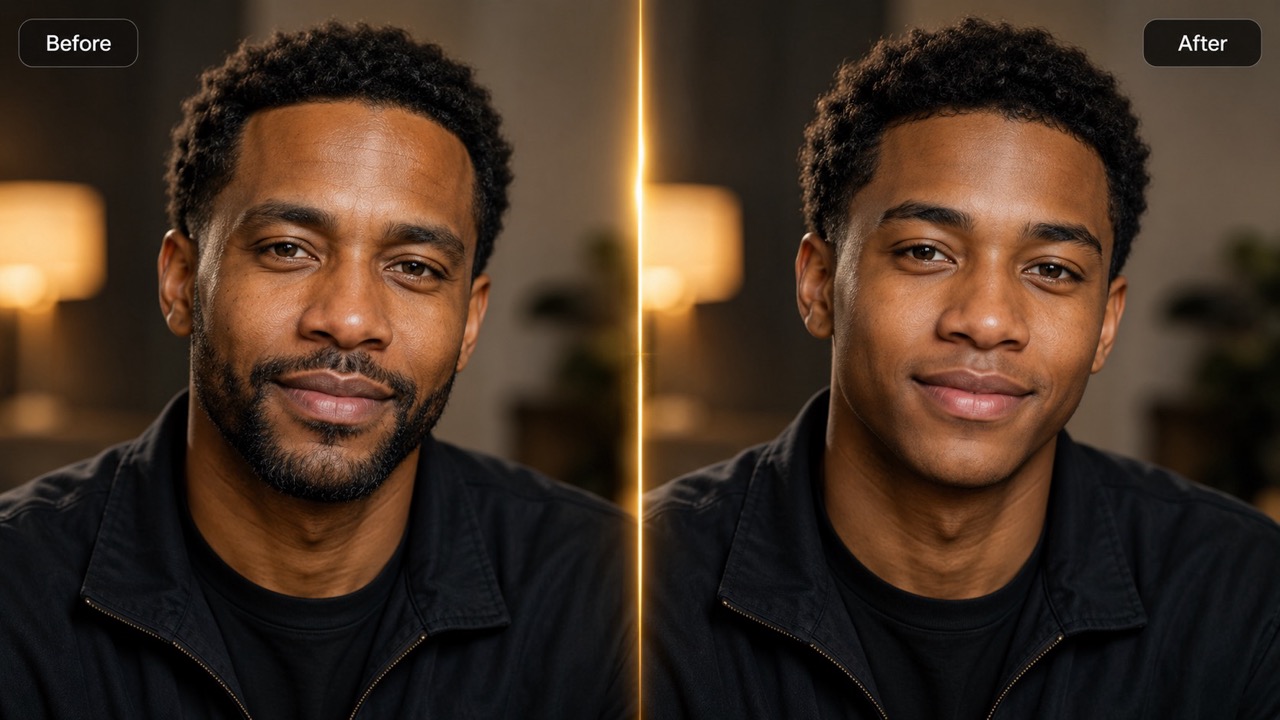
Turn Everyday Photos Into Shareable Nostalgia
AI Teenage Filter turns a normal selfie into a playful younger self moment that feels personal and easy to share. Use it for birthday posts, family chats, throwback content, character ideas, or social media reactions. Teenage Look filter results work well because they create an emotional before-and-after story. Instead of only smoothing a face, AI Teenage Filter gives the portrait a teenage feeling through softer proportions, fresher skin, and lighter age cues. It is a simple way to make photo look younger and spark conversation. AI teen filter generation also helps when you do not have a real teenage picture available. With AI Teenage Filter, you can make photo look younger for a timeline post, a memory collage, or a lighthearted reaction image.
Who Uses AI Teenage Filter?
AI Teenage Filter fits playful, creative, and nostalgic use cases. Whether you want a younger self comparison, social content, or a believable age-reversed portrait, AI Teenage Filter makes the process simple. It can make photo look younger for entertainment, but the best value is the recognizable younger self feeling.

Social Media Throwback Creators
AI Teenage Filter helps creators make quick nostalgia content without searching for old photos. Generate a younger self image, pair it with a current portrait, and post a fun comparison. AI teen filter content is ideal for reactions, polls, story posts, and playful challenges. AI Teenage Filter result can become a hook for captions about school days, first jobs, old hobbies, or past trends. Teenage Look filter images are easy for audiences to understand immediately.

Anyone Curious About a Younger Look
Use AI Teenage Filter when you simply want to see what a younger self could look like today. The Teenage Look filter can make photo look younger while keeping your expression and identity. It is a light, entertaining way to explore an alternate portrait. AI teen filter output is also helpful if you want to test a softer profile image. AI Teenage Filter can make photo look younger while keeping the original mood of the picture.

Families Sharing Memory Moments
AI Teenage Filter is useful for family chats, reunions, and memory posts. Parents, siblings, or friends can compare generated younger self portraits with real school photos. AI Young Filter style results create warm conversations without needing complex editing skills. AI Teenage Filter can help older relatives imagine each other at a younger age, or let friends create matching throwback-style portraits. Teenage Look filter images often feel more emotional than ordinary beauty edits.

Character and Story Concept Makers
Writers and visual storytellers can use AI Teenage Filter to imagine a character at an earlier age. AI teen filter output can support backstory images, role concepts, or profile visuals. Teenage Look filter results help show youth while keeping the same identity. AI Teenage Filter can also help compare one character across different life stages. AI Young Filter direction gives the image a younger age impression, while AI teen filter handling keeps continuity.
What Users Say About AI Teenage Filter
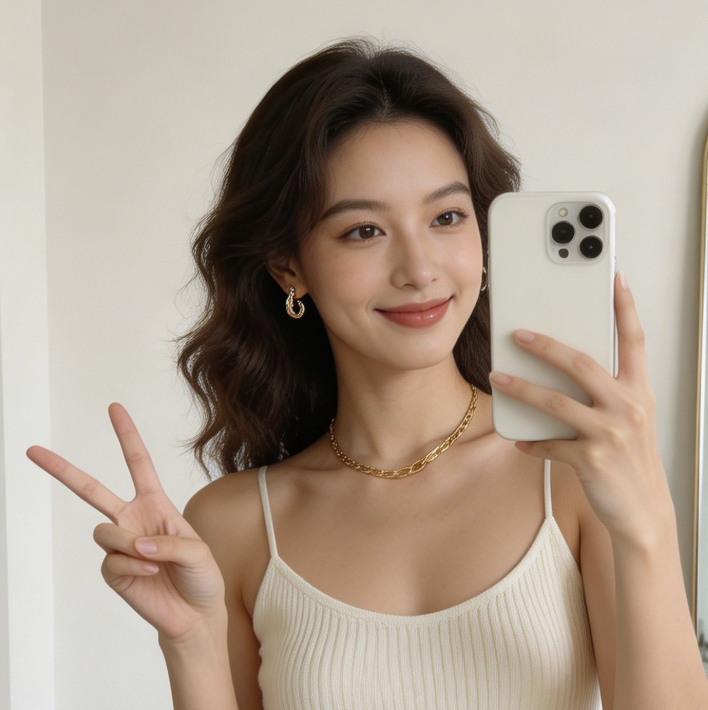
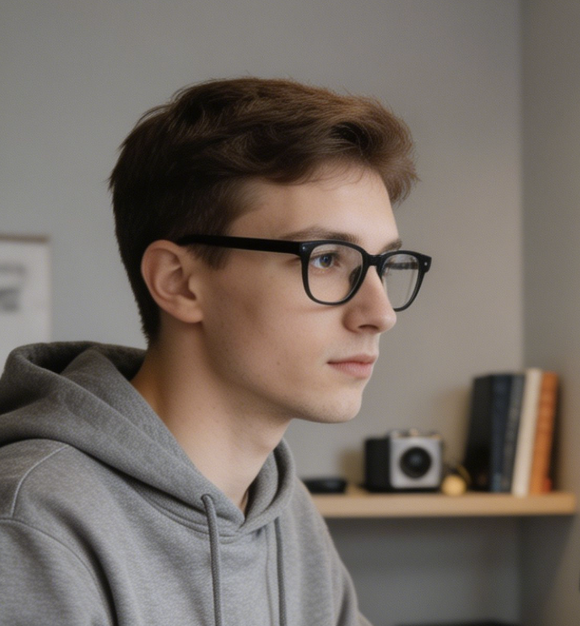
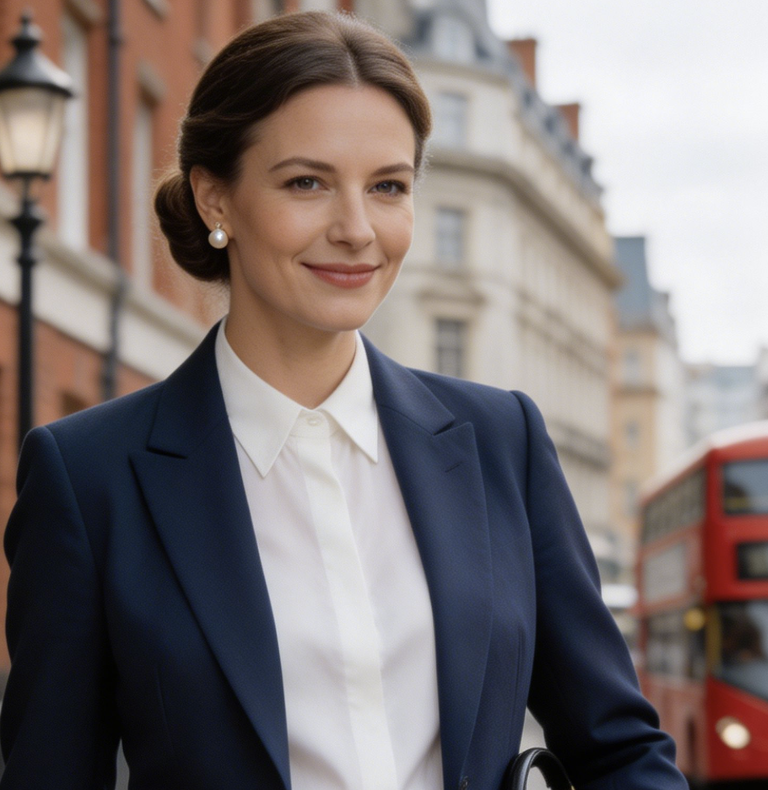
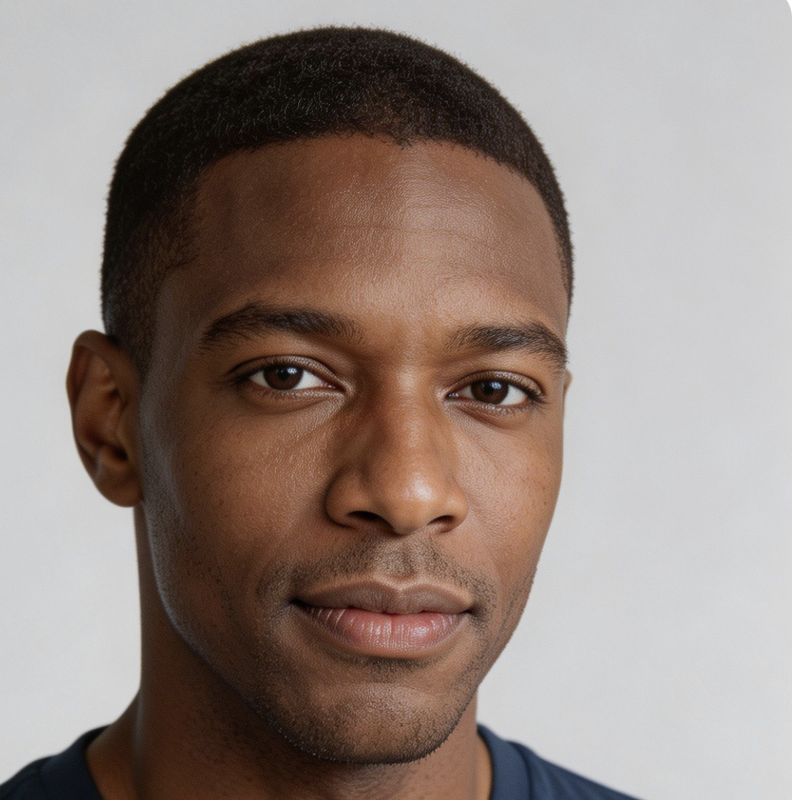
People use AI Teenage Filter to create nostalgic younger self portraits, social posts, and creative character ideas. Here is what users noticed about the AI teen filter experience. Many users choose AI Teenage Filter because AI teen filter output feels approachable, quick, and suitable for everyday images.
I used AI Teenage Filter for a birthday post and the result looked surprisingly close to my old school photos. It did not turn me into a different person. The AI teen filter kept my smile and eyes, which made the younger self image feel personal. I tried another Teenage Look filter before, but AI Teenage Filter felt more faithful to my features.
I wanted to make photo look younger for a funny family group chat. AI Teenage Filter gave me a clean teenage version in one try. My sister said it looked like a mix of my real younger self and a polished portrait. The AI teen filter result was easy to share, and it made everyone ask for their own younger self version.
Teenage Look filter results usually look too fake, but AI Teenage Filter was more natural. It softened lines and made my face fresher without heavy makeup or plastic skin. I liked that AI Young Filter style stayed realistic. I would use AI Teenage Filter again for a throwback campaign because the Teenage Look filter effect felt polished but not exaggerated.
I used AI Teenage Filter for a character concept and it helped me visualize the same person at a younger age. The AI teen filter preserved the pose and mood, so the image worked perfectly for a backstory board. AI Teenage Filter saved me time because I could create an age-consistent concept without manually retouching every detail.
FAQs About AI Teenage Filter
Learn how AI Teenage Filter works, what photos perform best, and how AI teen filter results create a natural younger self without complicated editing. Teenage Look filter guidance is simple: upload a clear face, generate, and choose the most natural result.
AI Teenage Filter edits an uploaded portrait into a realistic teenage version of the same person. It reduces mature facial cues while keeping identity, expression, and overall photo style recognizable. Teenage Look filter results are meant to feel youthful, familiar, and natural.
Upload a clear reference image, keep the simple image settings, then click Generate Image. AI Teenage Filter will create a younger self portrait based on the uploaded photo. AI teen filter generation then handles the younger self transformation automatically.
Use a clear portrait with visible facial features, balanced lighting, and minimal obstruction. AI teen filter results improve when the face is not blurred, hidden, or heavily filtered. A natural selfie helps AI Teenage Filter create cleaner teenage details.
AI Teenage Filter is made to preserve identity. The result should look like your younger self, not a different person, although output can vary by photo quality. Teenage Look filter output is strongest when the input photo already shows your face clearly.
AI Young Filter is a broad age-reversal idea. AI Teenage Filter focuses specifically on a teenage look, while Teenage Look filter wording describes the final visual effect. Both can make photo look younger, but AI Teenage Filter targets the teenage stage more directly.
Yes. Use AI Teenage Filter for social posts, profile experiments, memory projects, or creative visuals. Avoid misleading uses where age or identity must be accurately represented. AI teen filter images are best used for fun, nostalgia, and creative storytelling.
Create Your Younger Self with AI Teenage Filter
Upload a portrait and let AI Teenage Filter create a realistic teenage version of you. Try AI teen filter results for memories, social posts, and playful Teenage Look filter transformations. AI Teenage Filter helps you make photo look younger, explore a younger self, and create a natural AI Young Filter inspired transformation in seconds.
