
More AI Image Generators
Explore our collection of specialized AI image generators designed for different creative needs and styles



















Add Speed Effect to Photos with AI Motion Blur
Turn still images into dynamic visuals with AI Motion Blur Effect Editor.
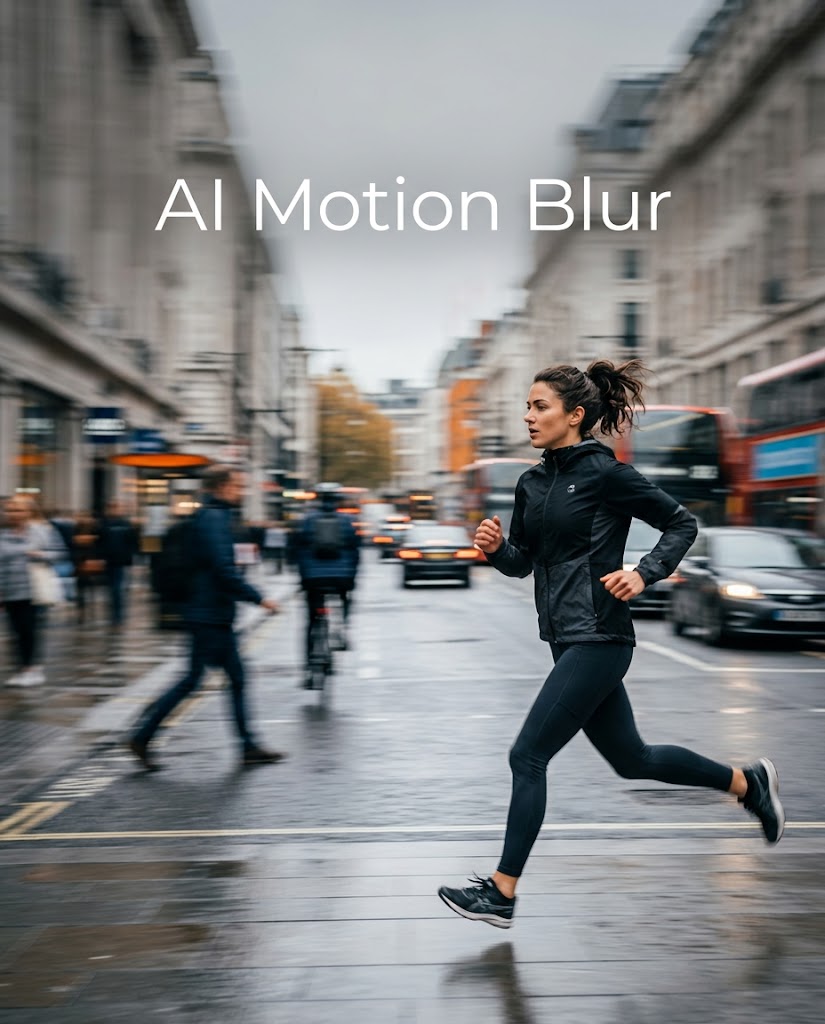
AI Motion Blur gives ordinary photos a stronger sense of movement. Upload an image, choose the image size, and let AI Motion Blur apply a natural motion blur effect that matches the scene.
How to Use AI Motion Blur
Upload the image, select the output size, and let AI Motion Blur create a polished result. The process is simple enough for beginners but useful enough for marketing, ecommerce, and content production work.

Upload Your Photo
Upload a portrait, sports shot, vehicle image, lifestyle photo, or product visual that could benefit from a stronger sense of motion. AI Motion Blur works especially well when the subject is clear and the composition already suggests direction. A clean focal point usually helps AI Motion Blur produce a more believable result with better visual balance.

Choose Image Size
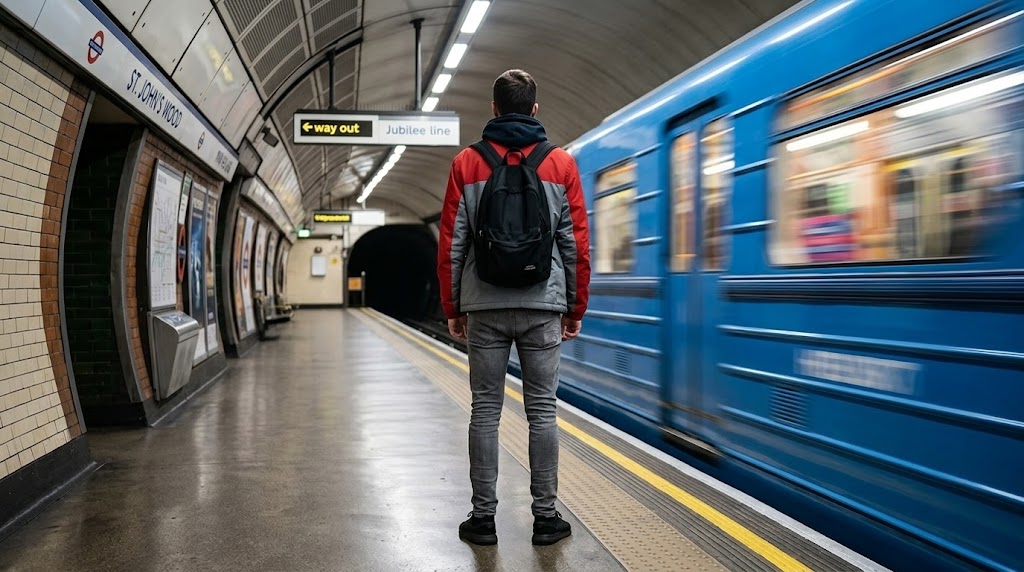
Select the image ratio or output size that fits your use case, then start the generation. AI Motion Blur evaluates the structure of the photo and adds a motion blur effect that feels intentional rather than random. The goal of AI Motion Blur is to create movement while preserving enough clarity for design, content, ecommerce, or campaign use.

Download the Result
Preview the edited image and download it once the motion looks right for your needs. AI Motion Blur is useful for fast publishing workflows where you need a more dynamic visual without spending extra time in advanced editing software. It can support social posts, ad creatives, banners, music covers, posters, and general branded content production.
Best AI Image Tools for Creative Projects
Explore creative tools for image, learn tips and tricks, and see how AI can be your assistant in turning concepts into finished projects.


Features of AI Motion Blur
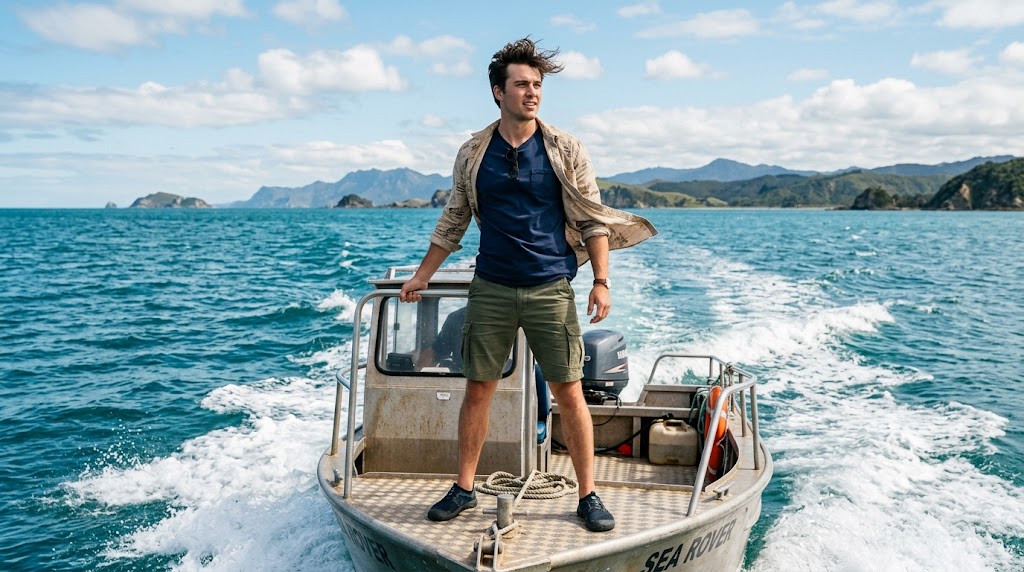
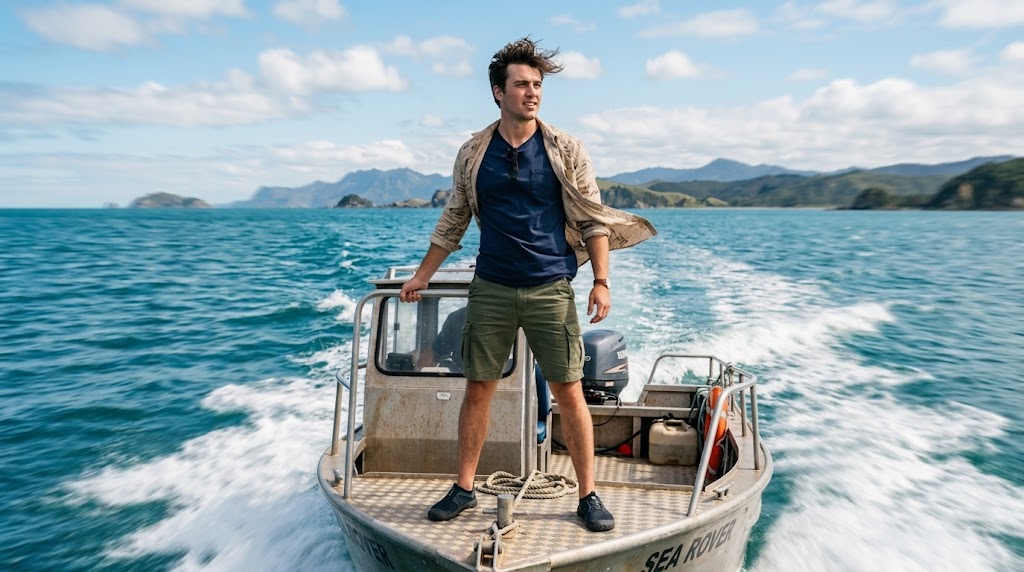
AI Motion Blur helps turn still photos into more dynamic visual assets. Whether you are editing an action shot, a product image, or a social graphic, AI Motion Blur adds speed and direction without forcing a full redesign.
Make Action Images Feel Faster
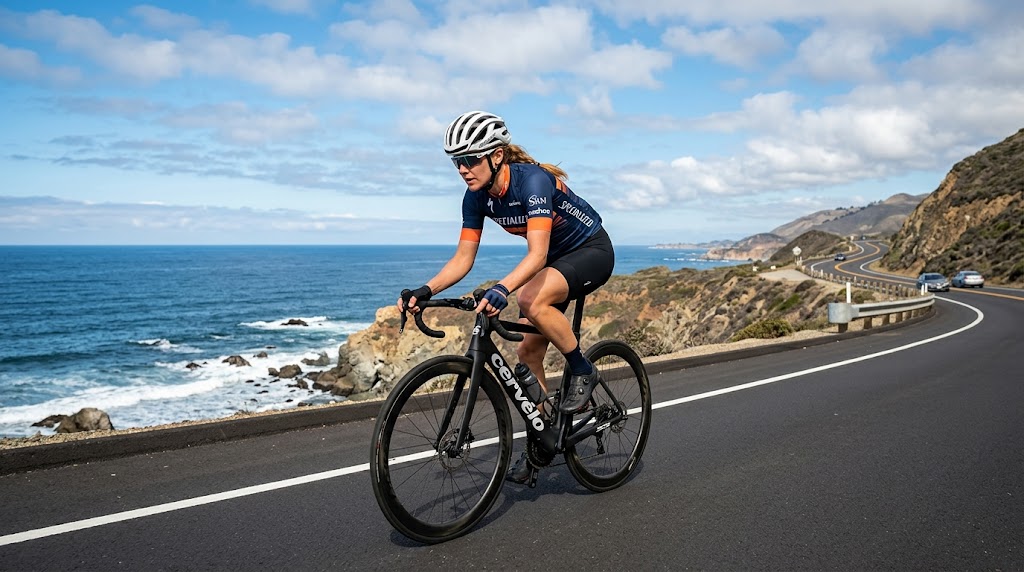
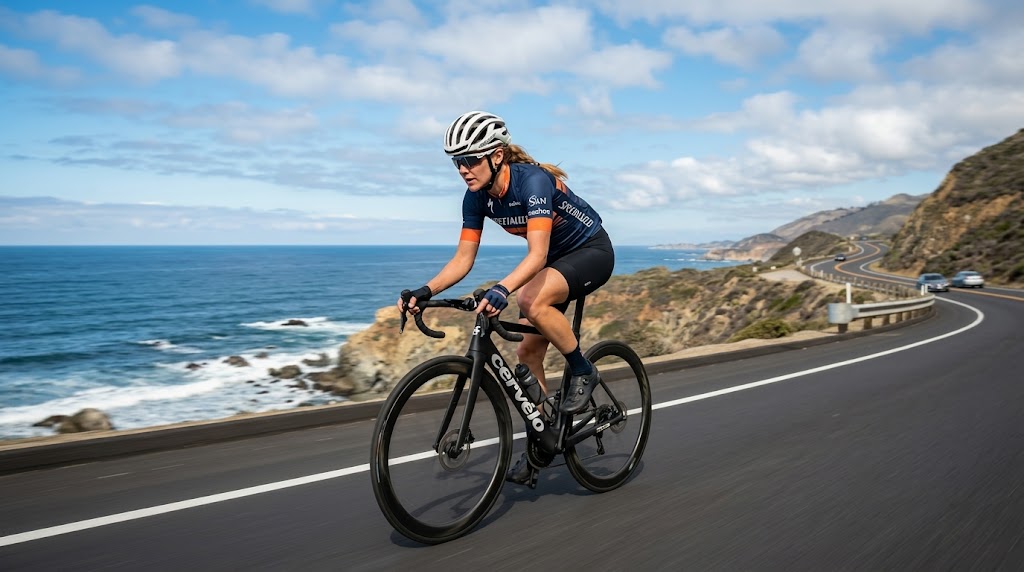
AI Motion Blur helps runners, dancers, cyclists, skaters, and athletes look more dynamic in still photography. A carefully placed motion blur effect makes the pose feel faster and more expressive while keeping the main figure readable. AI Motion Blur is especially useful for sports content, gym campaigns, event promotion, and fitness visuals that need more energy and forward movement.
Add a Cinematic Look to Vehicles
AI Motion Blur can make car, bike, motorcycle, and street vehicle photos feel more premium and dramatic. By adding directional movement around the road, lights, or background, AI Motion Blur helps the image suggest speed without losing the shape of the vehicle itself. It works well for automotive content, launch visuals, editorial layouts, and social media promotion.
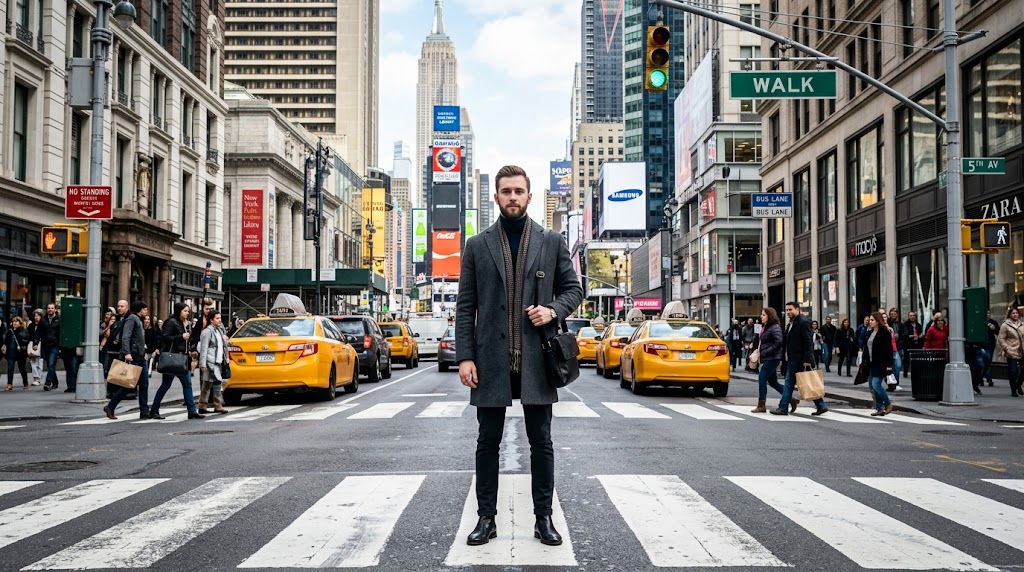
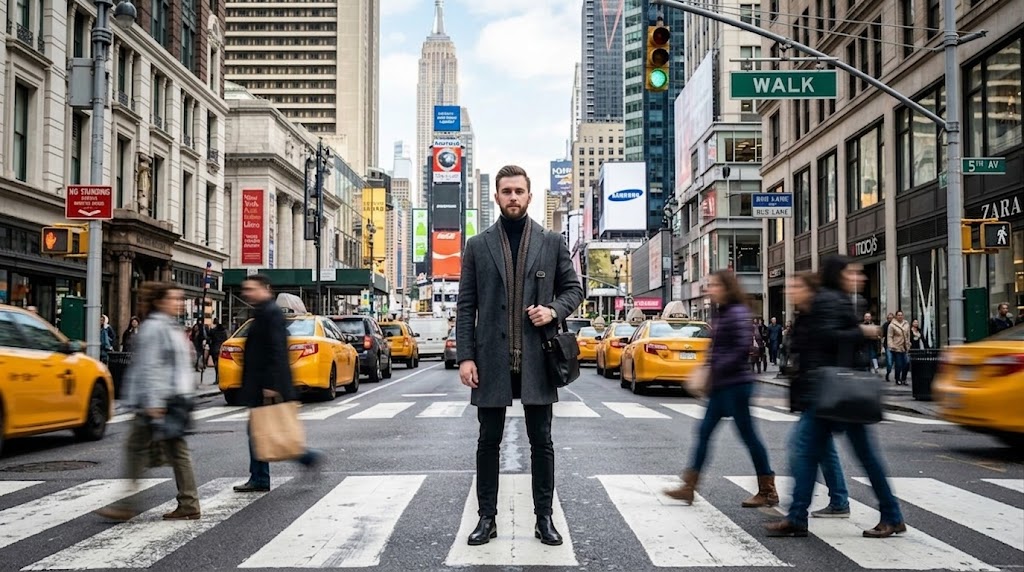
Improve Product Campaign Visuals
AI Motion Blur works well for sneakers, cosmetics, drinks, gadgets, and other products that need a more active campaign look. A subtle motion blur effect can help static product photography feel sharper, more current, and more suitable for banners or launch assets. AI Motion Blur is useful when you want a stronger creative style without rebuilding the full composition from scratch.
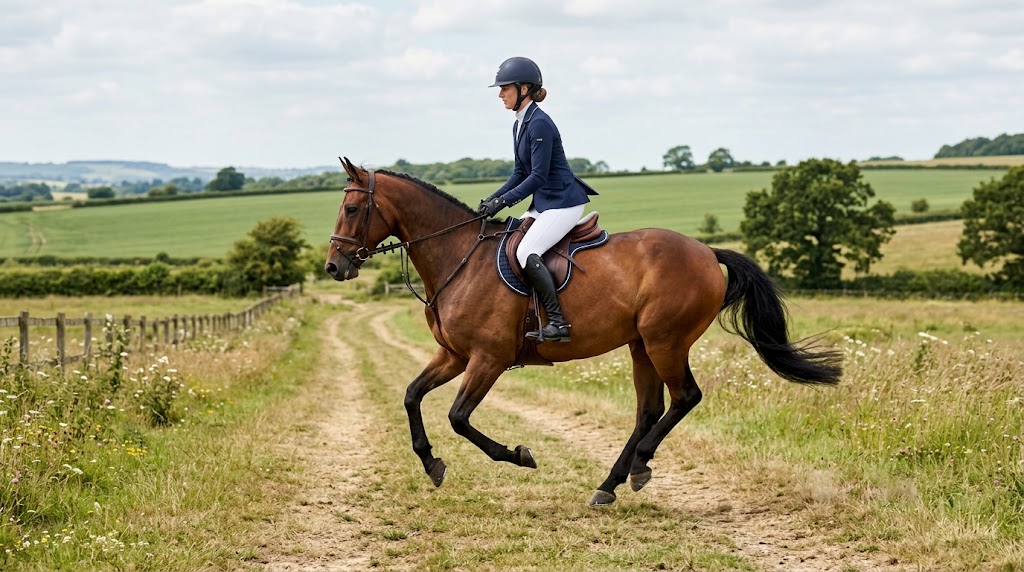
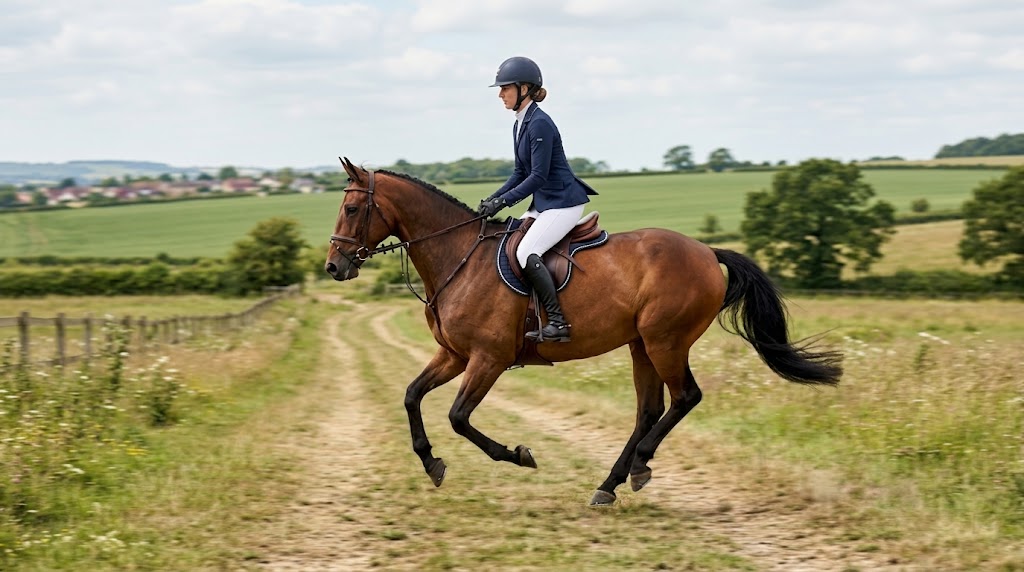
Make Social Content More Active
AI Motion Blur helps portraits, travel photos, nightlife images, and music visuals feel less flat in fast-moving social feeds. It adds movement, rhythm, and a more editorial mood to still frames that already look decent but lack impact. AI Motion Blur is particularly useful for creators and brands that want a more energetic look without adding heavy graphic overlays.
Why Choose AI Motion Blur
AI Motion Blur offers a faster way to add style, speed, and visual direction to still photography. For many publishing tasks, AI Motion Blur gives the right balance between a strong effect and a clear, usable final image.

Sports and Fitness Content
AI Motion Blur helps gym photos, race images, dance captures, and other fitness visuals feel more intense and visually active. It is especially useful when the original shot is clear but lacks a sense of motion or impact. For social promotion, event graphics, or brand campaigns, AI Motion Blur can make sports-focused content feel more immediate and energetic.

Faster Than Manual Blur Layers
AI Motion Blur removes much of the effort that usually comes with manual blur editing. Instead of building masks, duplicate layers, and directional effects by hand, users can generate a motion-driven look in a much simpler way. That makes AI Motion Blur a practical option for fast content workflows, especially when speed matters more than detailed software-based customization.

Useful for Ads and Covers
AI Motion Blur works well for paid ads, landing page banners, posters, cover graphics, and thumbnails that need to stand out quickly. A controlled motion blur effect can make static creative feel more polished and campaign-ready. AI Motion Blur is especially helpful when a design already looks clean but still needs more pace, mood, or visual momentum to compete for attention.

Flexible Across Subjects
AI Motion Blur can be used across many different subjects, including people, products, vehicles, fashion, street scenes, and lifestyle photography. That flexibility makes AI Motion Blur useful for both personal content and commercial work. Instead of serving one narrow editing category, it gives users a broader way to add movement and stronger visual storytelling across different image types.

Adds Direction to Flat Images
Some images are technically sharp and well composed but still feel emotionally flat. AI Motion Blur helps solve that problem by introducing visual direction, movement, and a more intentional sense of pace. It is a useful choice when a photo needs to feel more editorial, more cinematic, or simply more alive without changing the core subject or message.

Simple for Fast Output
AI Motion Blur is built for users who want quick output without a steep learning curve. The workflow is straightforward, and the result can be suitable for publishing across social media, advertising, brand visuals, and online storefronts. AI Motion Blur is a strong fit for creators, marketers, and teams producing frequent content under time pressure.
What Users Say About AI Motion Blur
AI Motion Blur is used by creators, marketers, photographers, and ecommerce teams who want a more active visual style. These examples show how it fits real workflows, from campaign graphics to personal publishing.
AI Motion Blur has helped our fitness ads look far more active and less generic. We often have strong training photos that are sharp but still feel too static for paid campaigns. AI Motion Blur adds the extra movement we need without making the subject hard to read. It saves time, shortens our editing process, and usually gives us a result that is ready for social promotion very quickly.
I shoot dance content regularly, and one of the hardest things is making still images feel as expressive as the performance itself. AI Motion Blur gives my studio and rehearsal photos a better sense of rhythm and momentum. The result feels more intentional than a basic blur filter. It also saves me from doing extra manual edits, which makes my turnaround faster when I need to deliver multiple selects to clients.
For automotive posts, AI Motion Blur has been genuinely useful in both client work and internal concept testing. It helps vehicle images feel more cinematic and more aligned with the kind of visual energy that performs well online. What I like most is that the car still remains clear enough to be the focus. That balance matters a lot when you want movement in the frame without losing the product itself.
AI Motion Blur has worked especially well for sneaker drops and fashion launch visuals. Sometimes a product photo is clean and technically fine, but it still lacks the energy needed for a homepage banner or campaign graphic. AI Motion Blur helps solve that quickly. It adds direction and pace without overwhelming the product, which makes it easier for our team to create assets that feel more current and more commercially polished.
I use AI Motion Blur for music artwork, event posters, and some social campaign concepts where a static image needs more mood. It helps portraits and performance shots feel more atmospheric without forcing me into a fully artificial visual style. That is important for my freelance work, because clients usually want something eye-catching but still usable. AI Motion Blur gives me a fast way to create that balance with much less manual editing.
As a creator, I need edits that look polished but still feel easy to produce on a regular schedule. AI Motion Blur has been especially helpful for travel shots, street photos, and quick campaign-style posts that need more movement. I like that it can make an image feel more dynamic without turning it into something overly dramatic. It fits well into a fast publishing workflow and makes simple photos feel much more intentional.
FAQs About AI Motion Blur
If you want to decide whether it is right for your workflow, this section focuses on practical use cases, realistic outcomes, and the kinds of images that usually perform best.
AI Motion Blur is an image editing tool that adds directional blur to a photo so the scene feels more dynamic. AI Motion Blur is built for still images that need more motion. Instead of manually painting blur or building complex masks, you upload an image, choose the output size, and let the tool generate the result. It evaluates the composition and applies a motion blur effect that supports speed, direction, or atmosphere while aiming to keep the main subject clear enough for practical use in content, design, or marketing work.
This tool is useful when a photo looks technically fine but emotionally static. This happens often with sports shots, car photos, dance images, travel scenes, and product visuals meant to feel energetic. It can also improve posters, covers, and social graphics that need more momentum. If you want the frame to suggest pace, motion, or impact, it is a practical choice. It works best when the original subject is already strong and the scene has a clear visual direction.
This tool usually works best on images where movement already makes sense. Common examples include runners, cyclists, dancers, vehicles, street scenes, and action-focused product photos. It can also work on portraits when the goal is mood rather than literal speed. Clear subjects tend to produce stronger results than cluttered frames. If the image has a strong focal point and a visible direction of movement, it can create a more believable motion blur effect with less visual confusion in the final output.
That is usually the goal with AI Motion Blur. This tool is designed to add energy without making the entire image unreadable. A strong result keeps the person, object, or product recognizable while the surrounding blur suggests motion. Still, results depend on the original photo. Busy compositions, weak contrast, or unclear subjects may reduce control. For the best output, start with a frame that has an obvious focal point. It performs better when there is a clear subject that should remain visually dominant after the edit.
Yes. This tool can work well for ecommerce banners, product launches, ad creatives, and promotional covers. A subtle motion blur effect can make sneakers, drinks, electronics, accessories, and beauty products feel more active and campaign-ready. This matters when a product image looks too static but still needs to remain readable for conversion. Many teams use it to add momentum without rebuilding the entire composition. It supports a more modern visual style across paid media, landing pages, and social assets.
This tool can work very well for portrait-based content when the goal is style, atmosphere, or movement. Creators often use it for fashion photos, music visuals, nightlife images, and travel posts that need more energy. A controlled motion blur effect can make a portrait feel less posed and more cinematic. It is especially useful for feed posts, covers, and story graphics where attention matters. The strongest results usually come from images with a clear subject and enough contrast to preserve facial readability.
Manual blur editing often requires duplicate layers, masks, directional blur settings, and repeated corrections to avoid a messy result. AI Motion Blur removes much of that setup. This tool reduces that workload by handling the effect automatically after upload. It is more approachable for users who want strong visuals without spending much time in professional software. Manual editing still offers deeper control, but it is slower. For many everyday workflows, it provides a faster route to a publishable image, especially when speed matters more than detailed customization.
Yes, that is one of the main reasons people use AI Motion Blur. Cinematic stills often feel intentional because they suggest movement, pace, and tension. This tool can introduce those qualities into a flat frame by adding directional energy. This is useful for movie-style posters, music covers, sports promotions, and editorial graphics. A thoughtful motion blur effect can make a still image feel more atmospheric and less literal. It helps create mood without requiring a complete redesign of the original composition.
No. AI Motion Blur is built for a straightforward workflow. AI Motion Blur favors simplicity over manual complexity. You upload a photo, choose an image size, and generate the result. That makes it accessible for beginners, content teams, and busy marketers who want a simpler process than manual retouching. You do not need to understand masks, filters, or layered compositing to start. While creative judgment still matters when choosing the right source image, the editor itself is easy to use and suitable for both casual and professional content workflows.
Some photos are sharp and well exposed but still feel visually quiet. AI Motion Blur helps solve that creative gap. This tool gives those images more pace, direction, and presence. That can be valuable when you are competing for attention in ads, social feeds, covers, or campaign graphics. It is not necessary for every photo, but it is useful when a static frame needs more energy. A good motion blur effect can make an image feel more current, more story-driven, and more aligned with fast-moving creative styles used online today.
Create Dynamic Images with AI Motion Blur
AI Motion Blur helps transform still photos into visuals with more speed, mood, and direction. AI Motion Blur is designed for fast creative upgrades. Upload your image, choose the right size, and let it create a cleaner, more compelling result for ads, social content, posters, product campaigns, and everyday creative work.
