
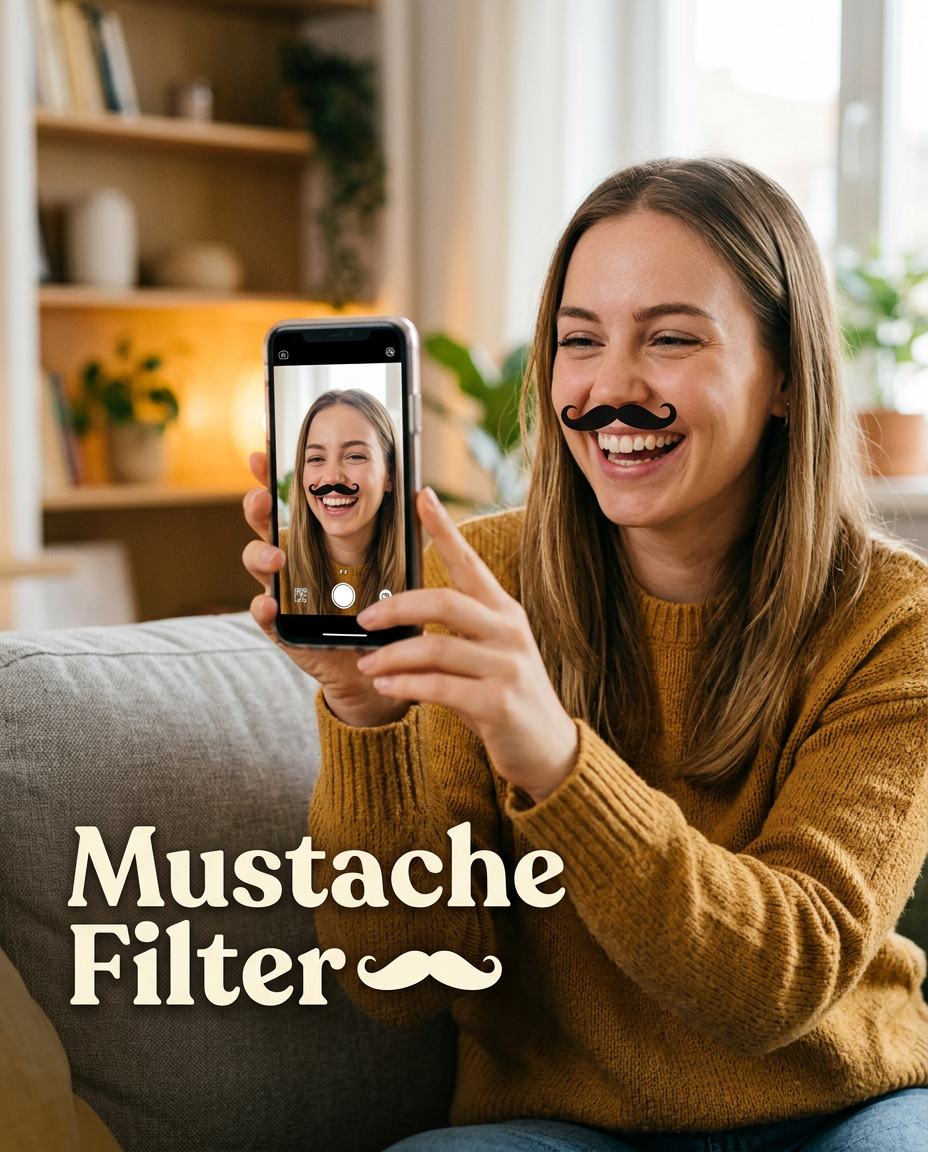
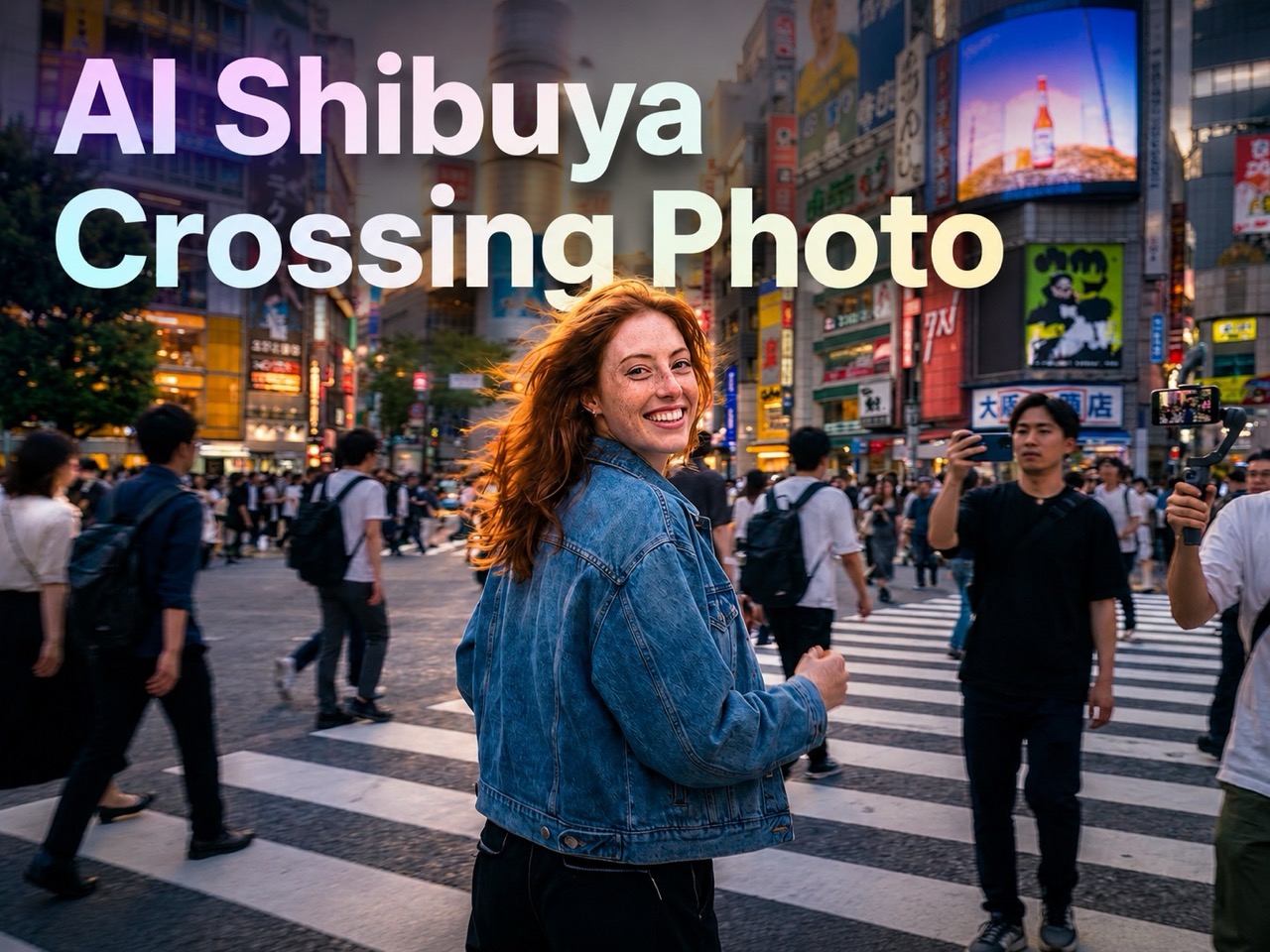
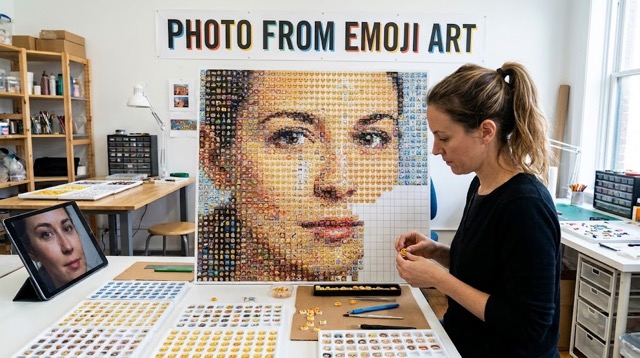
More AI Image Generators
Explore our collection of specialized AI image generators designed for different creative needs and styles




















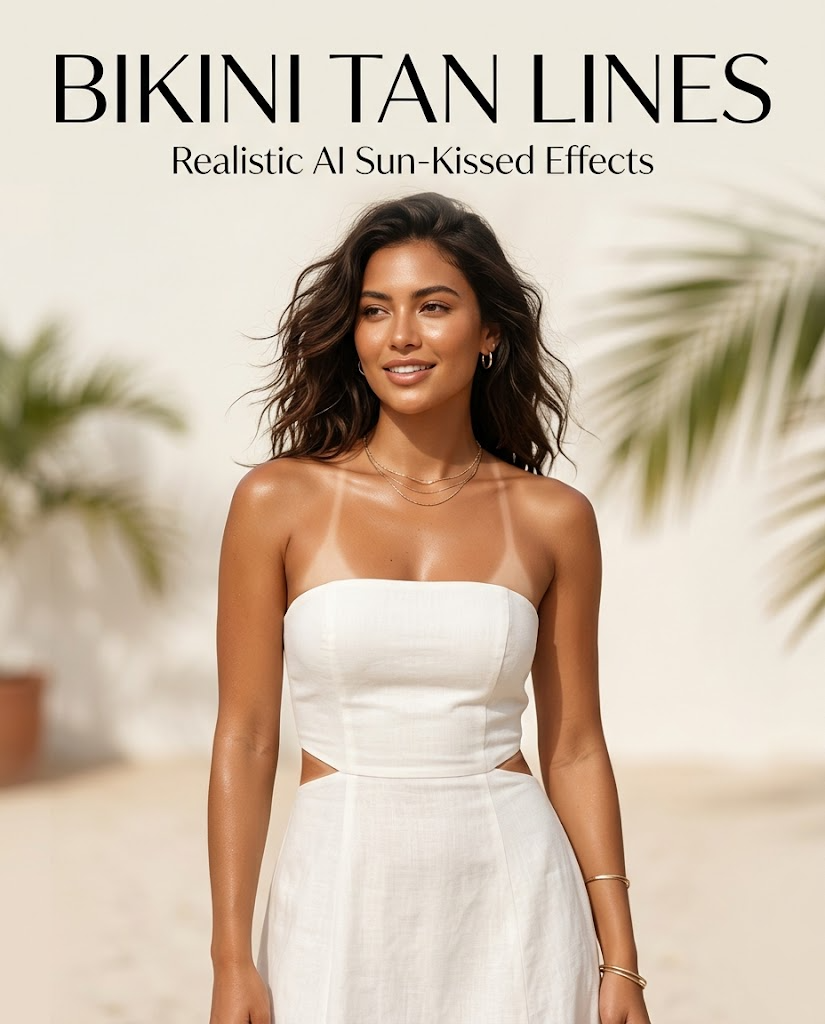
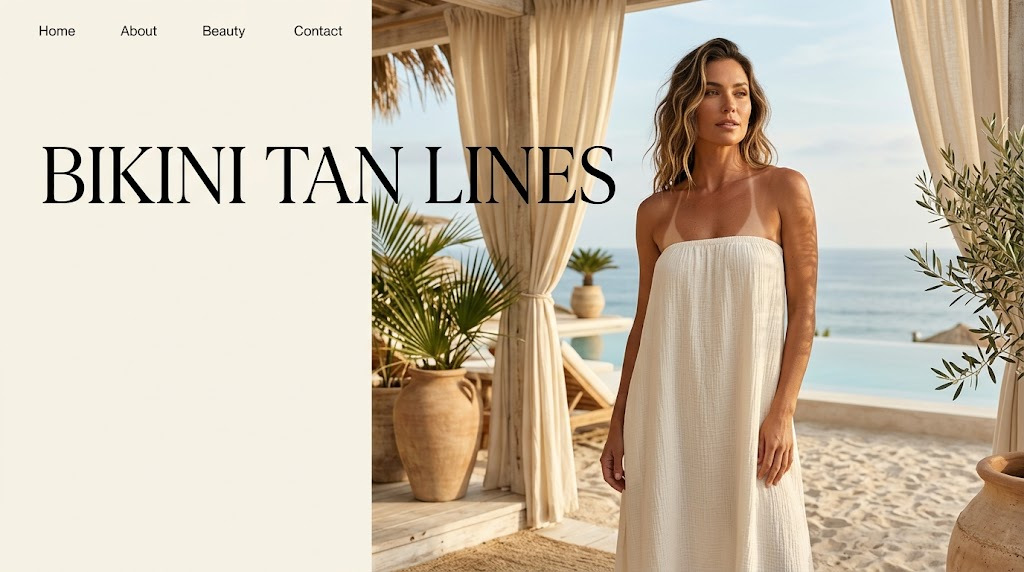
Create Realistic Bikini Tan Lines from Any Photo
Upload a photo, choose a size, and generate a stylish summer image with natural-looking Bikini tan lines in seconds.
BananaPro AI makes it easy to add Bikini tan lines to portraits with a smooth image to image workflow. Upload your image, choose the output size, and generate a polished result with realistic Bikini tan lines that blend naturally with visible skin. Whether you want a subtle vacation look, a beach-inspired aesthetic, or a trendy summer filter, Bikini tan lines help transform ordinary photos into warm, sun-kissed visuals. Our Bikini tan lines effect is designed to keep the person recognizable while adding clean, believable skin contrast that feels stylish, modern, and social-ready.
How to Use Our Bikini Tan Lines Filter
Creating Bikini tan lines with BananaPro AI is simple. You only need a photo, a size selection, and one click to produce a polished seasonal image with fashionable tan lines.

Upload Your Photo
Upload a clear portrait or fashion photo to start. BananaPro AI works best when shoulders, collarbone, back, waist, or hip areas are visible, because Bikini tan lines need exposed skin to look natural and realistic.

Choose Size and Generate
Select your preferred image size and click generate. Our AI analyzes body contours, skin tone, and light direction to place Bikini tan lines where they fit the photo best, creating a smooth and believable summer effect.

Download Your Summer Result
Preview the result instantly and download your final image. The finished photo keeps the same person, outfit, and scene while adding Bikini tan lines that look attached to the skin and visually consistent with the original shot.
Best AI Image Tools for Creative Projects
Explore creative tools for image, learn tips and tricks, and see how AI can be your assistant in turning concepts into finished projects.

Features of Our Bikini Tan Lines Effect
BananaPro AI combines realism, speed, and visual style. Our Bikini tan lines effect is built to create clean summer edits that feel believable, flattering, and easy to share.
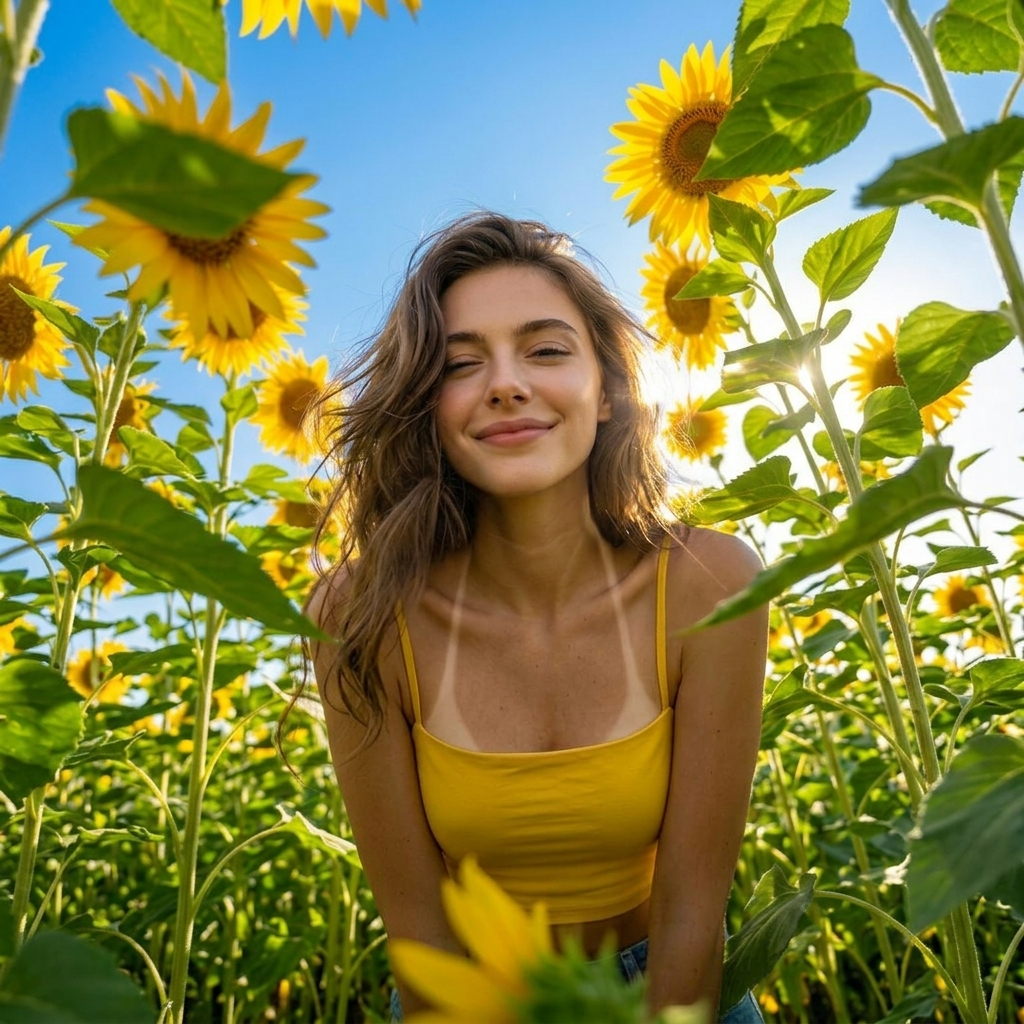
Realistic Skin-Blended Tan Line Effect
- Our Bikini tan lines effect is designed to look naturally blended with the skin instead of painted on top.
- BananaPro AI studies the original lighting, body angle, and visible skin area before applying Bikini tan lines.
- This helps tan lines follow real body contours with soft transitions and believable contrast.
- The result is a polished summer photo where tan lines feel natural, stylish, and photo-realistic.
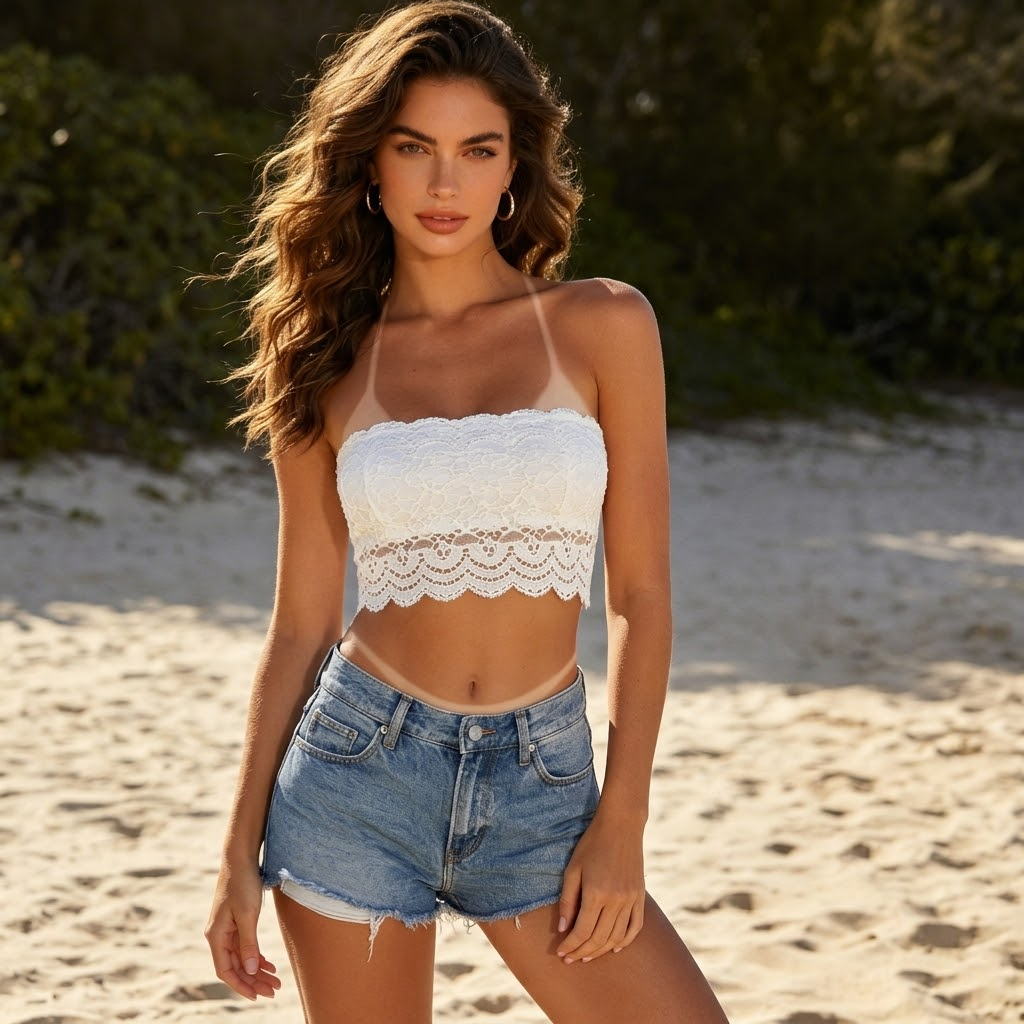
Works with Strapless, Strappy, and Beach Looks
- The tan lines result work especially well on strapless dresses, camisoles, beachwear, and vacation outfits.
- If the photo shows shoulders, upper chest, back, side waist, or hip areas, Bikini tan lines can be placed more clearly.
- Different photos can produce different Bikini tan lines shapes, from thin shoulder straps to wraparound back details.
- This makes Bikini tan lines a flexible effect for many summer portraits and fashion photos.
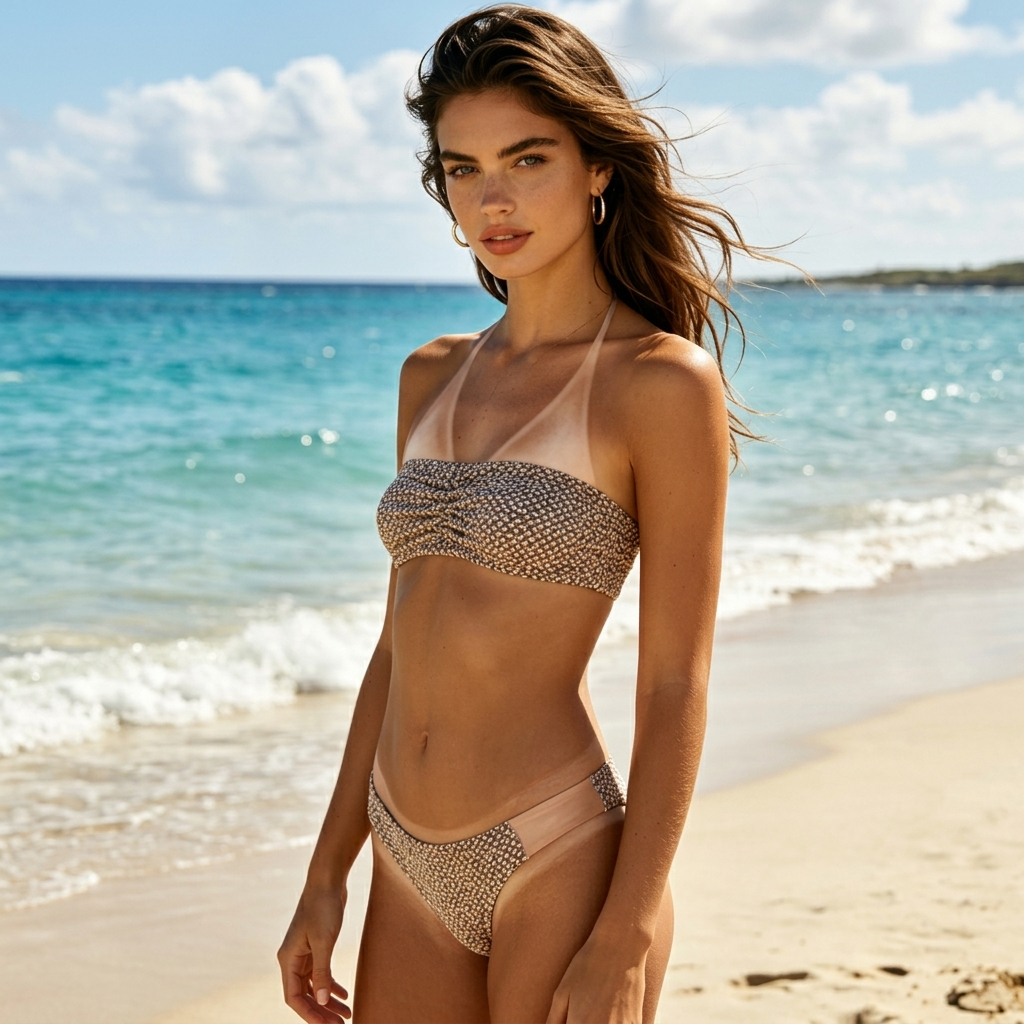
Keeps the Same Person and Outfit
- BananaPro AI focuses on adding Bikini tan lines without changing the person’s identity.
- The face, hairstyle, outfit, pose, and overall photo composition stay consistent while Bikini tan lines are added to exposed skin.
- This is important for users who want Bikini tan lines as an aesthetic enhancement rather than a full photo restyle.
- The final result looks like the original image, just upgraded with realistic Bikini tan lines.
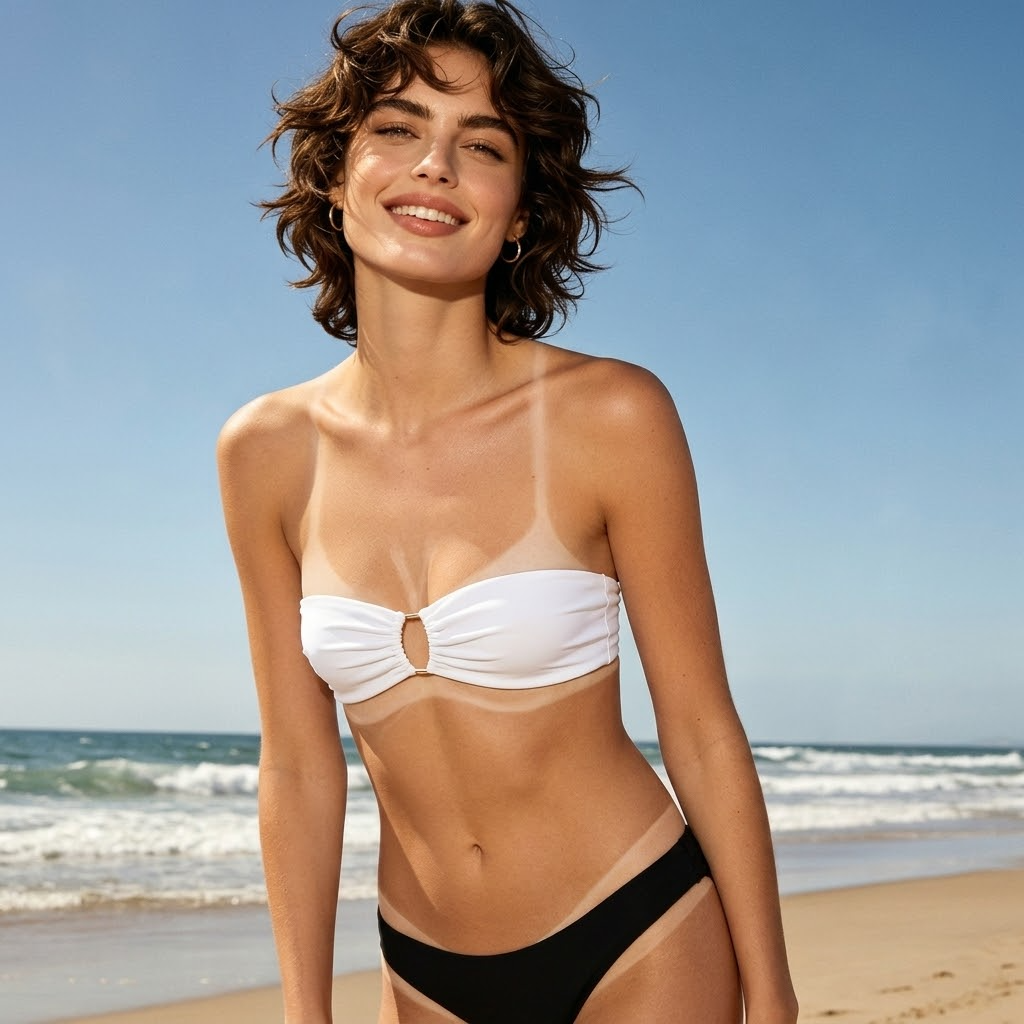
Made for Trendy Summer Content
- Bikini tan lines are ideal for users who want a warm, beach-inspired, vacation-ready look.
- Add Bikini tan lines to personal portraits, creator content, fashion mockups, and travel-style imagery.
- BananaPro AI helps turn simple photos into polished images with Bikini tan lines that feel seasonal and visually striking.
- If you want a trend-forward summer edit, Bikini tan lines are one of the easiest ways to create it.
Why Users Love Bikini Tan Lines on BananaPro AI
Bikini tan lines are simple to understand, easy to generate, and strong in visual impact. These six use cases show why Bikini tan lines are a compelling summer photo effect.

Upgrade Strapless Dress Photos
Photos with strapless dresses are one of the best matches for Bikini tan lines. The exposed shoulders and upper chest give Bikini tan lines clear space to appear naturally, creating a stylish vacation-inspired result.

Enhance Cami and Shoulder-Baring Looks
Bikini tan lines can add visual interest to camisole, tank, and off-shoulder outfits. The added contrast gives the image a more lived-in summer feel while keeping the overall look clean and fashionable.

Create Vacation Aesthetic Portraits
If you want your photo to look like it was taken after a beach holiday, Bikini tan lines instantly help set the mood. They add a sun-kissed story to the image without changing the location or outfit.

Make Social Content More Eye Catching
Bikini tan lines are visually recognizable and easy to understand at a glance. That makes them useful for creator posts, summer beauty content, and fashion images that need a stronger seasonal hook.

Try Different Summer Style Variations
Because Bikini tan lines can vary in placement and strap style, users can test multiple outputs from one photo. This makes Bikini tan lines a fun effect for experimenting with different warm-weather aesthetics.

Get Fast Results with No Complex Editing
Instead of manually painting skin contrast in editing software, users can generate Bikini tan lines automatically. BananaPro AI turns the Bikini tan lines idea into a simple upload-and-generate experience.
What Users Say About Our Bikini Tan Lines Effect
Creators, editors, and fashion-focused users love how easy it is to generate Bikini tan lines with BananaPro AI. These reviews show how Bikini tan lines can upgrade summer photos in seconds.
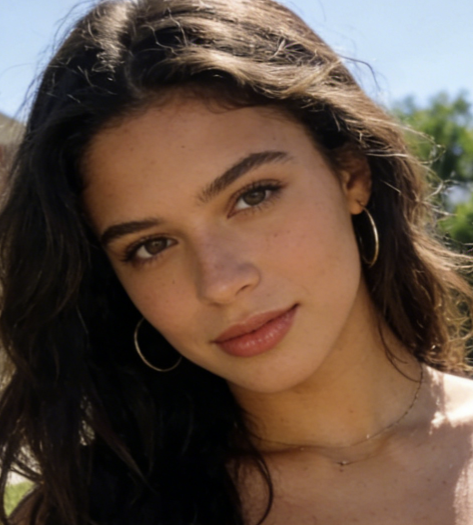
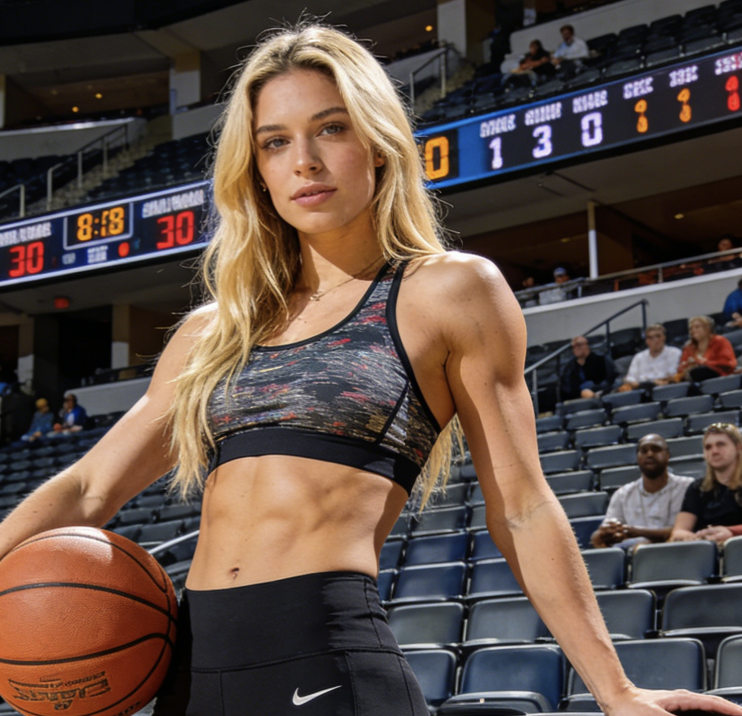
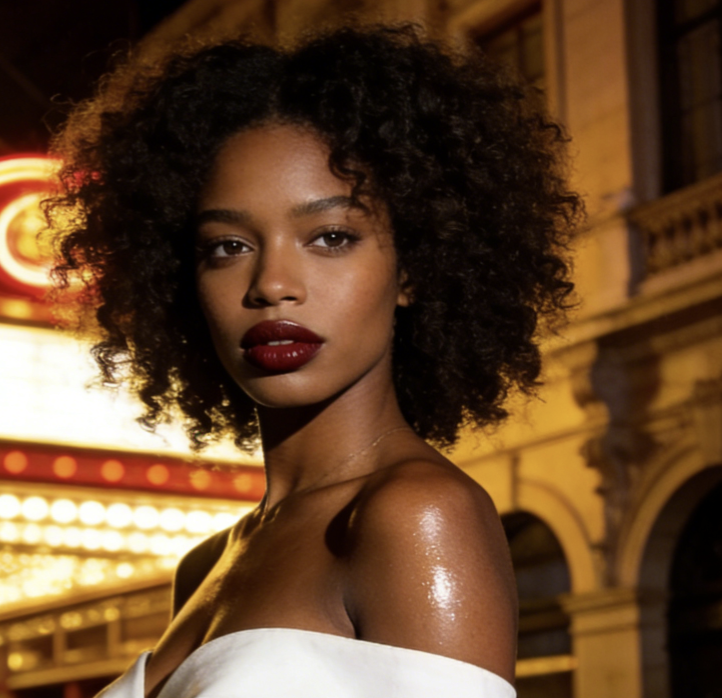
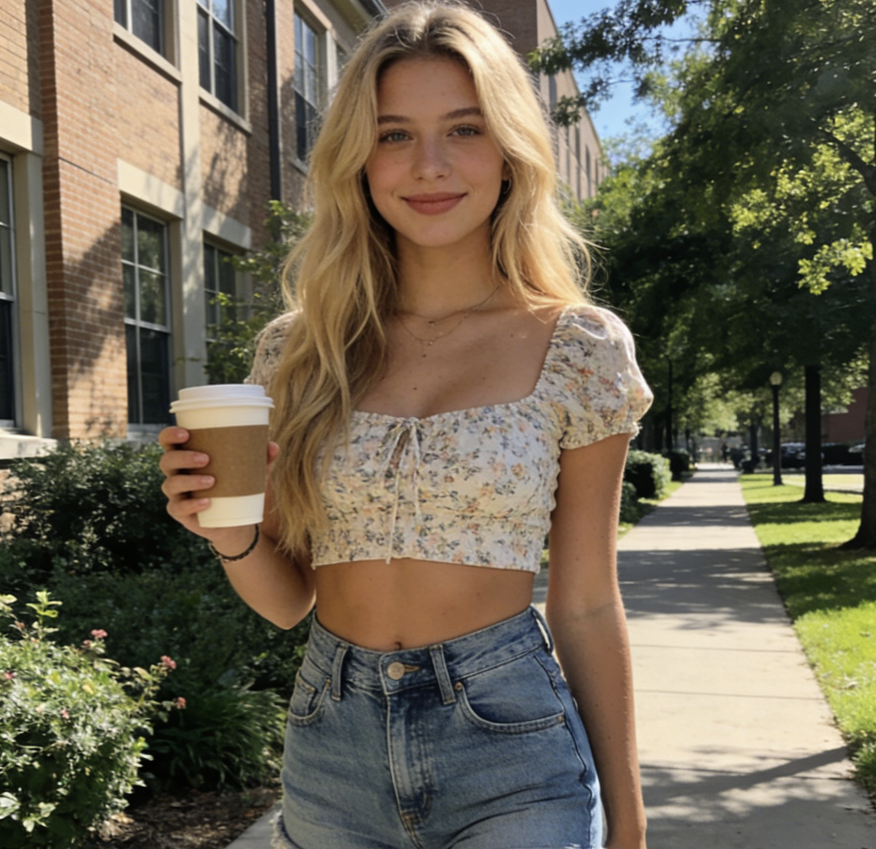
I uploaded a strapless dress photo and the Bikini tan lines looked surprisingly real. The skin contrast was soft, natural, and matched the light in the image. It felt like a true summer beauty edit instead of a fake overlay.
What I liked most is that Bikini tan lines did not change my face or outfit. The photo still looked like me, just with a beach vacation vibe. It is a very easy way to make summer content look more polished.
I tested several shoulder-baring portraits and the Bikini tan lines came out clean on all of them. The effect followed the body shape well and never looked pasted onto the skin. It is one of the most shareable summer filters I have tried.
BananaPro AI made Bikini tan lines look subtle but clear, which is exactly what I wanted. The finished image felt trendy and seasonal without becoming too dramatic. It worked especially well on my vacation-style portraits.
I use Bikini tan lines to mock up summer campaign ideas before a shoot. It helps me test the mood of an image very quickly. The results are believable enough for concept boards and creative previews.
This Bikini tan lines effect makes ordinary warm-weather photos look much more intentional. I only uploaded the image, picked the size, and generated. The output had a sun-kissed look that felt natural and fashionable.


Frequently Asked Questions About Bikini Tan Lines
Learn how Bikini tan lines work, what images perform best, and why BananaPro AI makes Bikini tan lines easy to create in just a few clicks.
Bikini tan lines are visible skin tone contrasts created when parts of the body are exposed to the sun while other parts are covered by bikini straps or fabric. In BananaPro AI, Bikini tan lines are recreated as a realistic photo effect. The system places Bikini tan lines on exposed skin so the result looks like a natural summer photo rather than a manual edit.
Our Bikini tan lines tool works best on photos where the shoulders, upper chest, back, waist, or hip area are visible. Strapless dresses, camisoles, off-shoulder tops, beachwear, and vacation portraits usually produce the strongest Bikini tan lines results because the visible skin gives the AI enough space to create believable contrast.
No. BananaPro AI is designed to keep the same person recognizable while adding Bikini tan lines. The face, hair, pose, outfit, and background stay visually consistent. Bikini tan lines are added as a surface-level aesthetic change so the image still feels like the original photo.
Yes. Good Bikini tan lines should never look like stickers or paint. Our effect is built so Bikini tan lines blend with skin tone, body contours, and lighting direction. The goal is to make Bikini tan lines appear naturally attached to the skin, with gradual transitions and realistic visual softness.
You can use Bikini tan lines for fashion content, summer aesthetic portraits, creator posts, mood boards, concept visuals, and casual social sharing. Bikini tan lines are especially useful when you want to give a photo a beach-ready or vacation-inspired mood without changing the entire scene.
Yes. BananaPro AI keeps the workflow simple. Upload your image, choose the output size, and click generate. The Bikini tan lines effect is made for users who want a fast visual result without spending time in complex editing software.
Create Bikini Tan Lines Instantly
Upload your photo, choose a size, and generate realistic Bikini tan lines in seconds with BananaPro AI. Turn everyday portraits into polished summer images with natural-looking Bikini tan lines.
