
More AI Image Generators
Explore our collection of specialized AI image generators designed for different creative needs and styles





















Turn Photo into Monet Style with Monet Filter
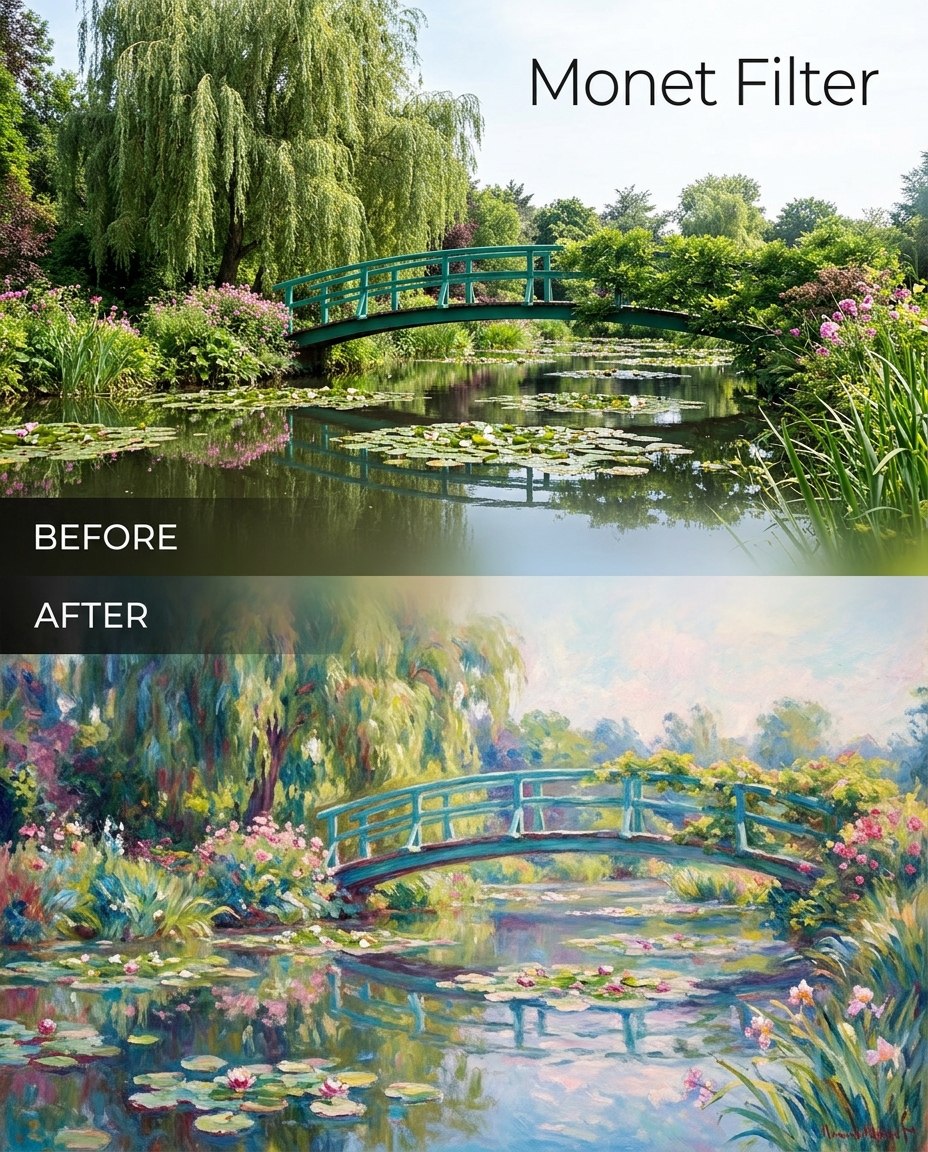
Use Monet Filter to transform everyday photos into painterly visuals inspired by Claude Monet.
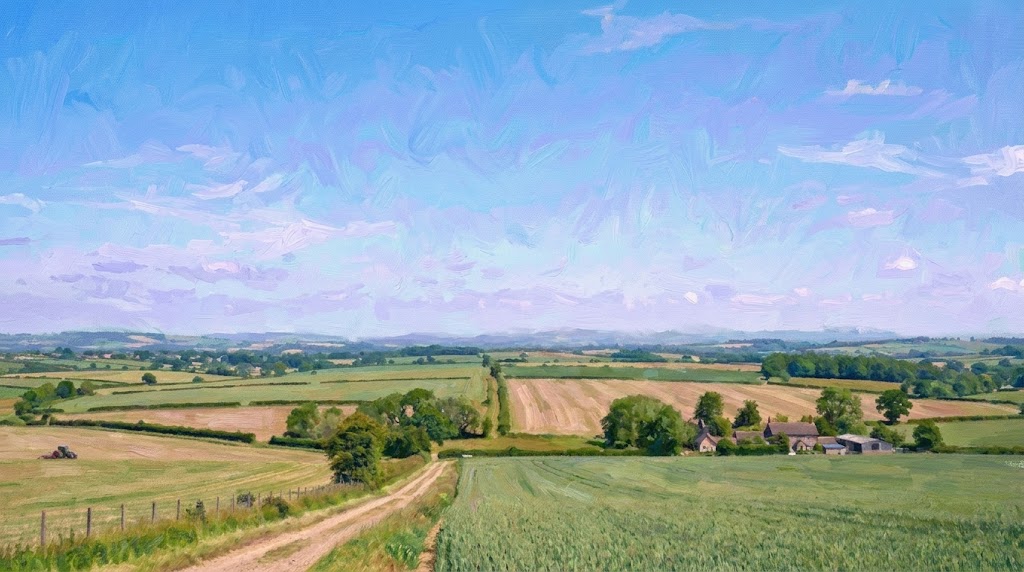
Create elegant painterly visuals in seconds with Monet Filter. Whether you want a subtle artistic refresh or social media content, this tool converts a photo to Monet inspired artwork while preserving the original layout of your image.
How to Use Monet Filter
Using our Monet Filter is simple, even if you have never edited an image before. Upload a photo, choose the output size, and let the model apply a Monet style transformation that keeps the original content recognizable.

Upload Your Original Image
Start by uploading a portrait, product image, pet photo, landscape, or travel shot. Our Monet Filter is designed to work with many everyday image types, so you can quickly test how a real scene looks when translated into a Monet style painting effect without rebuilding the composition from scratch.

Choose Image Size and Generate
Pick the image ratio or size that fits your use case, then run the Monet Filter. The model analyzes color, light, texture, and edges to convert your photo to Monet inspired artwork. It keeps the core subjects, framing, and visual balance while giving the entire image a softer, more painterly surface.

Preview and Download the Result
Review the transformed image and download it when you are satisfied. The Monet Filter makes it easy to compare your source photo and final result, so you can use the new image for personal projects, mood boards, visual storytelling, posters, creative campaigns, or polished social posts.
Best AI Image Tools for Creative Projects
Explore creative tools for image, learn tips and tricks, and see how AI can be your assistant in turning concepts into finished projects.


Features of Monet Filter
Our Monet Filter is built for users who want more than a generic art preset. It transforms real photos into impressionist inspired visuals while keeping the content of the original image clear and usable.
Convert Portraits into Soft Painterly Art
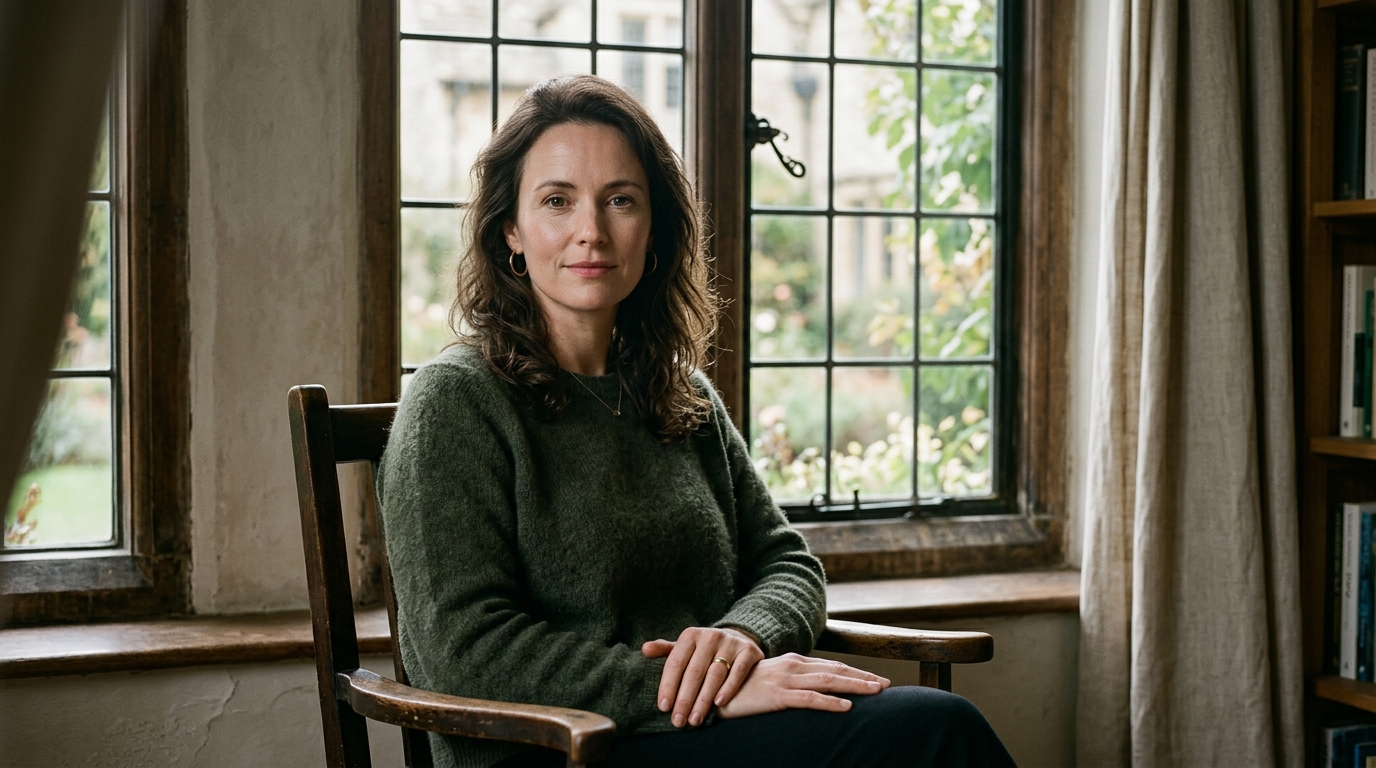
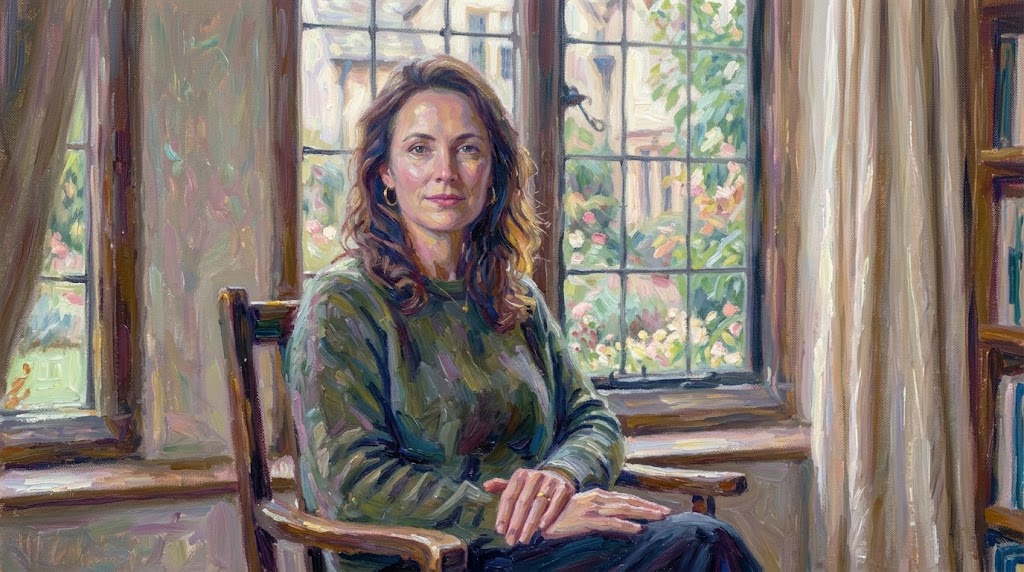
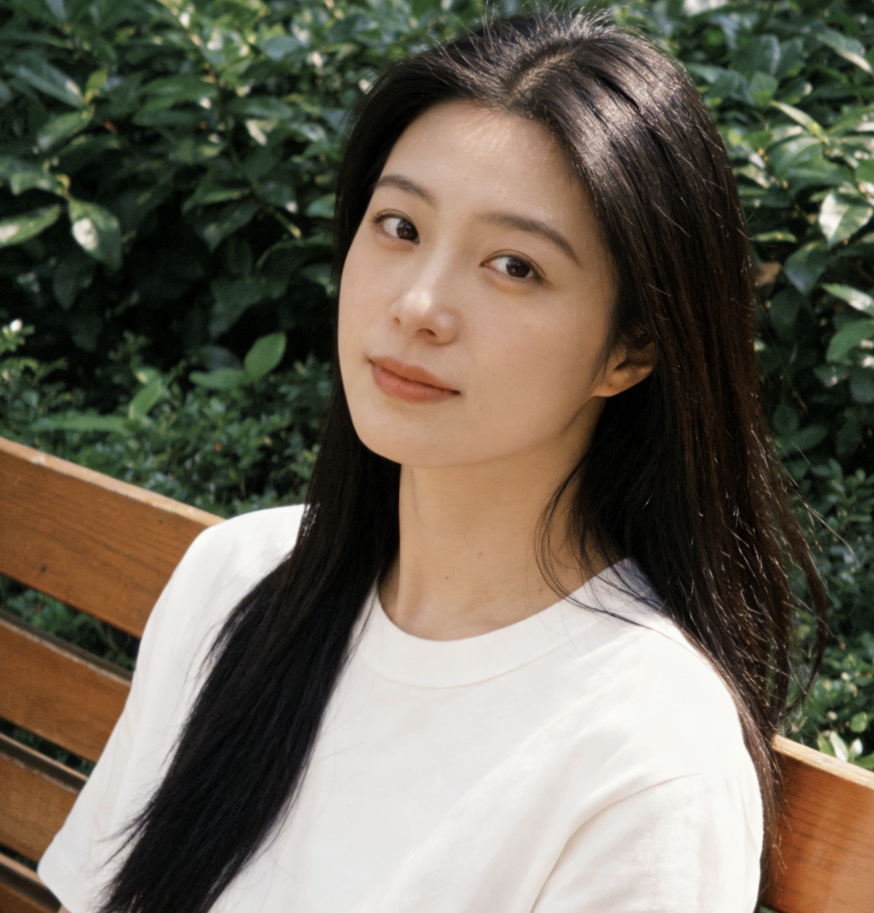
Use the Monet Filter to give portraits a gentle impressionist finish without losing the person’s pose, expression, or overall structure. Skin tones shift into a softer painted palette, backgrounds become more atmospheric, and the whole image takes on a handmade quality. Monet Filter is an easy way to turn a standard headshot or lifestyle image into a more artistic visual.
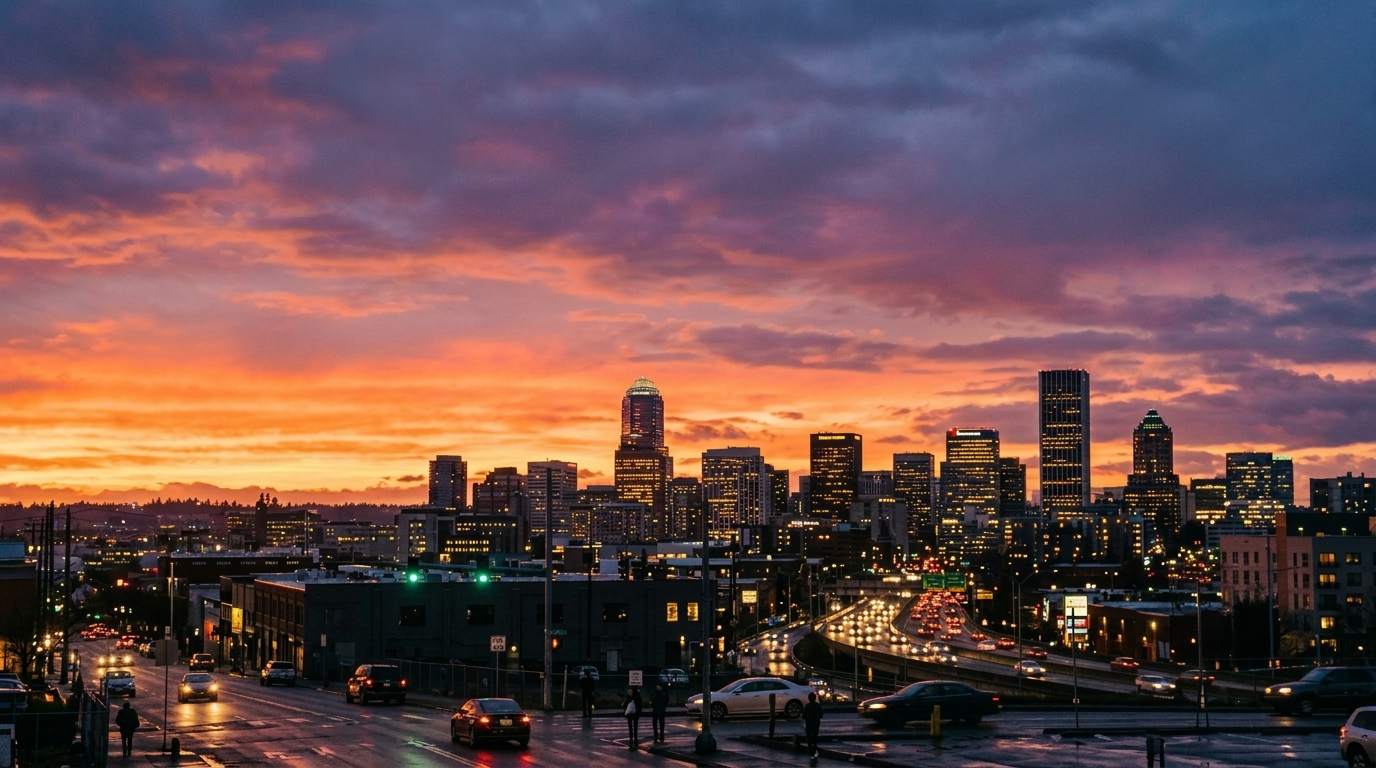
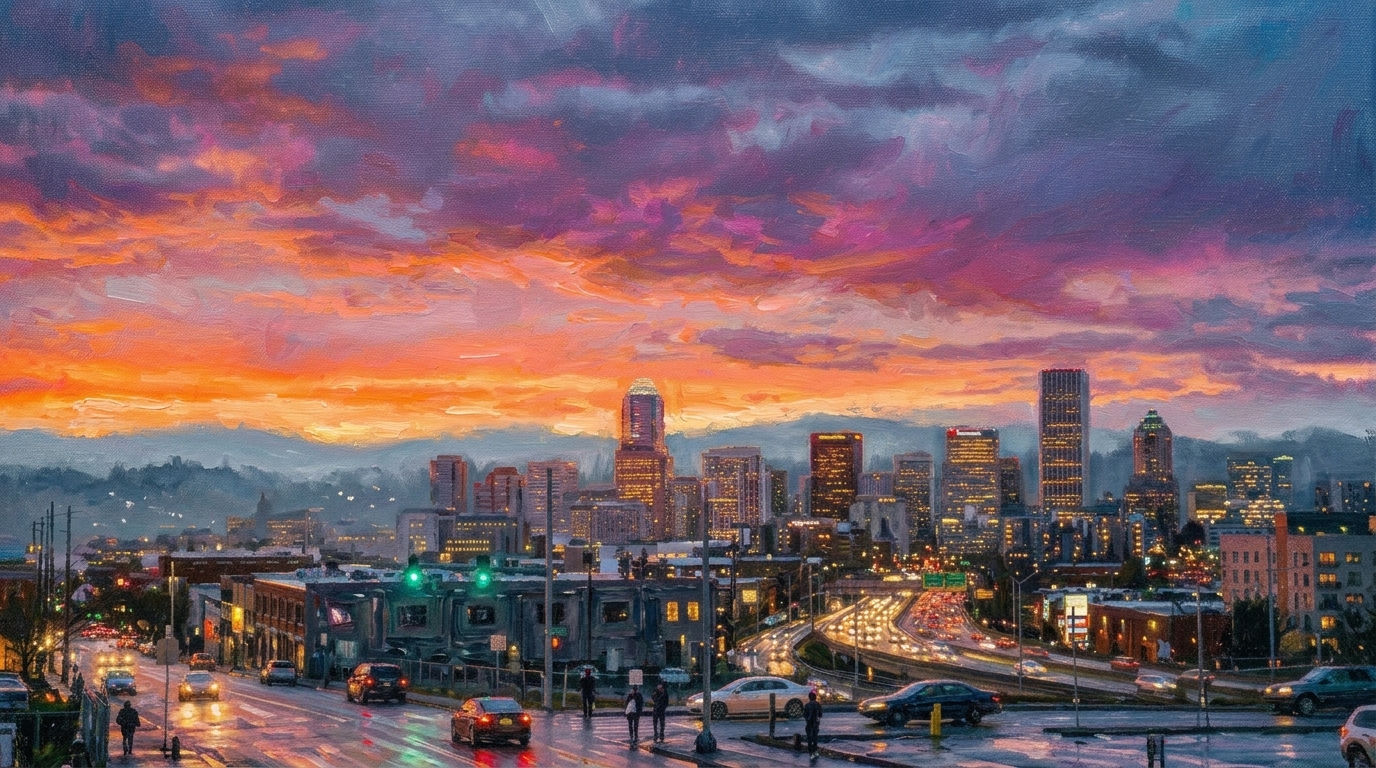
Bring Travel and Landscape Photos into a Monet Style
Scenic photos often work beautifully with our Monet Filter because skies, water, gardens, streets, and architecture all gain a more fluid and painterly look. The tool can turn a photo to Monet inspired artwork while preserving the original setting, making Monet Filter useful for travel albums, wall art concepts, or content that needs a refined artistic mood.
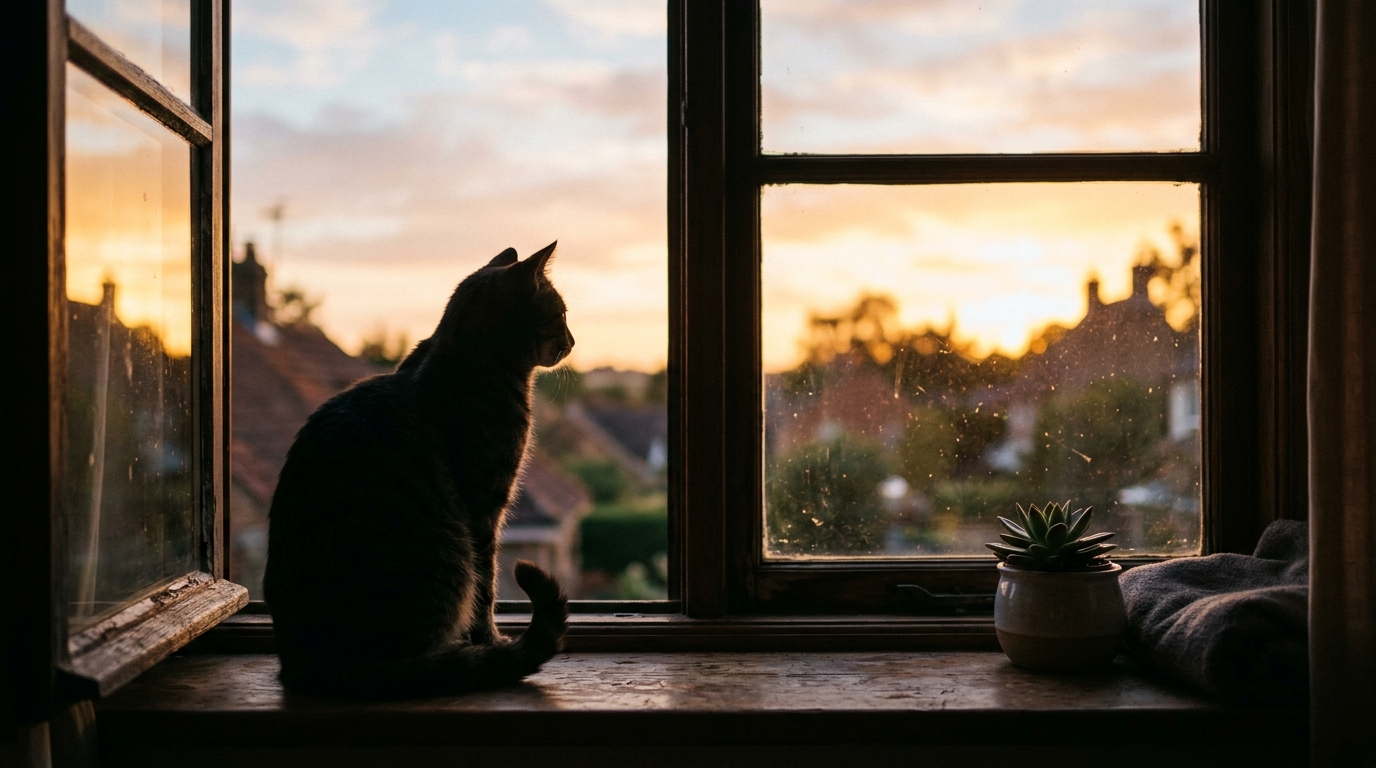
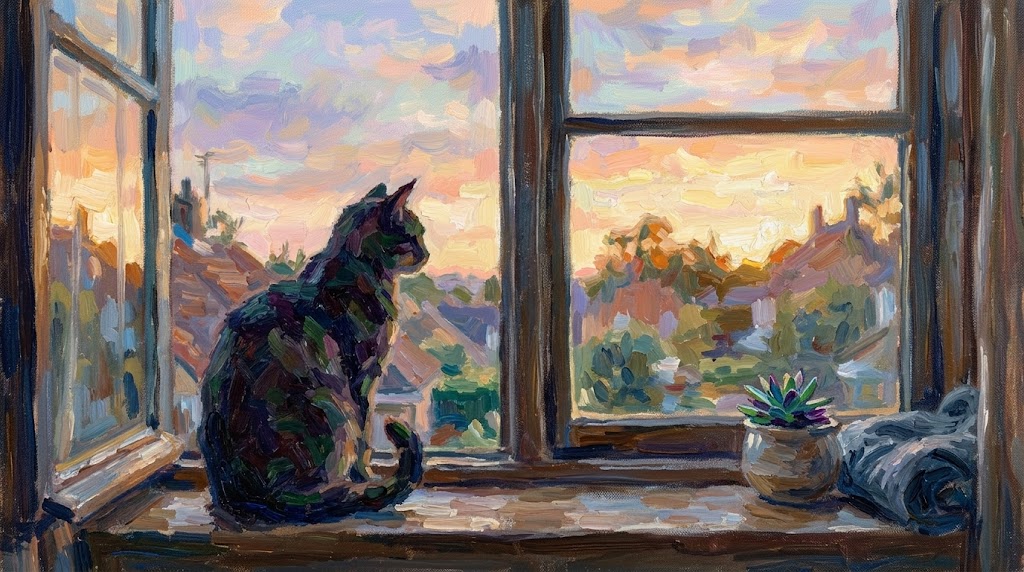
Create More Distinct Social Media Visuals
When regular photos feel too plain, the Monet Filter helps you produce content that stands out without becoming hard to recognize. It adds a Monet style artistic layer that feels expressive but controlled. Monet Filter works well for creator posts, editorial graphics, mood-driven brand visuals, and campaign concepts that need more personality than a standard filter can offer.
Refresh Product and Decorative Images with Artistic Texture
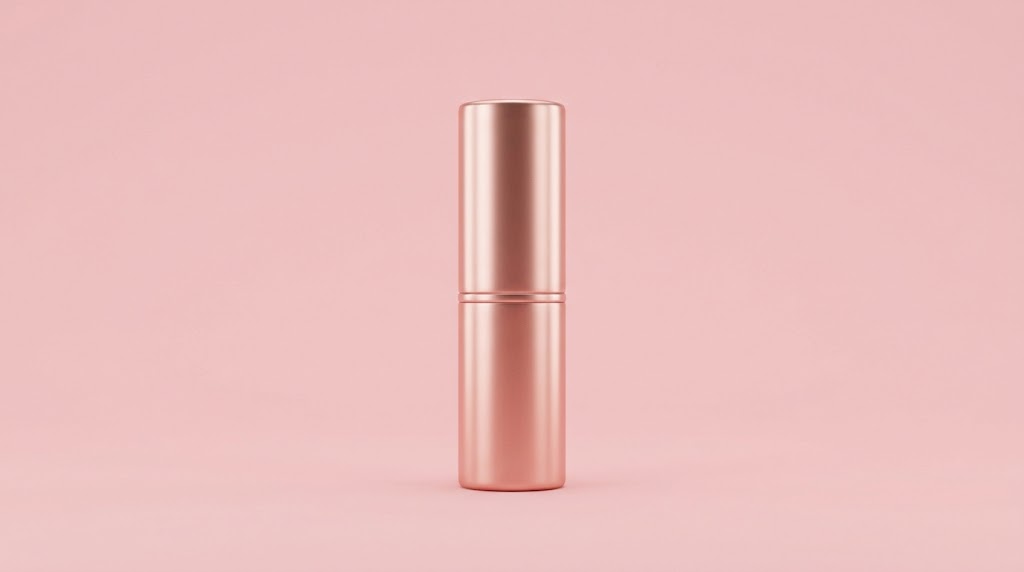
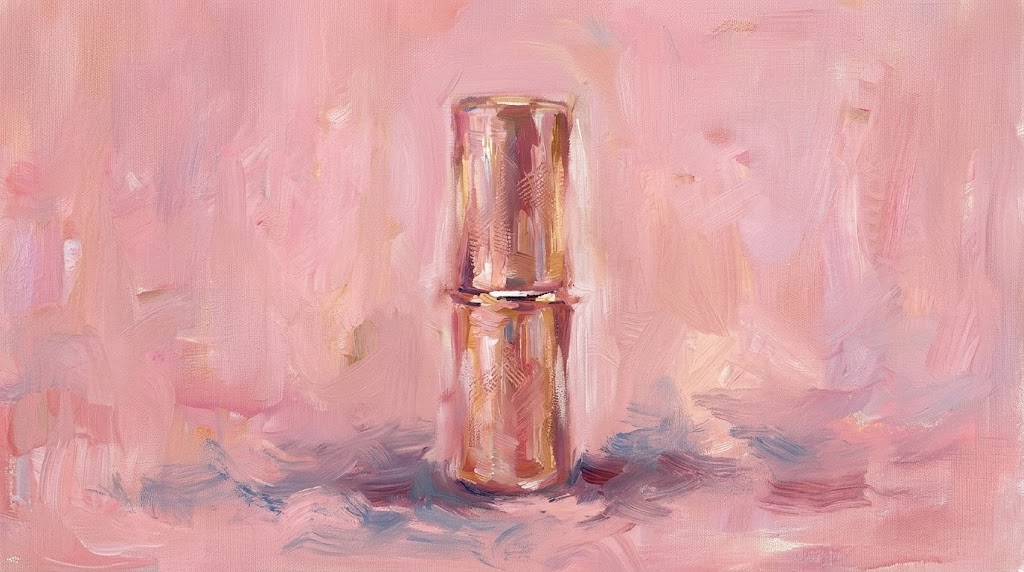
The Monet Filter is also useful for creative product presentation, poster concepts, packaging mockups, and decorative image treatments. Instead of changing the arrangement of objects, Monet Filter reinterprets the scene through a painterly surface and softer color handling. That makes it easier to explore artistic directions while keeping the original product composition intact.
Why Choose Monet Filter
There are many art effects online, but not every Monet Filter produces images that still feel faithful to the original photo. Our approach focuses on preserving content while transforming visual texture, color softness, and overall atmosphere.

Keep the Original Scene Recognizable
A strong Monet Filter should not replace your image with a different scene. Our tool is designed to preserve the main subject, composition, and visual layout, so the final artwork still feels connected to the original photo. That makes the result more practical for personal memories, creative portfolios, and client-facing visuals.

Create a Painterly Look Without Manual Editing
Traditional painting effects often require multiple editing layers, blending choices, and color adjustments. With our Monet Filter, that process becomes much simpler. You upload, choose size, and generate. The result gives you a photo to Monet transformation that feels artistic and polished without requiring painting skills or complicated software steps.

Useful for Personal and Professional Projects
The Monet Filter works across many visual needs, including gifts, wall art concepts, presentation design, social graphics, portfolio pieces, blog covers, and branded campaigns. Because the tool keeps image content stable while changing the aesthetic treatment, it is flexible enough for both casual users and teams exploring artistic directions.

A Consistent Monet Style Across Different Photos
When you are building a collection of visuals, consistency matters. Our Monet Filter helps multiple photos feel part of the same visual family, even when the original shots come from different scenes or lighting conditions. This is especially useful for themed content sets, creative presentations, digital galleries, and campaign storytelling.

Fast Way to Explore Artistic Directions
Sometimes you do not need a final masterpiece right away. You need options. The Monet Filter gives you a quick way to test how an image behaves under a softer, impressionist treatment. Designers, content creators, and marketers can use it to explore tone, mood, and visual positioning before moving into further editing.

Beginner Friendly but Useful for Experienced Creators
The interface is straightforward enough for first-time users, but the output quality makes the Monet Filter useful for more experienced creators too. Whether you need a fast draft, a polished artistic image, or a new way to reinterpret existing photography, the workflow stays efficient and easy to repeat.
What Users Say About Monet Filter
People use our Monet Filter for very different reasons, but the feedback is similar. From travel creators and photographers to marketers and designers, users value how easily the tool creates a polished Monet style effect.
I used the Monet Filter on a set of travel photos from Kyoto, and the results felt much more thoughtful than a normal art preset. The scenes still looked like my own pictures, but everything gained a softer atmosphere. It was the first time a photo to Monet tool gave me something I actually wanted to print.
I needed campaign visuals that looked artistic without becoming abstract. The Monet Filter helped us keep the original composition while adding a clear Monet style finish. That made approvals easier because the concept felt creative but still on brand and easy for the team to understand.
Most painterly tools overdo the effect and lose facial detail. This Monet Filter was much more balanced. I tested it on portraits and outdoor scenes, and the results stayed recognizable while feeling softer and more refined. It gave my portfolio a fresh look without hours of editing.
I wanted something elegant for a client presentation, not a gimmicky filter. The Monet Filter gave us a practical way to turn reference images into a consistent artistic set. It was fast, easy to repeat, and much more polished than manually layering texture overlays.
I tried the Monet Filter on pet photos and garden images, and it handled both surprisingly well. The colors became more painterly, but the original subjects remained clear. That balance made the images feel charming instead of messy, which is exactly what I wanted for cards and gifts.
For quick creative exploration, this Monet Filter is genuinely useful. I can test multiple visuals, keep the same image structure, and still get a convincing Monet style look. It is now part of my early concept workflow whenever a project needs a softer fine art direction.





FAQs About Monet Filter
These answers cover the most common questions about using a Monet Filter in real creative work.
A Monet Filter is an image effect that transforms a standard photo into artwork inspired by Claude Monet’s soft, impressionist visual language. Instead of simply placing a color wash over the image, a good Monet Filter reinterprets texture, brushlike softness, light transitions, and overall atmosphere while preserving the original scene. In practical use, it helps people turn portraits, landscapes, pets, travel photos, and creative assets into painterly visuals that feel more artistic while still remaining recognizable and usable for sharing, printing, or design work.
The purpose of this Monet Filter is to change the visual style, not the core content of your image. That means the main subject, layout, and composition should stay close to the original photo while the surface treatment becomes softer and more painterly. If you upload a portrait, the person should still be identifiable. If you upload a landscape or product image, the main shapes and scene arrangement should remain intact. The transformation focuses on artistic reinterpretation rather than replacing the scene with something unrelated.
This Monet Filter is useful for a wide range of users, including casual photo editors, social media creators, photographers, art enthusiasts, designers, marketers, and anyone who wants an image to feel more expressive. It works well for turning a photo to Monet inspired artwork for gifts, mood boards, posters, content design, blog graphics, presentations, and visual experiments. Because the workflow of Monet Filter is simple, beginners can use it easily, while more advanced creators can use it as a fast concepting tool before deeper editing or final production.
Many types of images can work well with a Monet style treatment, but photos with clear lighting, natural scenery, flowers, water, outdoor environments, portraits, and charming everyday moments often produce especially pleasing results. That said, the Monet Filter can also be effective on pet images, city scenes, decorative objects, and creative product shots. The best results usually come from photos with readable subjects and balanced composition, since the painterly effect builds on the existing image rather than inventing an entirely new structure from nothing.
Yes. One of the most practical uses of the Monet Filter is upgrading ordinary images into more distinctive visuals for social media, blog covers, personal branding, and short-form content. A photo to Monet transformation can help a post feel more memorable and artistic while keeping the original subject easy to understand. This matters because highly abstract effects can reduce clarity, especially on smaller screens. With a balanced Monet Filter, you get stronger visual character without losing the scene people are meant to notice first.
Yes, portraits are one of the most popular uses for the Monet Filter. The tool can soften skin tones, background detail, and lighting transitions to create a more painterly image while keeping the person’s pose and overall appearance recognizable. This makes it useful for profile images, editorial portraits, creative gifts, and personal projects. Results will vary depending on the original photo, but in general, portraits with clear lighting and clean framing translate well into a Monet style while still feeling natural and identifiable.
A basic painting filter often applies a generic effect across the image without much sensitivity to composition, atmosphere, or subject clarity. A better Monet Filter aims for a more refined transformation by shifting texture, color softness, and overall mood in a way that feels closer to impressionist artwork. Monet Filter also tries to preserve what matters in the original image, rather than flattening everything into the same effect. In practice, that usually means a more coherent result for portraits, landscapes, travel shots, and carefully composed creative images.
The Monet Filter can be useful in creative and commercial workflows when you need concept images, mood visuals, social graphics, decorative assets, or a softer artistic presentation style. Designers and marketers often need fast visual exploration before deciding on a final direction, and this kind of tool can help with that stage. Monet Filter is especially practical when you want to keep the original content visible but shift the emotional tone. Final usage rights still depend on your source image ownership and your project requirements.
No. The Monet Filter is designed to be approachable for users who have little or no editing background. You upload the image, select the output size, and generate the result. That makes it much easier than building a painterly look manually through multiple software adjustments. At the same time, the tool is not limited to beginners. Experienced creators can use the Monet Filter to speed up ideation, generate art-inspired variations, or create a fast first pass before moving into more customized editing elsewhere.
People often choose a photo to Monet transformation because it changes the emotional tone of an image without erasing the memory or meaning behind it. A regular photo can feel familiar but ordinary, while a Monet style interpretation makes it softer, more atmospheric, and more expressive. That combination works well for gifts, travel memories, creative branding, visual storytelling, and personal art projects. Monet Filter gives the image a fine art direction that feels warm and distinctive, while still allowing viewers to recognize the original moment.
Try the Monet Filter on Your Own Images
Upload a photo, choose your size, and let our Monet Filter turn familiar images into painterly artwork with a soft Monet style atmosphere. It is a simple way to create more artistic visuals while keeping the original content, framing, and subject matter clear.
