
More AI Image Generators
Explore our collection of specialized AI image generators designed for different creative needs and styles



















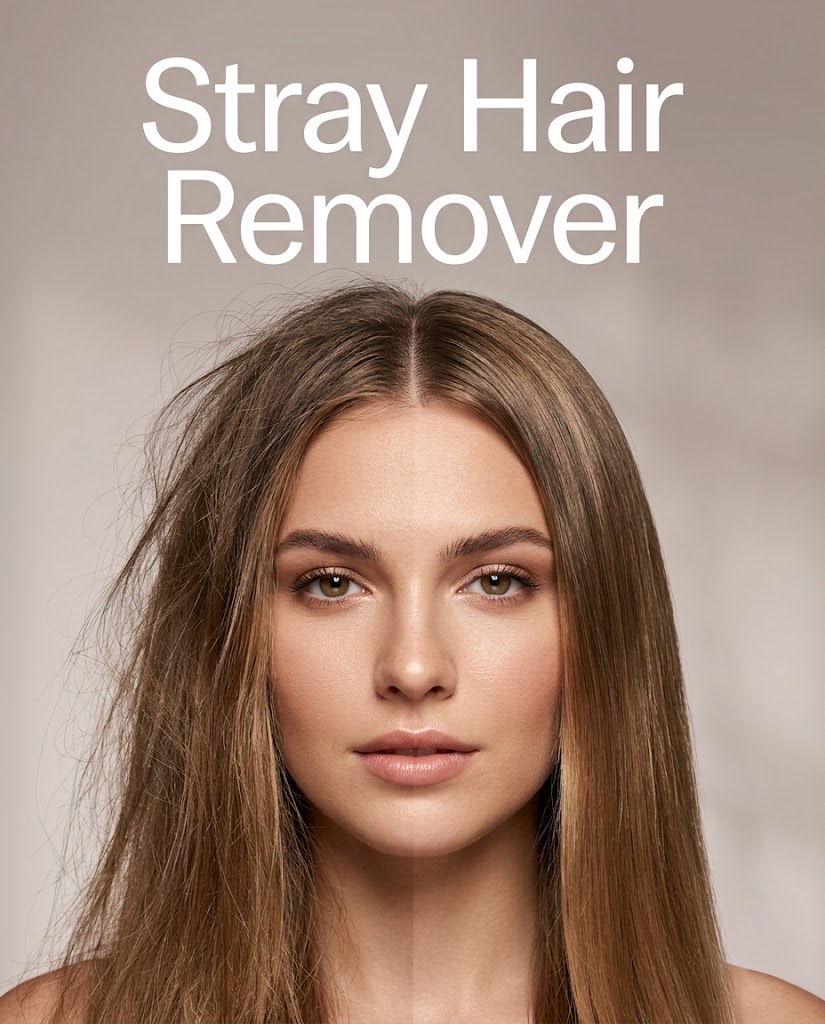
Remove Flyaway Hair with Stray Hair Remover
Stray Hair Remover helps smooth hair shape while preserving facial details, lighting, and the original mood of the image.
Get cleaner, more polished portraits with Stray Hair Remover. Upload a photo, choose an image size, and let the tool remove distracting loose strands around the face, hairline, and shoulders. Stray Hair Remover also improves overall neatness by making hair look smoother, softer, and more refined without changing identity, pose, or scene.
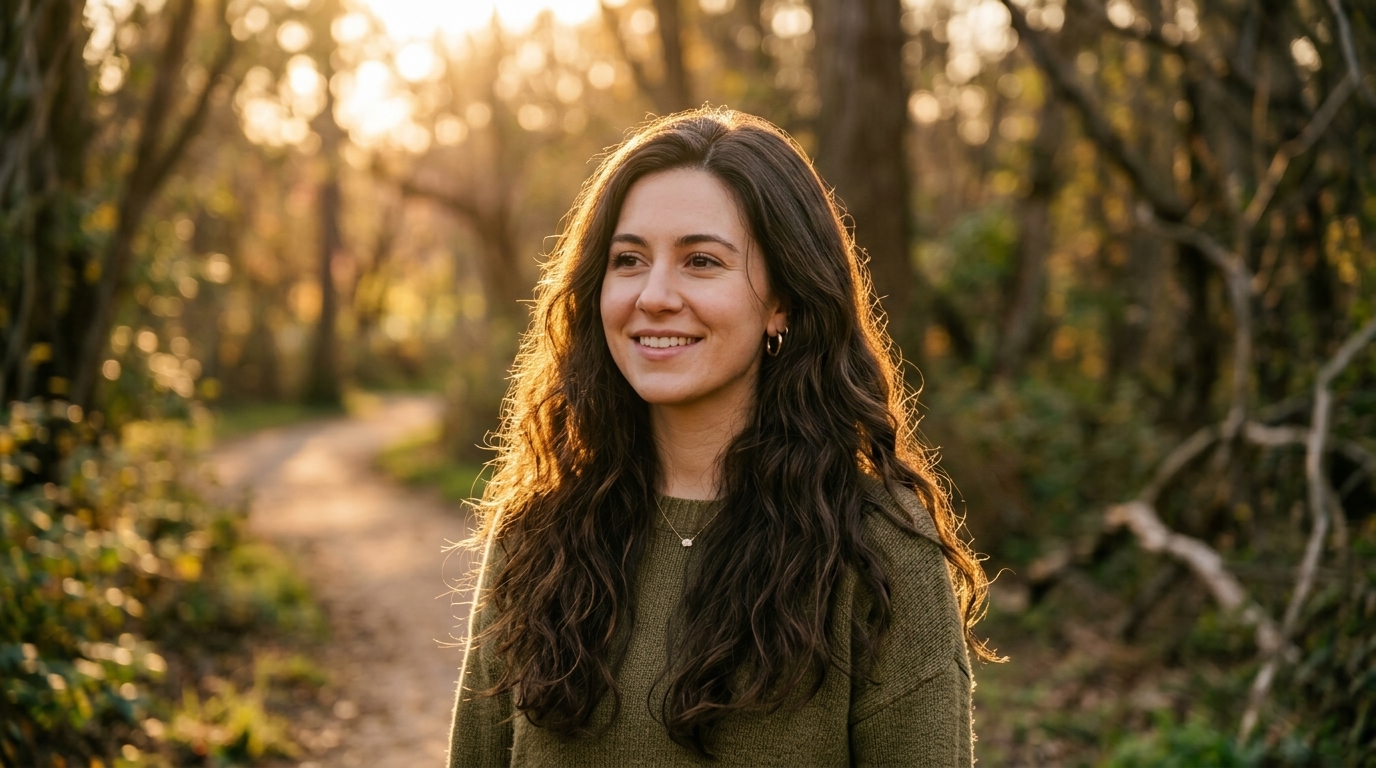
How to Use Stray Hair Remover
Using Stray Hair Remover is simple. Upload a portrait, select image size, and let the tool clean up loose strands while improving overall smoothness. The workflow is quick, beginner-friendly, and suitable for anyone who wants a neater hair.

Upload Your Portrait
Start by uploading the image you want to refine. Stray Hair Remover works well for portraits, close-up beauty shots, wedding photos, studio images, and casual selfies. If you want to remove flyaway hair around the forehead, cheeks, neckline, or shoulders, simply choose a clear source image and begin.

Choose Image Size and Process
Select your preferred image size, then run Stray Hair Remover. The tool detects loose strands and uneven hair edges, cleans them up, and enhances the overall finish with a smoother, healthier-looking result. This Hair Remover AI is designed to improve polish while keeping the original structure of the hairstyle intact.

Preview and Download
Review the refined image and download it when you are happy with the result. Stray Hair Remover helps remove visual distractions without making hair look stiff or artificial. It is an efficient way to remove flyaway hair and prepare photos for personal sharing, professional delivery, or online publishing.
Best AI Image Tools for Creative Projects
Explore creative tools for image, learn tips and tricks, and see how AI can be your assistant in turning concepts into finished projects.

Features of Stray Hair Remover
Stray Hair Remover is built for portrait cleanup that feels subtle and usable. It removes small distractions, improves hair smoothness, and helps images look more complete. From beauty photos to headshots, Stray Hair Remover supports cleaner results without requiring advanced editing skills or long retouching sessions.
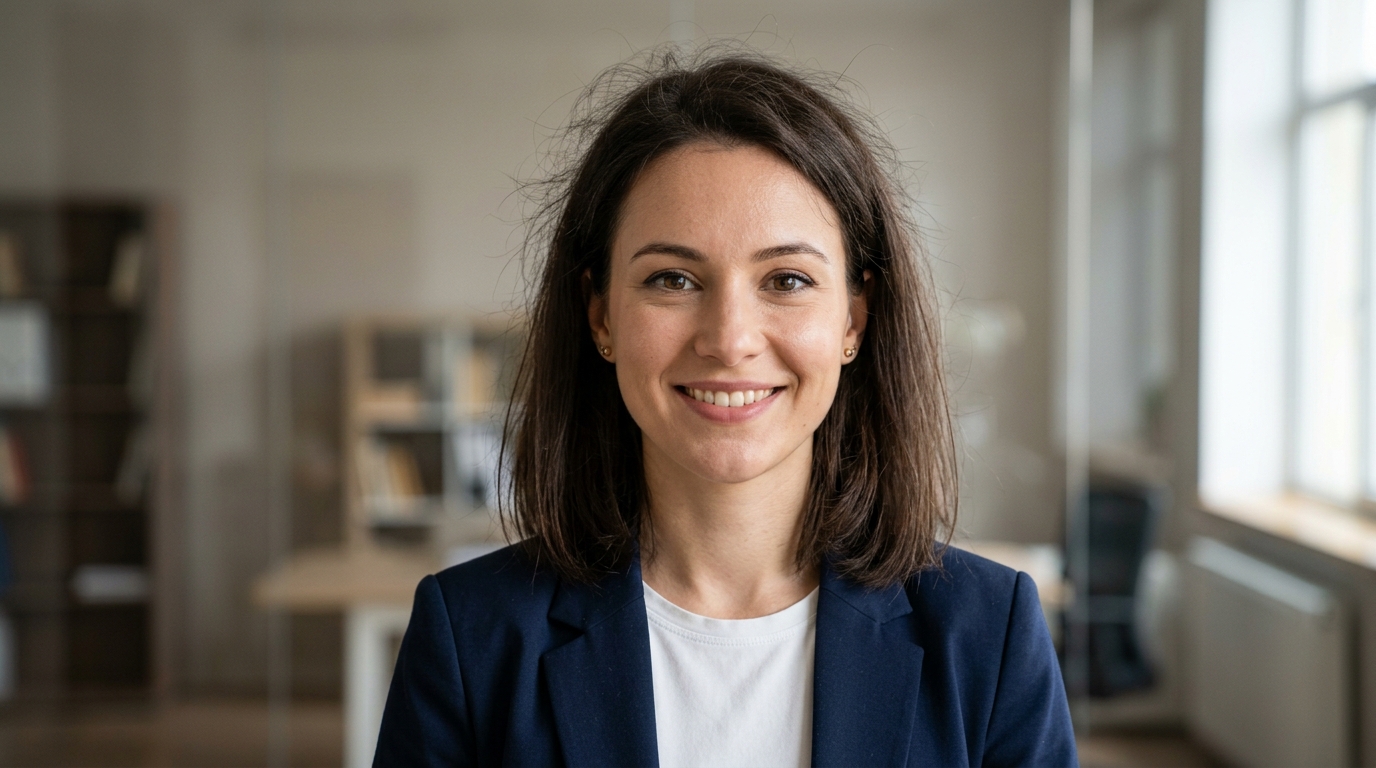
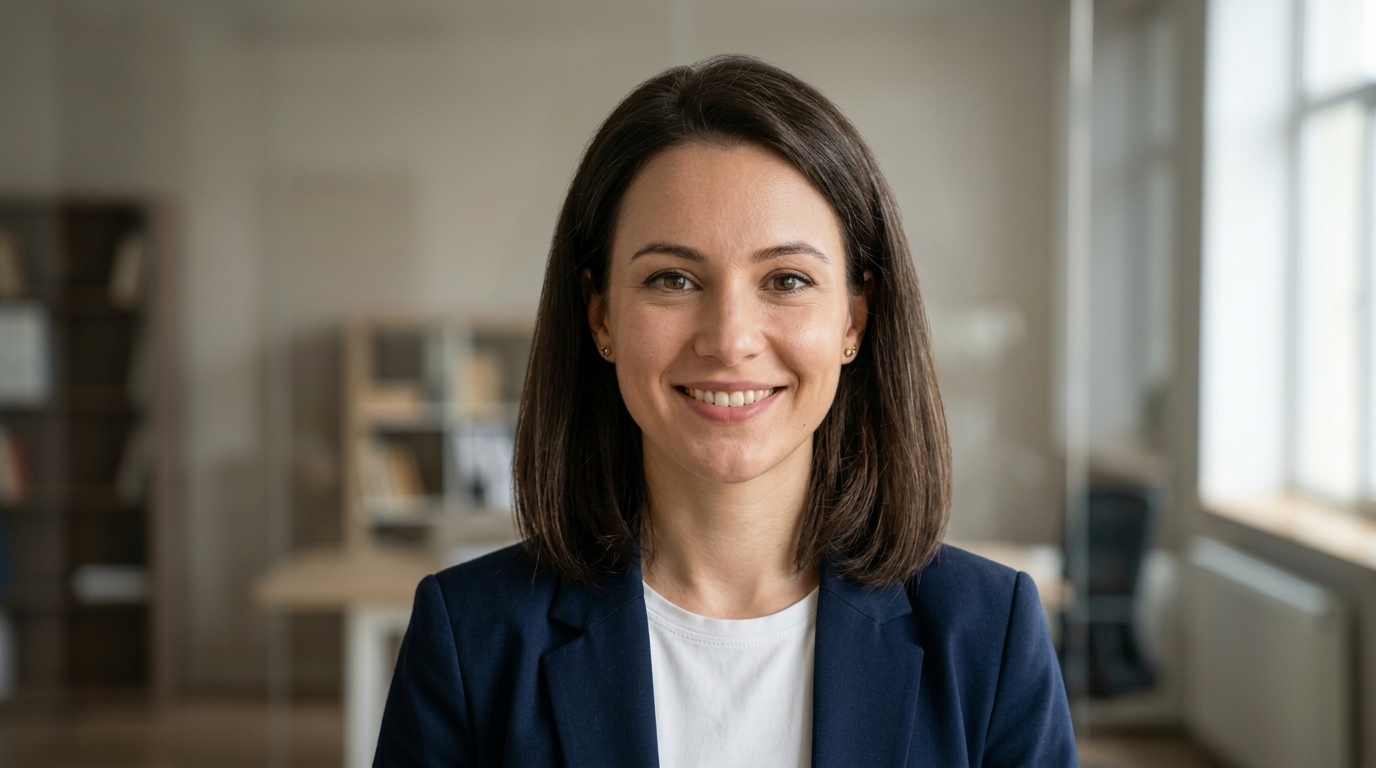
Refine Portrait Hairlines Naturally
- Stray Hair Remover helps clean up tiny strands around the forehead, temples, cheeks, and neckline for a more polished portrait.
- The AI Stray Hair Remover keeps the hairstyle recognizable while softening messy edges.
- If you need a cleaner first impression for professional or personal portraits, Hair Remover AI offers a fast editing shortcut.
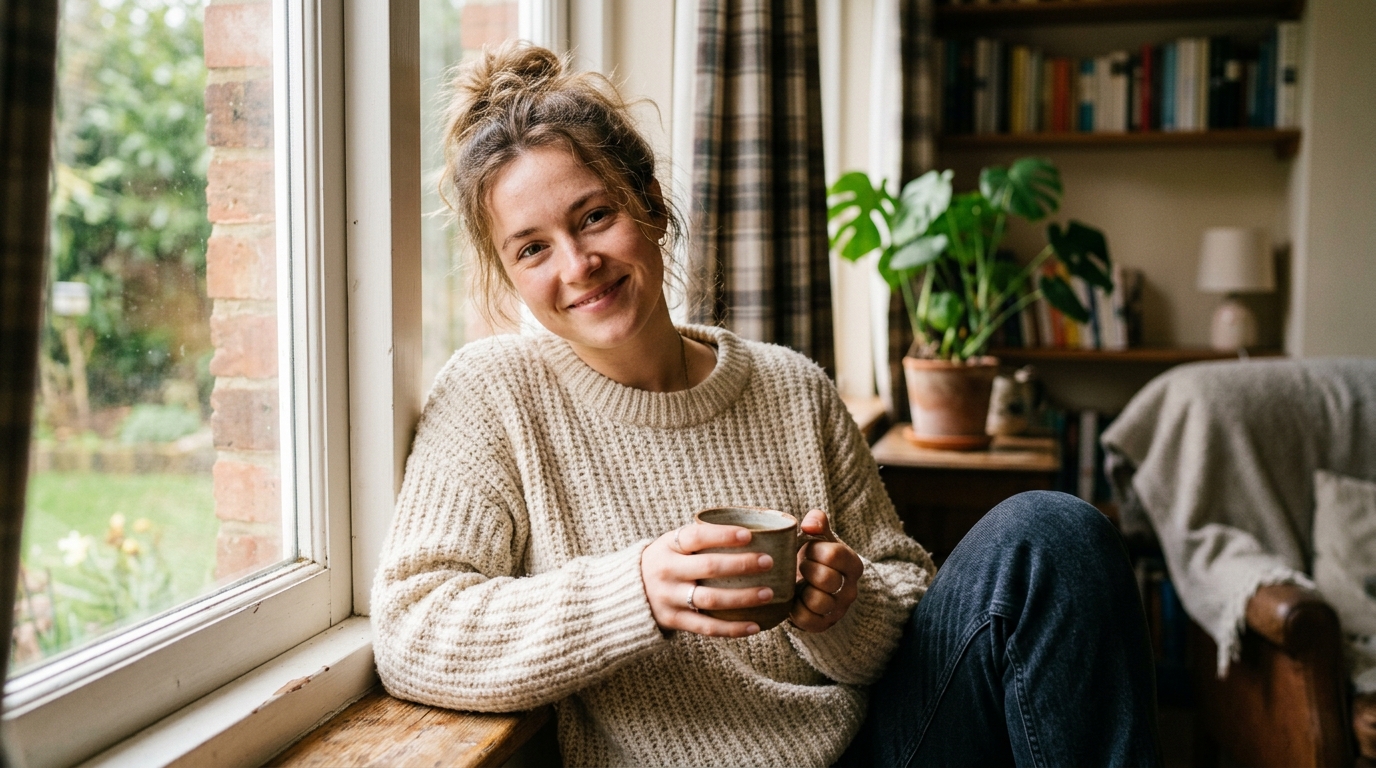
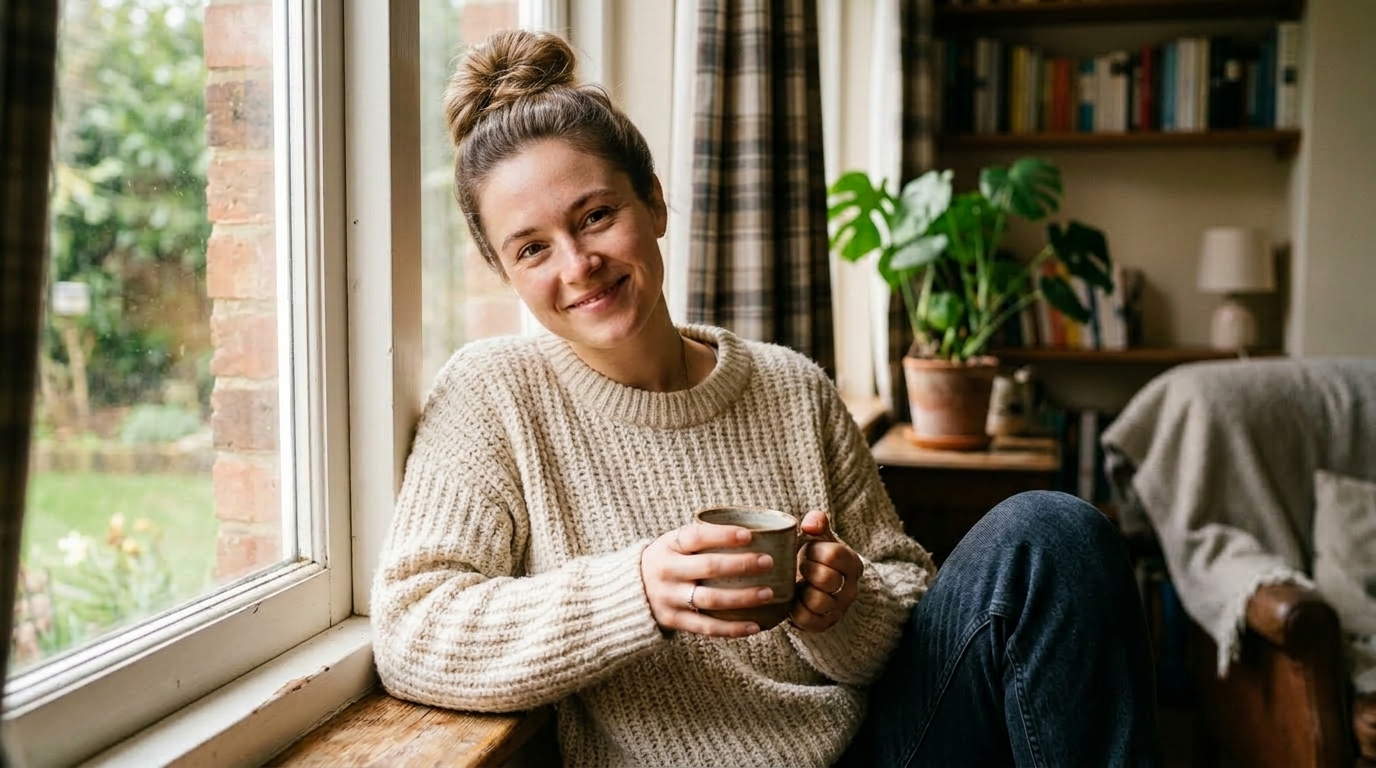
Improve Wedding and Event Photos
- Stray Hair Remover helps tidy those details without changing expressions, lighting, or dress textures.
- It is a practical way to remove flyaway hair from bridal portraits, couple images, and formal celebration photos.
- Stray Hair Remover can make the finished gallery feel more consistent and professionally retouched.
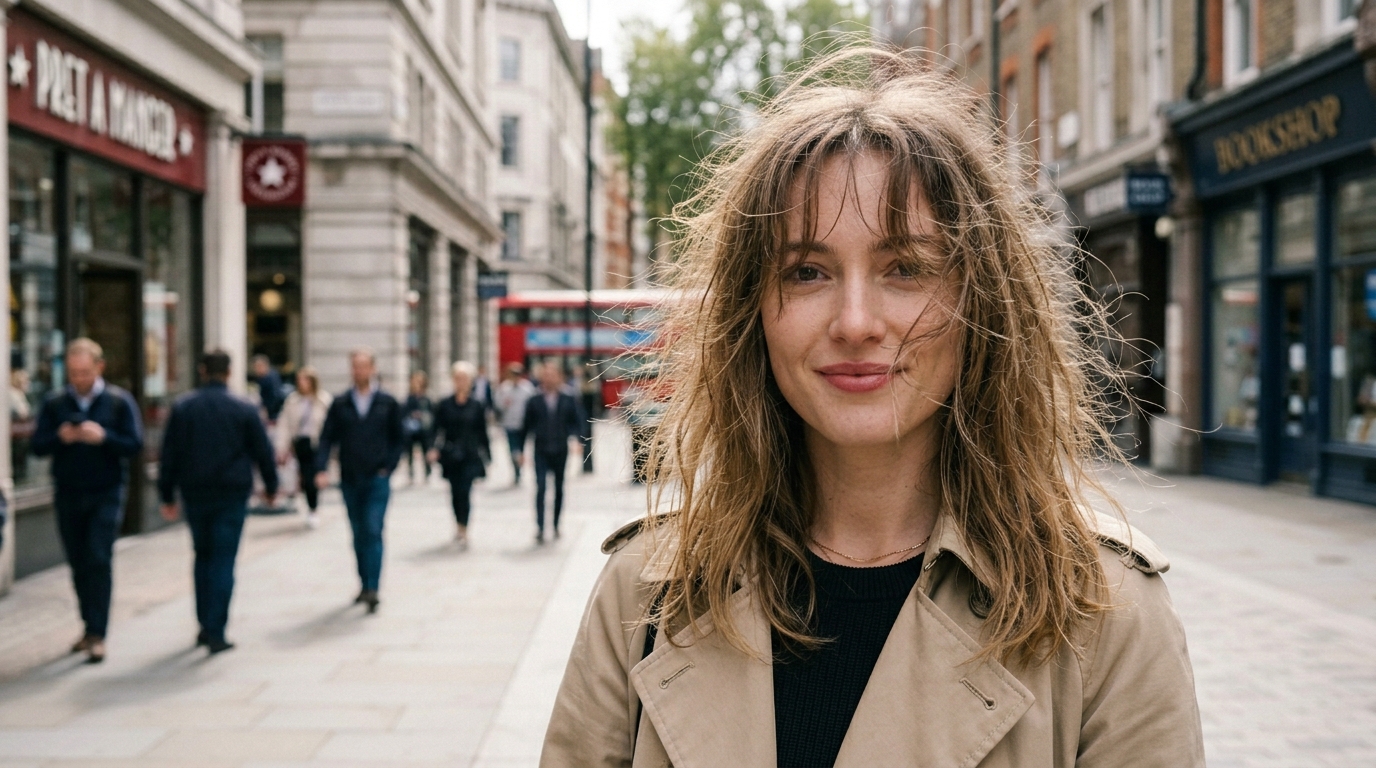
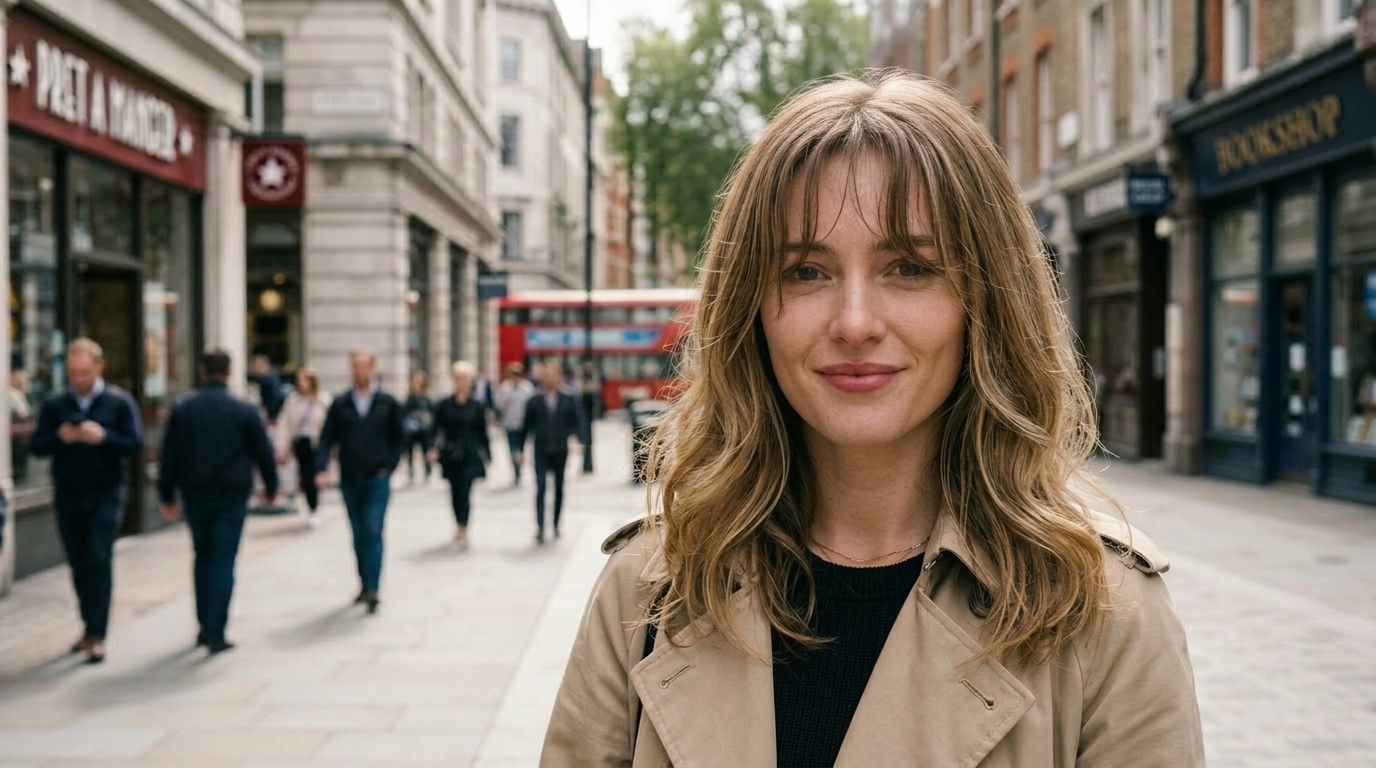
Create Better Beauty and Hair Content
- Stray Hair Remover makes hair edges smoother and can add a more glossy, well-groomed appearance.
- Many creators use Hair Remover AI to prepare hero images, tutorials, and close-up social posts.
- It helps remove flyaway hair while keeping skin texture, styling, and facial identity unchanged.
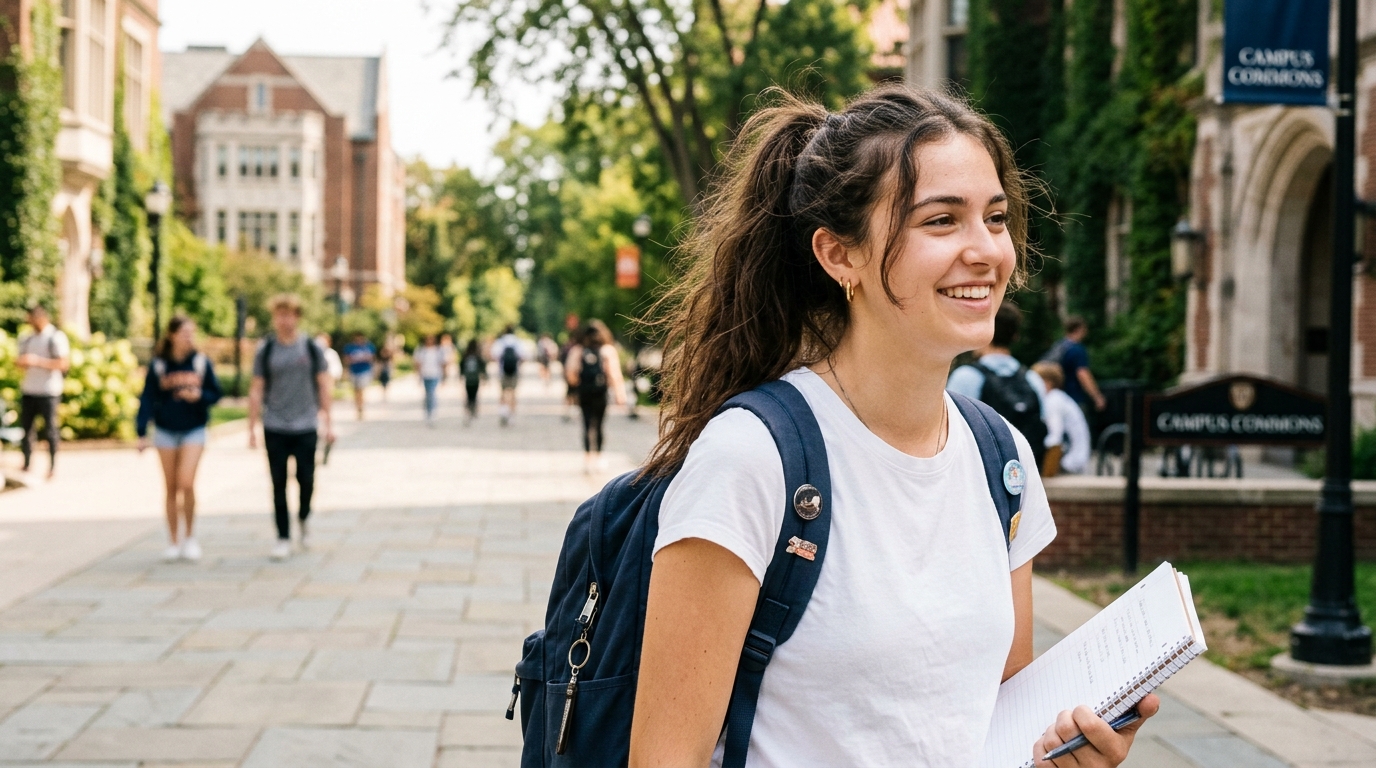
Upgrade Headshots and Profile Images
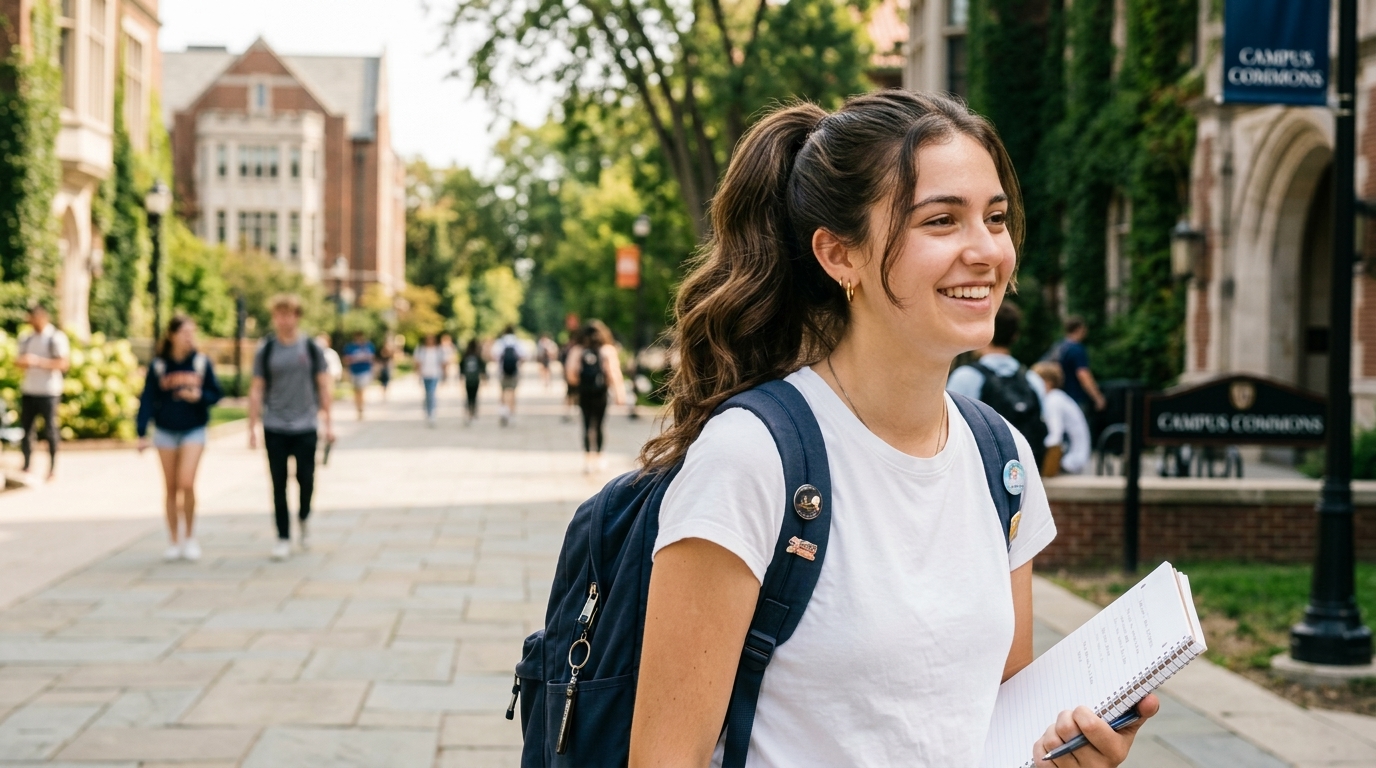
- Stray Hair Remover is useful for LinkedIn photos, company profiles, audition headshots, and creator branding images.
- The tool helps remove flyaway hair around the face and shoulders while preserving a natural look.
- For users who want a clean result without manual brushwork, Hair Remover AI offers an easy and consistent option.
Why Choose Stray Hair Remover
Stray Hair Remover focuses on one of the most common portrait distractions: loose, messy strands that pull attention away from the subject. Stray Hair Remover offers a practical balance of cleanup and visual refinement, helping users create images that look neat, natural.

Clean Up Windblown Hair in Outdoor Portraits
Outdoor portraits often look great overall but still suffer from random strands caused by wind and movement. Stray Hair Remover helps tidy those areas around the face, hairline, and shoulders so the image feels cleaner. If you frequently remove flyaway hair from travel, lifestyle, or engagement photos, this tool is especially useful.

Make Studio Portraits Look More Finished
Even in controlled lighting, small loose strands can stand out under high resolution. Stray Hair Remover refines those details and supports a smoother, more polished presentation. Hair Remover AI is a practical fit for photographers, retouchers, and creators who want a quicker final pass before delivery.

Prepare Beauty Images for Campaigns
Close-up images used in beauty marketing need strong visual control. Stray Hair Remover helps improve hair shape and finish, making the portrait look more intentional. When you need to remove flyaway hair without reducing realism, the tool keeps details balanced and presentation-ready.

Fix Selfies Before Posting
A selfie can be almost perfect except for a few distracting strands across the forehead or cheeks. Stray Hair Remover offers a quick way to improve those small issues before sharing. Hair Remover AI helps everyday users get a neater result without opening complicated editing software.

Support Fast Batch Style Workflows
When editing multiple portraits from the same shoot, consistency matters. Stray Hair Remover can help reduce repetitive cleanup work and make a gallery feel more uniform. It is useful for photographers and content teams that want to remove flyaway hair efficiently while keeping the original style of the images.

Add a Smoother, Healthier Hair Finish
Beyond simple cleanup, Stray Hair Remover can improve how hair reads in a photo by making it appear smoother and more controlled. This subtle refinement gives portraits a more finished look. Hair Remover AI is helpful when the goal is not only correction, but also a more flattering visual presentation.
What Users Say About Stray Hair Remover
Users choose Stray Hair Remover when they want portraits to look cleaner without looking heavily edited. From professionals to everyday creators, they use Stray Hair Remover to reduce retouching time, remove flyaway hair, and produce more polished final images.
I shoot personal branding portraits for consultants and founders, and tiny stray strands used to take a surprising amount of time to clean manually. Stray Hair Remover helps me speed up delivery while keeping the photos believable. It is now one of the first tools I use when I need to remove flyaway hair without overediting the final image.
Most headshots only need small corrections, but those details matter. Stray Hair Remover gives me a neat result fast, especially around the temples and collar area. I like that the hairstyle still looks like the person’s real hair. For business photos, this Hair Remover AI makes the overall image feel much more polished.
I create beauty content for social media, so close-up shots need to look tidy but not fake. Stray Hair Remover helps smooth rough edges and clean up loose strands near the face. I use it whenever I want to remove flyaway hair before publishing tutorials, product shots, or profile images.
Wedding galleries can include hundreds of strong photos with just a few distracting hair details. Stray Hair Remover saves time during final cleanup and keeps the couple looking natural. It is especially helpful for windy outdoor ceremonies. The results feel subtle, which is exactly what I want from a portrait editing tool.
I do not enjoy advanced retouching, but I still want my portraits to look finished for portfolio and casting use. Stray Hair Remover is easy to understand and helps me get a cleaner look quickly. This Hair Remover AI works well for improving the shape of hair in close-up shots without making it look stiff.
Our team produces profile photos for a coaching business, and consistency matters across every page. Stray Hair Remover helped us standardize the final look of the portraits. We can remove flyaway hair, improve neatness, and keep the images professional without building a long manual editing process into every update.
FAQs About Stray Hair Remover
These questions cover how Stray Hair Remover works, when to use it, and what kind of results to expect. If you want to remove flyaway hair, improve hair smoothness, or understand where Hair Remover AI fits into a portrait workflow, this section provides practical answers.
Stray Hair Remover is a portrait editing tool designed to clean up loose strands and uneven hair edges in photos. After you upload an image and choose the output size, the tool identifies distracting flyaway hair around the face, hairline, neck, and shoulders, then refines those areas. It can also improve the visual finish of the hairstyle by making hair appear smoother and more controlled. Stray Hair Remover is useful for portraits, beauty images, wedding photos, headshots, and social media content where polished hair detail matters.
Yes. A good result should look like a cleaner version of the original photo, not like a completely redesigned hairstyle. Stray Hair Remover is intended to tidy small distractions while preserving identity, hair shape, lighting, and expression. It focuses on excess loose strands rather than changing the haircut itself. That makes it suitable for professional portraits and personal photos alike. If your goal is to remove flyaway hair while keeping natural texture and believable edges, this workflow is much more practical than aggressive retouching.
Stray Hair Remover is useful for anyone who works with portraits and wants faster cleanup. Photographers can use it during final retouching, content creators can polish social posts, businesses can improve staff headshots, and individuals can refine selfies or profile images. It is especially helpful when the photo is already good but still needs small corrections around the hairline or shoulders. Instead of spending time on manual tools for each strand, users can rely on Hair Remover AI for a quicker and more consistent finishing pass.
Yes, wedding and event photos are a strong use case for Stray Hair Remover. Outdoor conditions, movement, humidity, and long shooting hours often create stray strands that become obvious in close-up portraits. The tool helps tidy those details while keeping the mood, clothing, and lighting of the original image intact. It is particularly useful for bridal portraits, couple photos, and formal event galleries where the final presentation should feel polished. Many users apply Stray Hair Remover as part of the last cleanup step before delivery.
Stray Hair Remover does more than simply delete random strands. It is also intended to improve the overall appearance of the hairstyle by making hair look smoother, softer, and more visually controlled. That means the edited result can feel cleaner and more flattering even when the changes are subtle. Users who want to remove flyaway hair often also want a more finished portrait, and that is where this tool becomes especially useful. The goal is not dramatic transformation, but a neat, refined presentation.
Yes. Stray Hair Remover is not limited to studio or client photography. It also works well for selfies, lifestyle photos, travel portraits, and everyday images that need a little extra polish. Loose strands across the forehead, cheeks, or neckline can make a casual photo look more chaotic than intended. This tool offers a simple way to clean that up without requiring advanced editing knowledge. For everyday users, Stray Hair Remover is a practical option when they want a neater result before posting or sharing.
Stray Hair Remover is a good choice when speed, consistency, and ease of use matter more than highly detailed hand editing. Manual retouching can work well, but it often becomes slow and repetitive, especially across many portraits from the same shoot. Hair Remover AI helps streamline that process by handling common cleanup tasks automatically. It is useful for first-pass editing, quick delivery timelines, or users who do not want to learn advanced retouching tools. For many workflows, it reduces effort while still producing a polished result.
Yes, close-up beauty shots are one of the most relevant use cases. Small stray strands become very noticeable in high-detail images, especially when the focus is on makeup, skin, or hair styling. Stray Hair Remover helps remove flyaway hair in those sensitive areas while preserving facial features and overall realism. That makes it useful for creators, makeup artists, hairstylists, and beauty brands that need cleaner presentation. Instead of distracting from the subject, the hair looks more controlled and supports the overall visual message.
The intended purpose of Stray Hair Remover is to focus on unwanted loose strands and improve hair neatness, not to alter the full image. In a normal workflow, the subject’s identity, face, pose, background, and lighting should remain consistent with the original. That is important for portraits where authenticity matters. The tool is best used as a targeted enhancement rather than a complete makeover effect. Users who want to remove flyaway hair generally want a cleaner version of the same photo, and that is the editing goal here.
Because stray hair is one of the most common small issues in portrait photography. A strong image can still feel unfinished when random strands cross the face or break the outline of the hairstyle. Stray Hair Remover addresses that exact problem quickly, which makes it valuable for creators, photographers, marketers, and everyday users. It saves manual cleanup time, improves consistency across image sets, and supports a more polished final result. For teams producing many portraits, Stray Hair Remover is an efficient quality-improvement step.
Clean Up Portrait Details with Stray Hair Remover
Use Stray Hair Remover to remove flyaway hair, smooth messy edges, and give portraits a more polished finish. Whether you are editing one selfie or a full client gallery, Stray Hair Remover helps produce cleaner, more refined images with less effort.
