
More AI Image Generators
Explore our collection of specialized AI image generators designed for different creative needs and styles
























Change Photo Background with White Background Editor
Use White Background Editor to turn busy, distracting, or uneven backdrops into a clean white setting.
White Background Editor helps you create neat, professional-looking images in just a few steps. Whether you need catalog photos, profile pictures, handmade product shots, or social media visuals, this White Background Editor gives you a simple way to standardize images without learning complex editing software.

How to Use White Background Editor
The White Background Editor is designed for people who need clean visuals without spending time on manual masking. The workflow is simple: upload, select image size, generate, and save.

Upload Your Photo
Start by uploading any image you want to clean up. The White Background Editor works well for product photos, portraits, pet pictures, accessories, beauty shots, and simple still-life images. If you want to change photo background to white for store listings or profile use, this first step takes only a moment.

Choose Image Size
Select the image ratio that matches your goal before processing. This helps the White Background Editor prepare a result that fits ecommerce marketplaces, website banners, social posts, or portrait layouts. A good size choice makes it easier to add white background to photo files that need consistent dimensions.

Generate and Download
Click generate and let the White Background Editor create a fresh result with a white backdrop. Review the output, check the subject edges, and download the image when it looks right. The White Background Editor is built to simplify repetitive editing work and speed up day-to-day content production.
Best AI Image Tools for Creative Projects
Explore creative tools for image, learn tips and tricks, and see how AI can be your assistant in turning concepts into finished projects.









Features of White Background Editor
The White Background Editor is built for practical editing needs, not complicated workflows. Whether you need a White Background Changer for one image or many, the core benefit is simple: a faster route to cleaner, more usable image assets.
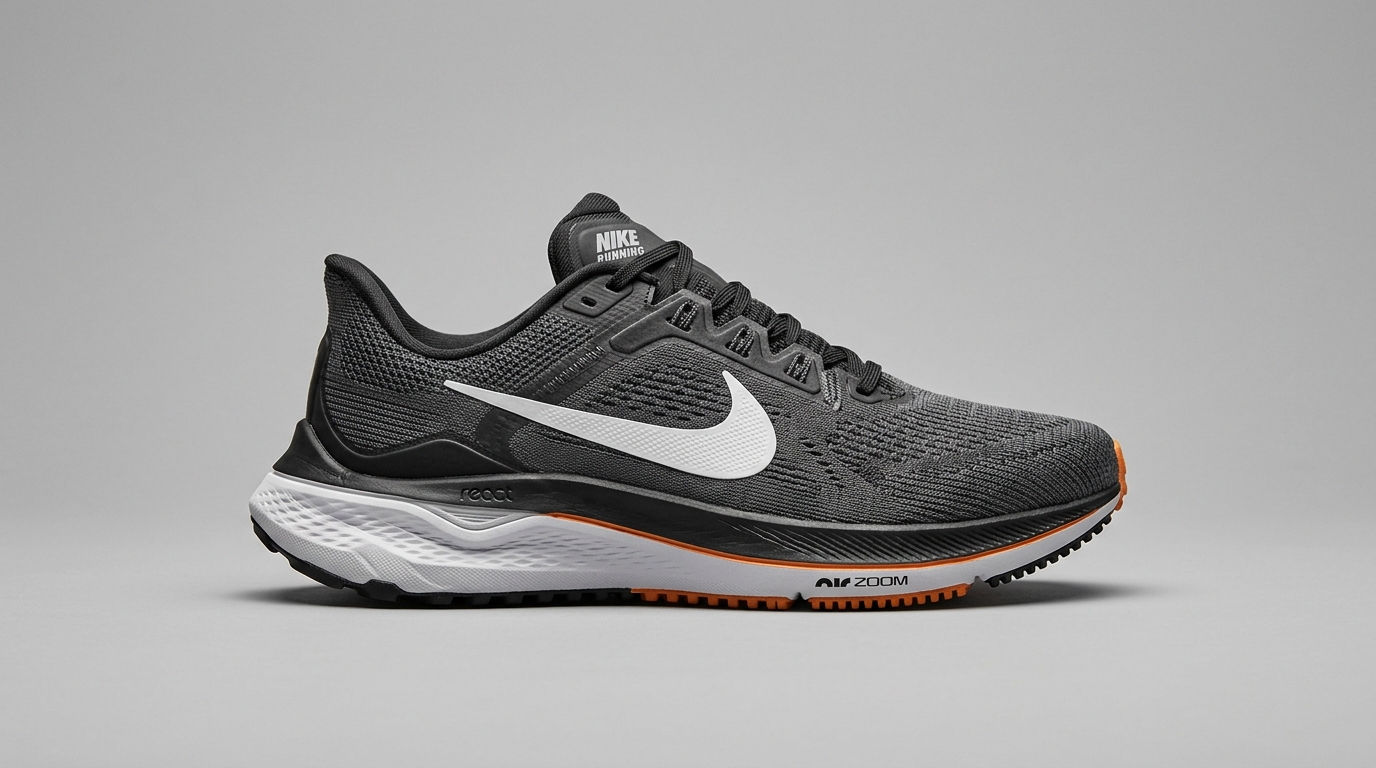
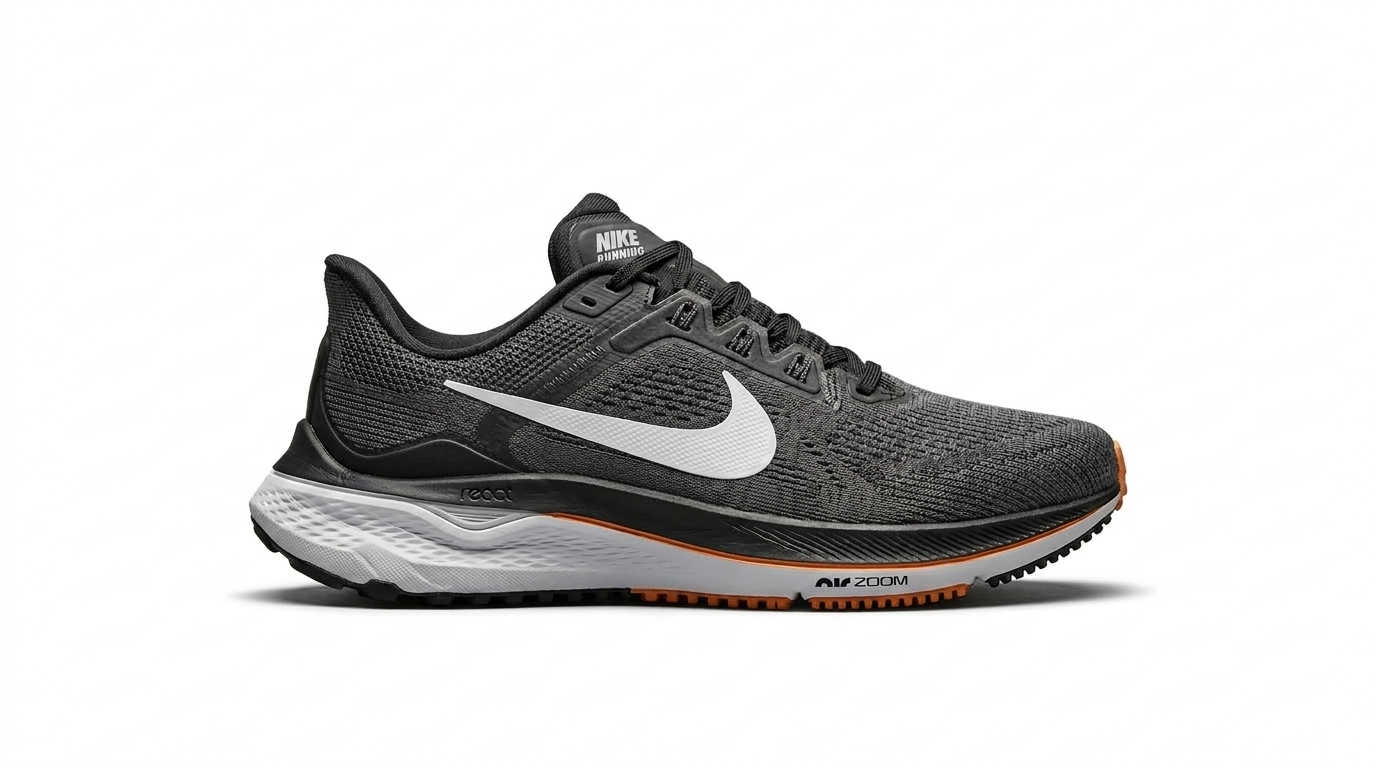
Clean Product Listings for Ecommerce
The White Background Editor is especially useful for ecommerce sellers who need a more uniform catalog. It removes visual clutter and gives products a cleaner presentation for marketplaces, landing pages, and paid ads. When you need to add white background to photo assets for beauty items, electronics, fashion, or handmade goods, a white backdrop helps the product shape stand out more clearly.


Better Portraits and Profile Images
A messy room, uneven wall, or busy outdoor setting can distract from a portrait. The White Background Editor helps simplify the frame and keep attention on the face, clothing, or pose. For resumes, team pages, speaker bios, and profile photos, this White Background Editor makes it easier to create a more polished and consistent visual identity.
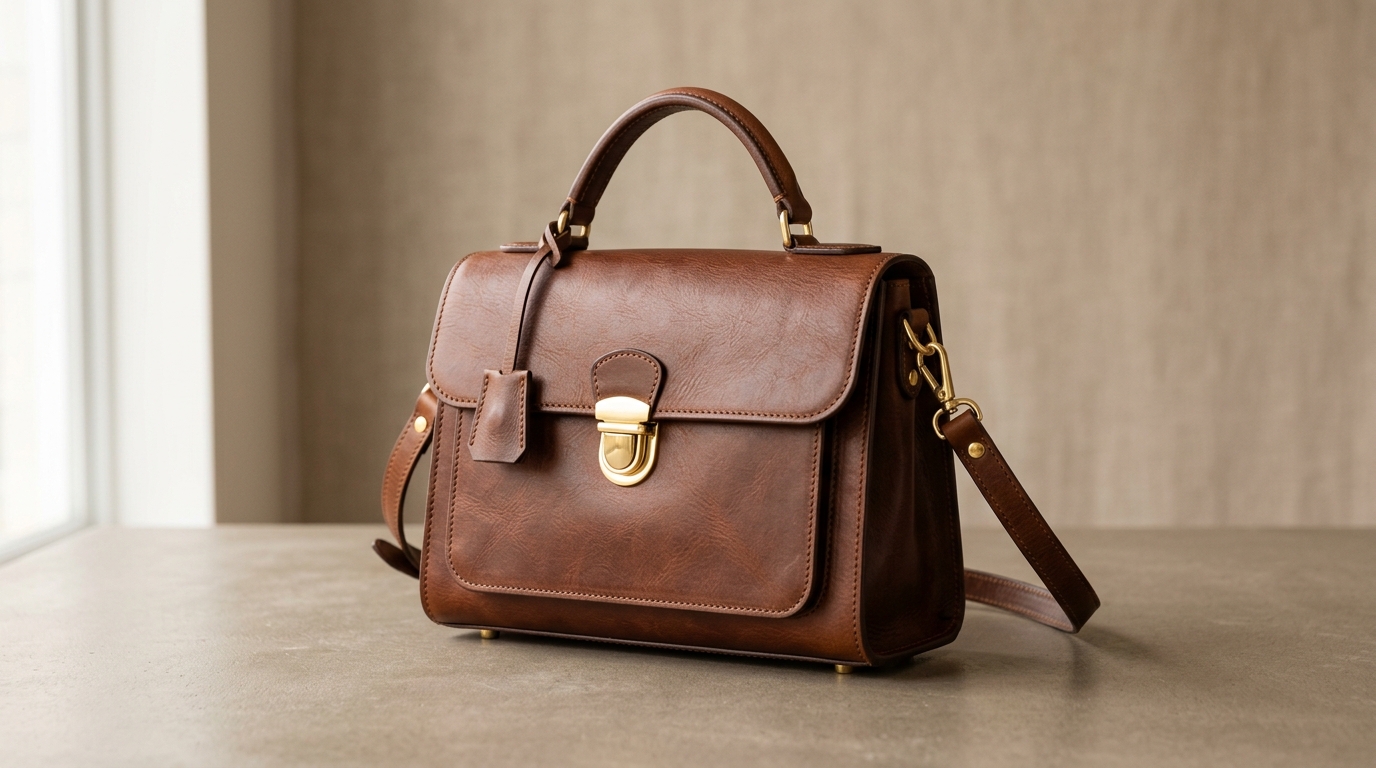
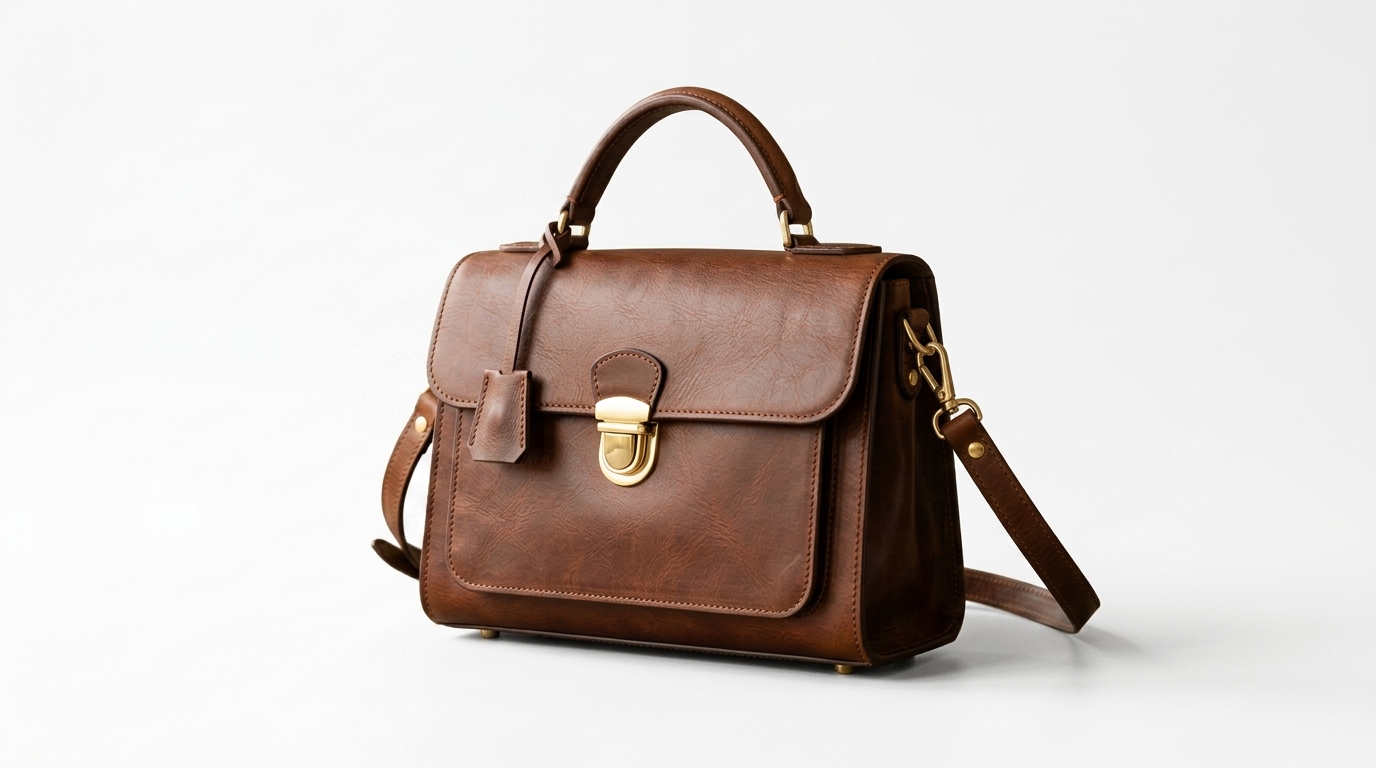
Fast Content Cleanup for Marketing Teams
Marketing teams often work with images from many sources, and those files rarely look consistent at first. The White Background Editor helps standardize visuals for newsletters, banners, product highlights, and campaign pages. If your team needs to change photo background to white across multiple asset types, this tool reduces friction and keeps output more uniform from one image to the next.


Useful for Handmade and Small Business Shops
Small business owners often shoot photos at home with limited lighting and mixed backgrounds. The White Background Editor gives those images a cleaner starting point without requiring a studio setup. As a White Background Editor for everyday selling, it helps mugs, candles, jewelry, stationery, baked goods, and gift products look more presentable online.
Why Choose White Background Editor
There are many situations where a simple white backdrop improves how an image performs. Our White Background Editor focuses on speed, clarity, and everyday usability.

Create a More Professional First Impression
A white background often makes an image look more intentional and easier to scan. The White Background Editor helps reduce distractions so the subject becomes the focus. For product listings, profile photos, and service pages, that cleaner presentation can make the overall page look more organized and trustworthy.

Save Time on Repetitive Editing
Manual background cleanup can take far longer than people expect, especially when you have many images to prepare. The White Background Editor speeds up that routine work. Instead of spending time on complex selections, you can process photos more quickly and keep your editing workflow moving without getting stuck on one simple task.

Improve Consistency Across Image Sets
When images come from different devices, rooms, or lighting conditions, they usually look mismatched together. The White Background Editor helps unify them under a cleaner visual standard. That is useful for catalog pages, team headshots, comparison charts, and branded content where consistency matters as much as individual image quality.

Make Cropping and Layout Easier
A simple white backdrop gives designers and marketers more flexibility when placing images into layouts. The White Background Editor creates results that are easier to use in banners, cards, product blocks, and email sections. Clean edges and neutral space make downstream design decisions faster and less frustrating.

Useful for Many Subject Types
The White Background Editor is not limited to one category. It can support product images, simple portraits, pet photos, beauty shots, accessories, packaging, food items, and other clear subjects. That flexibility makes it a practical White Background Editor for people who create content for several channels at once.

No Need for Advanced Editing Skills
Not everyone wants to learn a full design suite just to make one clean image. The White Background Editor keeps the process approachable. If your goal is simply to change photo background to white and move on to the next task, a straightforward tool is often the better fit than a complex manual workflow.
What Users Say About White Background Editor
People use the White Background Editor for very practical reasons: cleaner listings, faster content prep, and simpler image workflows. These examples show how a White Background Editor can support everyday business and creative tasks without forcing users into a heavy editing process.
I run a small skincare shop and used to spend too much time fixing product images one by one. This White Background Editor made my catalog look cleaner in a much shorter time. My jars and bottles now feel more consistent across listings, and the overall store page looks more organized.
We needed simple, clean profile images for our team page, and the White Background Editor helped us standardize photos from different employees. Some images were taken at home, some in the office, but the results now look like they belong on the same website instead of coming from different places.
I sell handmade candles online, and presentation matters more than people think. This White Background Editor helped me clean up shots that originally had distracting tabletops and shadows. It gave my products a more polished look without making the process feel technical or slow.
As a freelance marketer, I often receive image files from different clients with inconsistent backgrounds. The White Background Editor helps me bring those assets into a cleaner format before using them in landing pages and email banners. It saves time and reduces back-and-forth over simple image fixes.
I wanted to add white background to photo sets for a small jewelry launch, but I did not want to learn complicated masking. This tool was much easier than expected. It helped me prepare cleaner product images for both my website and social content without slowing down the launch schedule.
The White Background Editor worked well for quick content cleanup when we were rebuilding our product comparison pages. A white backdrop made the images easier to align and reuse across different page sections. That kind of consistency matters when a site needs to look clear and well maintained.






FAQs About White Background Editor
These questions cover the most common reasons people look for a White Background Editor, from cleaner product listings to portrait cleanup and website consistency.
A White Background Editor replaces the original backdrop in an image with a clean white one while keeping the main subject visible. People commonly use it for ecommerce photos, portraits, resumes, team pages, and product catalogs. The goal is usually to reduce distraction and create a more standardized visual style. If you need cleaner images for listings or marketing pages, a White Background Editor helps simplify that process without requiring manual background removal in complex design software.
Many people change photo background to white because a white backdrop makes images easier to read across websites, ads, catalogs, and marketplaces. It removes visual clutter and helps the subject stand out more clearly. A white background also creates a more consistent look when multiple images appear together on the same page. For sellers, marketers, and creators, that cleaner presentation can make product grids, profile sections, and promotional materials feel more professional and easier to trust.
Yes, many sellers use a White Background Editor specifically for ecommerce. When you add white background to photo files, products often look cleaner and more consistent across category pages, detail pages, and ads. This is useful for clothing, accessories, cosmetics, electronics, home goods, and handmade products. A White Background Editor can help create a more uniform catalog style, especially when your original photos were taken in different rooms or lighting conditions and need a cleaner visual presentation.
Yes, a White Background Editor can also be helpful for portraits. It is commonly used for profile photos, company pages, speaker bios, resumes, internal directories, and simple branding needs. A white backdrop gives the image a cleaner look and keeps attention on the person instead of the setting behind them. While every portrait is different, a White Background Editor is often a practical choice when the original background feels distracting, inconsistent, or not suitable for professional use.
In many cases, yes. Handmade sellers often photograph products at home, which means background surfaces, room colors, and lighting can vary from shot to shot. A White Background Editor helps reduce that inconsistency and makes product images easier to present on storefronts, marketplaces, and social content. If you want to add white background to photo sets for candles, jewelry, stationery, baked goods, or gift items, this kind of tool can make those assets feel more polished and store-ready.
No advanced editing experience is usually needed. A White Background Editor is meant for people who want a simpler workflow than manual masking or layer-based software. You upload the image, choose the image size, run the process, and review the result. That makes it easier for solo business owners, marketers, and creators to change photo background to white without spending time learning professional design tools. It is a practical option when the task is straightforward and speed matters.
A White Background Editor is a strong option when your goal is focused and repetitive: create a clean white backdrop quickly and move on. Full design apps are useful for detailed retouching, layered layouts, and advanced manual work, but they can be slower for simple background tasks. If you regularly need a White Background Editor for product photos, portraits, and content assets, a dedicated workflow can be more efficient than opening a large editing program every time.
Yes, that is one of the most practical reasons to use it. A White Background Editor helps images feel more unified even when they come from different devices, locations, or teams. Consistency matters for product grids, comparison pages, about sections, and branded content. When several photos share the same clean backdrop, the page often looks more organized and intentional. For businesses trying to improve presentation quality, a White Background Editor can be a simple way to strengthen visual consistency.
A White Background Editor tends to work best on images with a clear main subject, such as products, portraits, accessories, pets, packaging, cosmetics, and other straightforward objects. It is especially useful when the original background is distracting, cluttered, or visually inconsistent with the rest of your content. If the goal is to highlight the subject and create a cleaner asset for reuse, a White Background Editor can be a practical fit for a wide range of everyday image types.
You can use the White Background Editor as often as your workflow requires. Some people use it occasionally for a profile update or one product launch, while others rely on it regularly for catalog updates, marketing materials, and content libraries. If you repeatedly change photo background to white or add white background to photo sets for campaigns and store pages, a dedicated White Background Editor becomes a useful routine tool rather than a one-time fix.
Create Cleaner Images with White Background Editor
Use the White Background Editor to turn distracting backgrounds into a clean white setting that is easier to use across ecommerce, branding, and content workflows. When you need a reliable White Background Changer for everyday image cleanup, this is a simple place to start.
