

More AI Image Generators
Explore our collection of specialized AI image generators designed for different creative needs and styles








AI 3D Pop-Out Effect for 3D Visuals
AI 3D Pop-Out Effect turns an uploaded image into a dimensional scene.
AI 3D Pop-Out Effect helps creators turn flat uploads into dimensional visuals with subject-focused depth, natural shadow cues, and a clean phone-screen pop-out illusion. Use AI 3D Pop-Out Effect for portraits, products, pets, travel shots, and social-ready edits.

How to Use AI 3D Pop-Out Effect
The workflow is simple: upload, generate, and review. AI 3D Pop-Out Effect focuses on making the subject feel dimensional while keeping the original image recognizable and ready for polished creative use.

Upload a Clear Photo
Choose a source image with a visible subject, balanced lighting, and enough surrounding space. AI 3D Pop-Out Effect works best when the model can separate the person, pet, object, or vehicle from the background before building depth.

Apply AI 3D Pop-Out Effect
Start AI 3D Pop-Out Effect and let the model reinterpret the photo as a layered scene. AI 3D Pop-Out Effect keeps important shapes and textures while adding foreground lift, smartphone-screen interaction, dimensional shadows, and a more sculpted 3D presence.

Review and Use the Result
Check whether AI 3D Pop-Out Effect preserved the source subject, pose, outfit, object details, and scene mood. Save the result when it matches your creative direction, then use it in posts, thumbnails, campaigns, or profile visuals.
Best AI Image Tools for Creative Projects
Explore creative tools for image, learn tips and tricks, and see how AI can be your assistant in turning concepts into finished projects.
















AI 3D Pop-Out Effect Features
Build attention-grabbing image edits without manual compositing. AI 3D Pop-Out Effect combines subject preservation, depth mapping, framing, and shadow cues so uploaded photos can become bold, memorable 3D pop-out visuals.

Dimensional Pop-Out Composition
AI 3D Pop-Out Effect turns a flat source image into a layered composition where the main subject appears to push beyond a smartphone screen. AI 3D Pop-Out Effect emphasizes foreground separation, clean edges, believable perspective, and a tactile finish, helping portraits, pets, products, and lifestyle images feel more dimensional without losing the core photo.

Preserve Source Identity and Details
AI 3D Pop-Out Effect is designed for image-to-image editing, so the uploaded photo remains the anchor. AI 3D Pop-Out Effect should preserve faces, clothing, accessories, product shape, fur patterns, and other identifying details while building stronger depth, keeping the output recognizable instead of turning it into an unrelated generated scene.

Smartphone Screen Depth Cues
AI 3D Pop-Out Effect can make the subject feel as if it is emerging from a smartphone screen, with the phone glass and screen edge anchoring the illusion. AI 3D Pop-Out Effect relies on layered scale, contact shadows, occlusion, and perspective cues rather than random distortion, creating a graphic result that still feels rooted in the upload.

Ready for Social and Campaign Visuals
AI 3D Pop-Out Effect gives everyday photos a more scroll-stopping finish for profile posts, ad concepts, creator thumbnails, product teasers, and event visuals. AI 3D Pop-Out Effect aims for a polished 3D illusion that communicates quickly in a feed while respecting the uploaded subject, composition, and mood.
Why Choose Our AI 3D Pop-Out Effect
AI 3D Pop-Out Effect is built for creators who want a strong visual transformation without learning depth compositing. It helps convert familiar photos into dimensional assets while keeping the original subject central.

Portraits That Stay Recognizable
Use AI 3D Pop-Out Effect on portraits when you want more depth without changing the person into someone else. The edit should keep facial structure, expression, pose, hair, and outfit details intact while giving the image a lively pop-out presentation. Portrait creators can use the result for profile headers, event promos, personal branding, or visual concepts that need more presence.

Product Photos with Extra Presence
AI 3D Pop-Out Effect can help product visuals feel more tactile by lifting the item forward and strengthening shadows, edges, and dimensional cues. It is useful for concept previews, launch teasers, product cards, and catalog-style creative that needs more energy. Clean product photos with simple outlines usually produce stronger depth, because the item can remain readable after the transformation.

Pets, Vehicles, and Objects
AI 3D Pop-Out Effect is not limited to people. Clear photos of pets, cars, collectibles, food, decor, or sports gear can become dimensional edits when the subject is easy to distinguish and the model can preserve key silhouettes and textures. This makes the workflow flexible for playful creator posts, hobby collections, seasonal campaigns, and object-led visual stories.

Stronger Thumbnails and Covers
AI 3D Pop-Out Effect helps creators build thumbnails, playlist covers, article images, and social headers that read quickly at small sizes. The dimensional treatment creates a clear focal point without relying on extra text, stickers, or crowded visual effects. When the source subject is bold, the pop-out result can stay legible across mobile feeds and compact preview cards.

Before-and-After Creative Testing
Use AI 3D Pop-Out Effect to compare a plain upload with a more dimensional version before choosing a final creative direction. The transformation can reveal whether a photo has enough subject clarity, lighting, and framing to support a dramatic pop-out look. This before-and-after view is useful for testing visual hooks before committing to a larger campaign or design system.
Reusable Visual Direction
AI 3D Pop-Out Effect can define a repeatable visual style for campaigns, creator series, and themed product drops. By using similar source photos and framing choices, teams can build a consistent set of dimensional images without redesigning each asset from scratch. A shared direction also makes approvals easier because stakeholders can compare variations against one recognizable treatment.
What Creators Say About AI 3D Pop-Out Effect
Designers, marketers, photographers, and creators use AI 3D Pop-Out Effect to turn ordinary uploads into more dimensional visuals while keeping the source image recognizable and useful across practical creative formats.
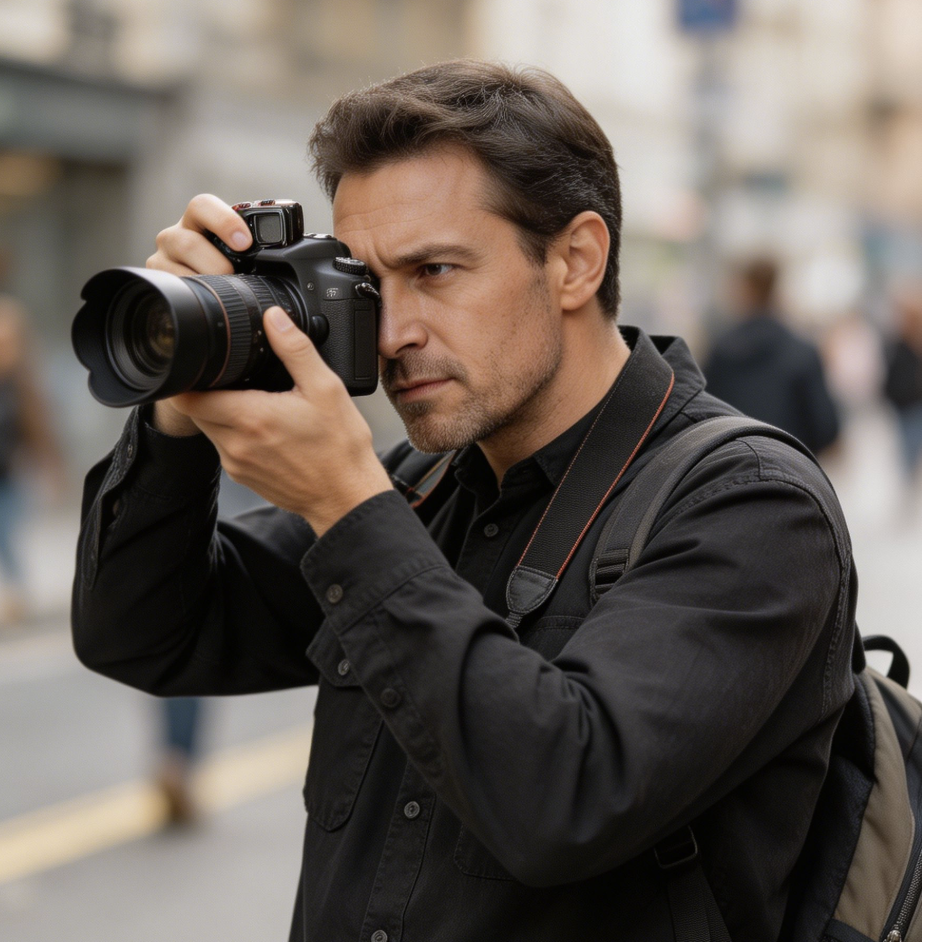
AI 3D Pop-Out Effect gave our product teaser the sense of depth we wanted without rebuilding the shot in a 3D tool. The item still looked like the original photo, but the phone-screen pop-out effect made the launch graphic feel more premium and easier to notice in a crowded feed during early creative reviews.
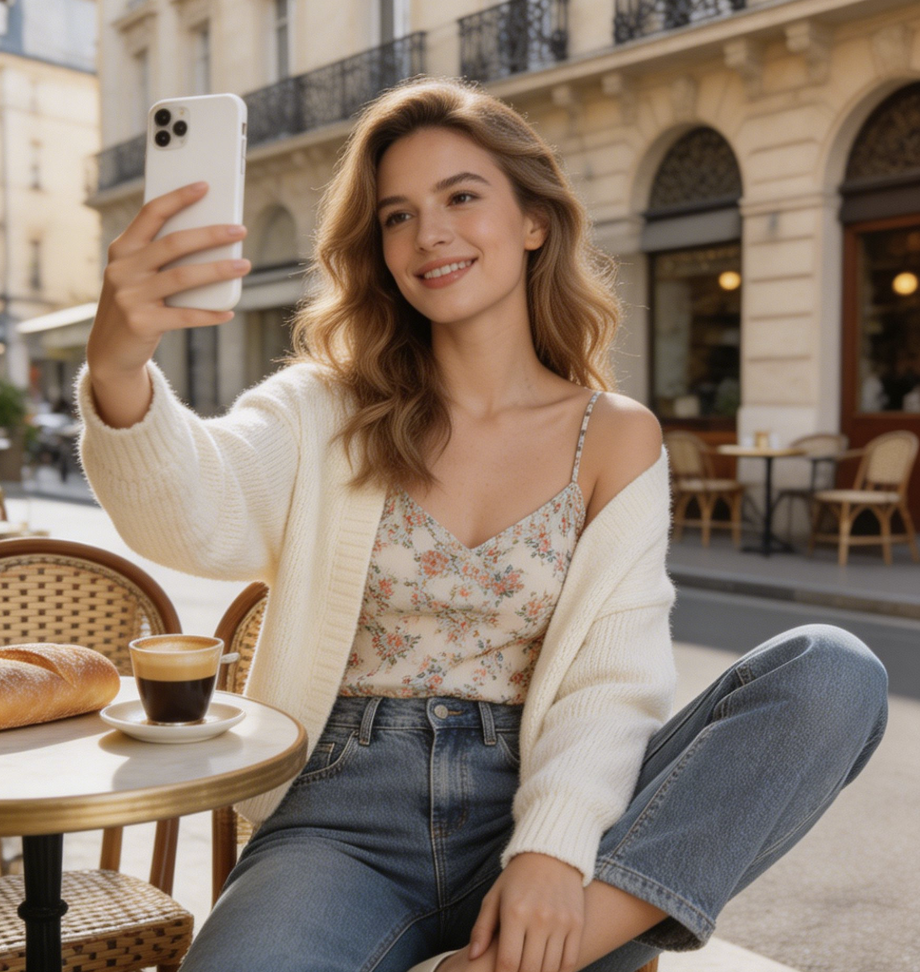
I use AI 3D Pop-Out Effect when a portrait feels flat but the pose is already strong. The best part is that the edit can keep the expression and outfit recognizable while adding a bold dimensional look that works well for profile covers and creator posts.
For social concepts, AI 3D Pop-Out Effect helps me test a more dramatic composition before asking a designer for final polish. It is especially useful when I need a thumbnail direction that feels energetic but still clearly comes from the uploaded source image.
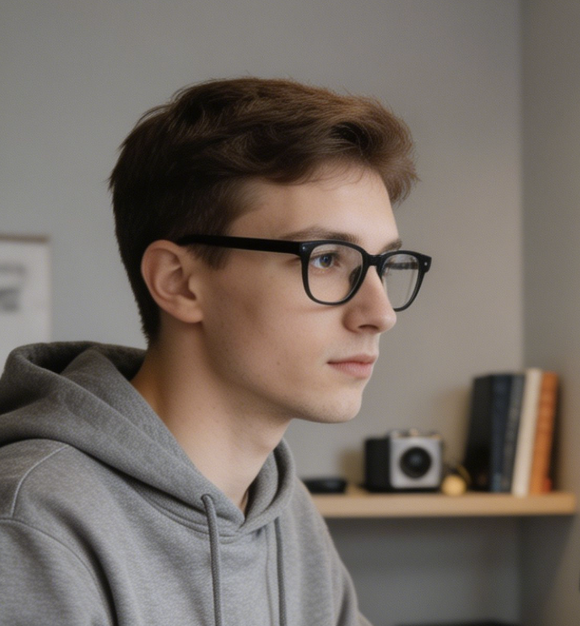
AI 3D Pop-Out Effect has become a practical way to make event photos feel more dimensional. When the subject is clear, the result gives me a stronger hero visual for newsletters, announcements, and recap posts without requiring a complicated editing session.
I tested AI 3D Pop-Out Effect on pet photos and small product shots, and the strongest outputs came from images with clean silhouettes. It helped me build playful before-and-after examples while keeping the subject details that clients actually recognize.
AI 3D Pop-Out Effect is useful when a campaign needs a simple visual hook. I can start from an existing image, create a dimensional version, and decide quickly whether the subject has enough shape, lighting, and focus to support the final concept.


FAQs About AI 3D Pop-Out Effect
Get practical answers about AI 3D Pop-Out Effect, including source image quality, subject preservation, depth cues, creative use cases, and how to choose photos for better dimensional results from everyday uploads.
AI 3D Pop-Out Effect is an image editing workflow that takes an uploaded photo and reworks it into a dimensional composition. The model separates the subject, adds depth cues, and creates the impression that the person, pet, product, or object is moving beyond a smartphone screen. AI 3D Pop-Out Effect is meant to enhance the source image, not replace it with an unrelated scene.
AI 3D Pop-Out Effect works best with a clear subject, visible edges, and enough separation from the background. Portraits, pets, vehicles, products, collectibles, sports shots, fashion images, and travel photos can all work well when the source image is not overly crowded. Strong lighting and a simple background usually help the model build a cleaner pop-out illusion with fewer edge artifacts.
AI 3D Pop-Out Effect should preserve the important identity of the uploaded image, including facial features, pose, clothing, product shape, color cues, and key textures. Like any image editing model, results depend on the quality and clarity of the input. For portraits, choose photos where the face is visible and not blocked by heavy blur, extreme shadows, or cluttered foreground objects.
A good AI 3D Pop-Out Effect result uses depth, perspective, occlusion, and shadow cues to make the subject feel dimensional. The subject may appear to rise from a smartphone screen while keeping the source pose and visual identity, with the phone acting as a clear visual anchor. The strongest outputs look intentional, polished, and connected to the original upload rather than distorted or randomly restyled.
Yes. AI 3D Pop-Out Effect can be useful for creator thumbnails, social posts, profile visuals, product teasers, editorial headers, and campaign concept images. The transformation is designed to create a strong focal point quickly. For best results, start with an image that already has a clear main subject and composition before applying the dimensional edit to it for a cleaner final image.
AI 3D Pop-Out Effect can work with product photos when the item has a clear outline and important details are visible. It can lift the product visually, add shadow structure, and make the image feel more tactile. Avoid source photos with heavy reflections, overlapping props, tiny details, or busy backgrounds if you need a clean, recognizable product result for review.
If an output from AI 3D Pop-Out Effect feels too dramatic, try a cleaner source photo with better lighting, more subject separation, or less background clutter. Images with strong silhouettes tend to produce better depth. You can also choose a composition where the subject has enough room around it, so the pop-out treatment does not feel cramped or forced in the final composition.
AI 3D Pop-Out Effect is different from a simple filter because it changes the spatial reading of the photo. A filter usually adjusts color, texture, or style across the image. This effect focuses on subject separation, smartphone-screen interaction, shadow direction, and layered depth, creating a more dimensional edit while still using the uploaded photo as the foundation image for viewers to understand.
Create a Dimensional Photo Edit
Upload a clear image and use AI 3D Pop-Out Effect to build a polished pop-out visual. AI 3D Pop-Out Effect helps your subject feel closer, sharper, and more dimensional without losing the source photo.
