

More AI Image Generators
Explore our collection of specialized AI image generators designed for different creative needs and styles
















AI Braids Filter for Realistic Braided Hairstyles
Let AI Braids Filter generate a corresponding braids image.
Use AI Braids Filter to preview braids from one uploaded photo without guessing how the style might frame your face. The Braided Hair Filter keeps the result grounded in your portrait while exploring neat, natural-looking braid shapes.

How to Use AI Braids Filter
AI Braids Filter keeps the workflow simple: upload a suitable portrait, generate a corresponding braid version, then review the before-and-after result before saving the image or using it as a style reference.

Upload to AI Braids Filter
Start with a clear portrait where your face and hairline are visible. AI Braids Filter reads the source image so the generated braid preview follows your head angle, lighting, and existing photo mood.

Generate with AI Braids Filter
Run AI Braids Filter and let the model create a matching braided hairstyle image from your upload. The Braided Hair Filter can support box braids, cornrows, single braids, double braids, and loc-inspired directions when the source image allows.

Save AI Braids Filter Results
Compare the original portrait with the generated result before saving. AI Braids Filter is useful for style planning, profile updates, social content, or a visual reference before discussing braids with a stylist.
Best AI Image Tools for Creative Projects
Explore creative tools for image, learn tips and tricks, and see how AI can be your assistant in turning concepts into finished projects.













Features of AI Braids Filter
AI Braids Filter focuses on realistic transformation, flexible braid choices, and recognizable portraits. It helps users test braided hair ideas while keeping the result tied to the original uploaded image.

AI Braids Filter for Natural Braid Shape
- AI Braids Filter transforms the visible hair area into a braided look that should sit naturally around the face.
- The model considers head angle, hairline, lighting, and portrait composition instead of placing a flat braid sticker on top.
- Use AI Braids Filter when you want box braids, cornrows, French-inspired braids, or a softer single braid preview.

AI Braids Filter for Men and Women
- AI Braids Filter should not assume one gender or one braid silhouette.
- It can support feminine single braids, double braids, box braids, and braided updos, while also allowing masculine cornrows, short box braids, two-strand looks, or loc-inspired styling.
- The Braided Hair Filter direction should respect the uploaded portrait and the requested style.

AI Braids Filter with Identity Preservation
- AI Braids Filter is guided to preserve facial features, age, expression, skin tone, pose, clothing, and background while changing the hair into a braided result.
- It should keep braid edges clean around the forehead, ears, shoulders, and accessories.
- Use AI Braids Filter when recognition matters as much as the new hairstyle idea.

AI Braids Filter for Style Planning
- AI Braids Filter turns a vague hairstyle idea into a visual reference based on your own photo.
- Use it before a salon appointment, a festival, a portrait shoot, a dating profile update, or a social post.
- The Braided Hair Filter result can help compare tight cornrows with fuller box braids, or a single braid with double braids.
Why Choose AI Braids Filter
AI Braids Filter is made for realistic photo-to-photo braid previews, not generic hairstyle stickers. It gives users a practical way to compare braid directions before saving, sharing, or visiting a stylist.

Try Before a Salon Visit
Before choosing a real braid appointment, use AI Braids Filter to see whether a style suits your face shape, hair length impression, and personal aesthetic. The preview can help narrow the conversation with a stylist, especially when deciding between box braids, cornrows, or a softer braid arrangement. It also gives you a personal reference instead of relying only on someone else's inspiration photo, which can make expectations clearer.

Refresh Profile Photos
A new hairstyle can change the feeling of a profile image. AI Braids Filter lets creators, students, professionals, and casual users test a braided look on an existing portrait before reshooting. The result can guide social avatars, dating photos, portfolio concepts, or simple personal style experiments. This is especially useful when you want a sharper visual direction before choosing wardrobe, makeup, lighting, or a new photo session.

Use for Male Braid Ideas
Men often want to compare tighter cornrows, shorter box braids, two-strand shapes, or loc-inspired looks before committing. AI Braids Filter can present those directions as visual previews while keeping beard shape, facial structure, clothing, and the original portrait setting stable enough for a practical comparison. The generated image can also help separate what looks strong in a reference photo from what actually fits your own face and grooming style.

Compare Single and Double Braids
For many women, the question is not only whether braids look good, but which braid layout feels right. AI Braids Filter can help compare a classic single braid, double braids, fuller box braids, or a braided crown direction using the same source portrait as the anchor. That makes it easier to judge balance, volume, face framing, and whether the style feels casual, romantic, polished, or bold.

Plan Event Looks
Braids can feel casual, polished, protective, bold, or festival-ready depending on the shape and finish. AI Braids Filter helps test the visual mood before a wedding, trip, content shoot, celebration, or professional portrait. The generated image keeps the decision concrete instead of relying only on inspiration photos. You can compare the preview with planned outfits, accessories, and makeup ideas before choosing a final creative direction.

Create Social Concepts
If you want a fresh post idea without changing your real hair first, AI Braids Filter can create a shareable concept from an uploaded image. The Braided Hair Filter output works best when treated as a creative preview, then reviewed for realism, cultural fit, and personal comfort before publishing. For creators, that extra review step helps keep the result intentional, respectful, and aligned with the message of the post, audience, and broader visual identity.
What Users Say About AI Braids Filter
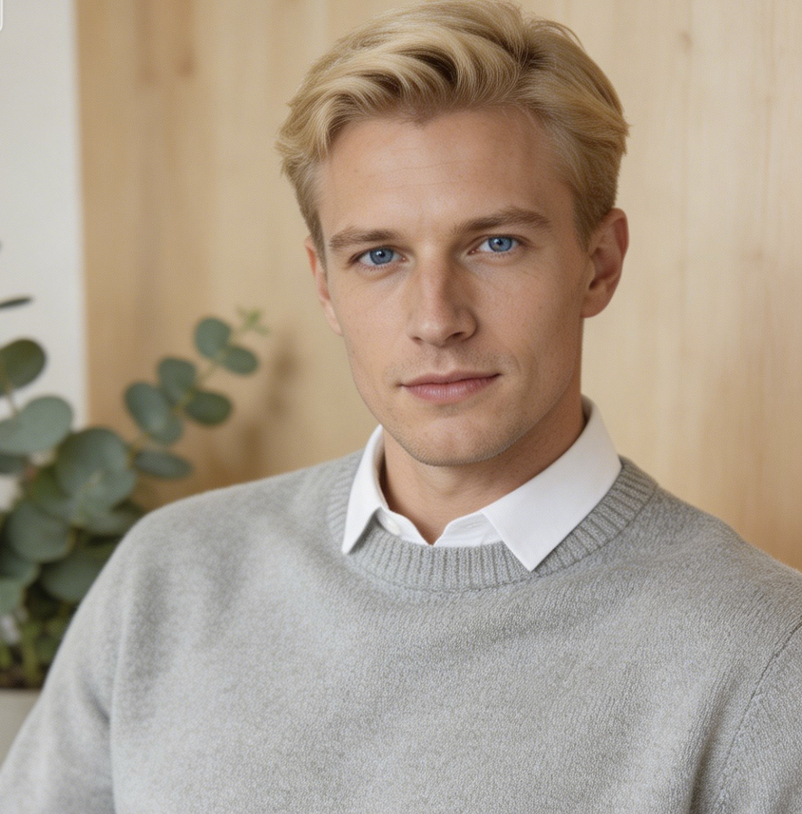
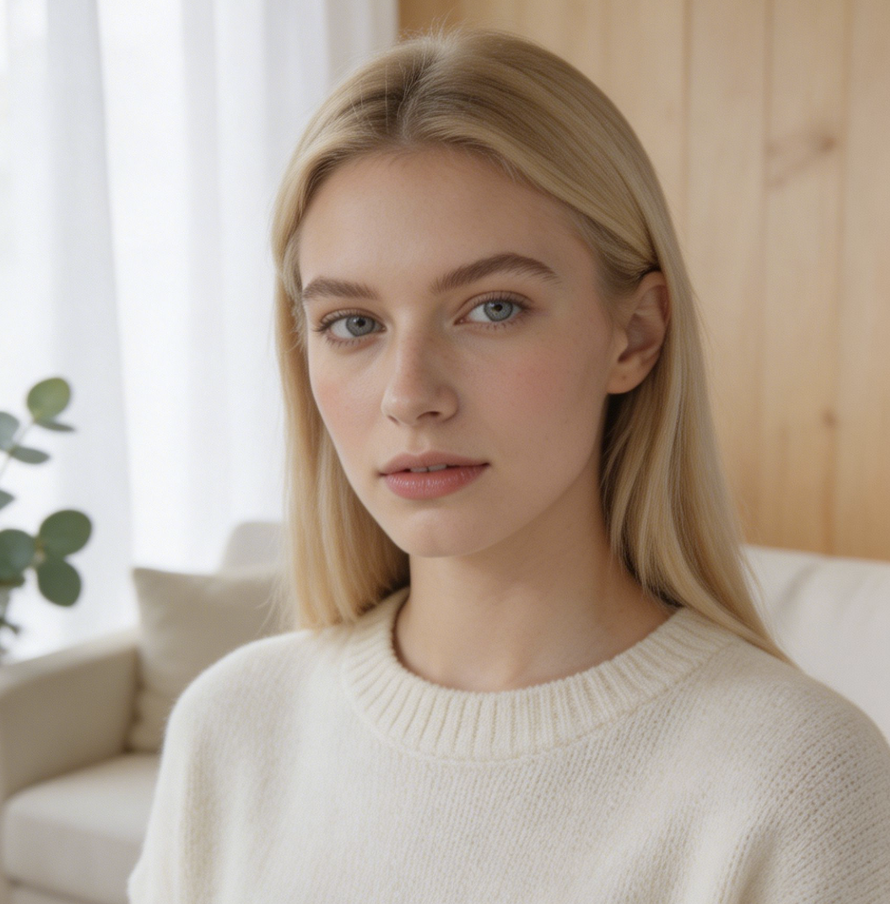
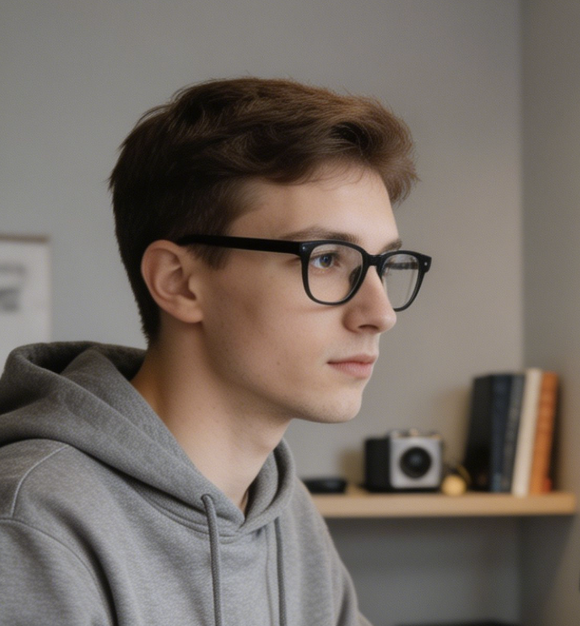
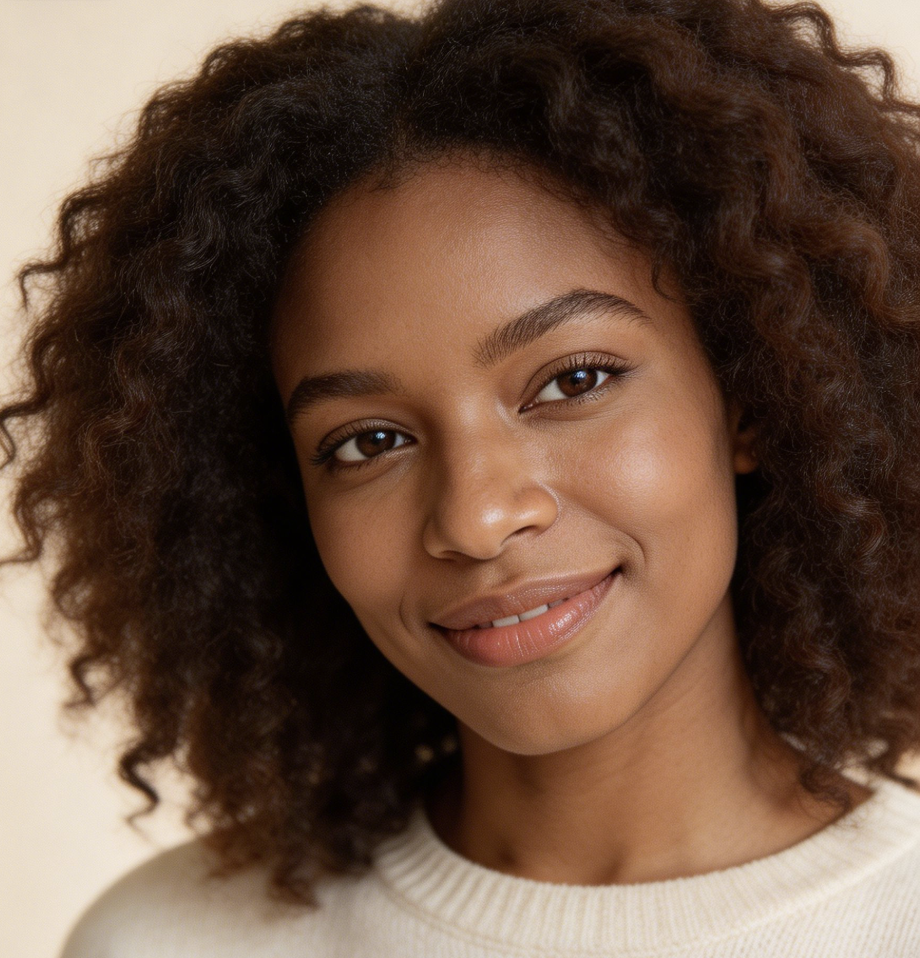
People use AI Braids Filter for salon planning, male braid previews, profile images, event looks, creator concepts, and personal experimentation. Their feedback centers on recognizable faces and useful before-and-after comparison.
I wanted box braids but had trouble picturing them on my own face. AI Braids Filter gave me a reference from my actual portrait, so the idea felt much easier to discuss before booking anything.
AI Braids Filter helped me compare cornrows with a more loc-inspired direction while keeping my beard and face shape consistent. It was useful because the result looked like a style preview, not a random makeover.
I used AI Braids Filter before a music festival because I wanted to test double braids and a fuller braided look. Seeing both ideas on my own photo made the choice less abstract.
For social content, AI Braids Filter gives me a fast way to explore a new visual direction without changing my hair first. I still review the final edit carefully, but it helps with planning.
The most helpful part of AI Braids Filter was how the braid preview followed the lighting in my selfie. It gave me a clearer sense of whether a side braid or box braid direction suited me.
I work on portrait concepts, and AI Braids Filter is a practical tool for early mood boards. It lets a client react to a braid idea on their own face before we plan wardrobe and styling.
FAQs About AI Braids Filter
These answers explain how AI Braids Filter creates braided hairstyle previews, what photos work best, which braid directions it can support, and how to use the generated result responsibly.
AI Braids Filter is an image editing tool that takes an uploaded portrait and generates a corresponding braids image. It is meant for virtual hairstyle previewing, so the output should preserve the person, pose, expression, and overall photo composition while changing the visible hair into a braided direction. The result helps you judge the look before saving, sharing, or planning a real style.
The tool starts from your uploaded image, identifies the visible hair area, then generates braid texture, braid direction, and hairline detail that fit the portrait. AI Braids Filter should keep the original face, lighting, clothing, and background stable. A clear front-facing photo with visible hair usually gives the model more information to build a believable braided result.
You can use AI Braids Filter for box braids, cornrows, single braids, double braids, braided updos, and other braid-inspired directions. For men, it can help preview tighter cornrows, short box braids, two-strand shapes, or loc-inspired looks when requested. For women, it can compare classic single braids, double braids, fuller protective styles, or softer romantic braid layouts.
AI Braids Filter works best with a clear photo where the face, hairline, and most of the hair are visible. Avoid heavy blur, strong shadows, hats, cropped hair, or hands covering the sides of the head. Good lighting helps the generated braids blend with the original portrait, especially around the forehead, ears, shoulders, and background edges.
Yes, AI Braids Filter can be useful for men who want a realistic preview before changing their hair. It can explore cornrows, shorter box braids, and loc-inspired directions while preserving facial hair, head shape, expression, and clothing. Dreadlocks and braids are not identical styles, so a prompt should be specific when you want a loc-inspired look rather than a braided one.
A basic overlay may paste a hairstyle shape on top of a photo. AI Braids Filter is positioned as a model-based image edit that generates a matching braid result from the source portrait. That makes the Braided Hair Filter more useful when you care about hairline placement, braid texture, lighting, identity preservation, and a believable before-and-after comparison.
AI Braids Filter can provide a helpful visual reference before a salon appointment, but it should not replace professional advice. Use the generated image to explain the direction you like, then let a stylist consider your real hair length, texture, scalp health, maintenance needs, and protective styling options. The preview is a planning aid, not a guaranteed real-world outcome.
You can use the generated result from AI Braids Filter for personal previews, mood boards, profile ideas, social concepts, and hairstyle conversations. Review the image carefully before public posting, especially if the style carries cultural meaning or if the edit changes how the photo may be understood. Treat the result as an edited image rather than an untouched photograph.
Try AI Braids Filter Today
Upload a portrait and let AI Braids Filter generate a corresponding braided hairstyle image you can compare, save, and use as a practical Braided Hair Filter reference. Treat the result as a starting point, not a final salon promise.
