
More AI Image Generators
Explore our collection of specialized AI image generators designed for different creative needs and styles
















Generate 2D Pixel Characters with 16-Bit Character Generator
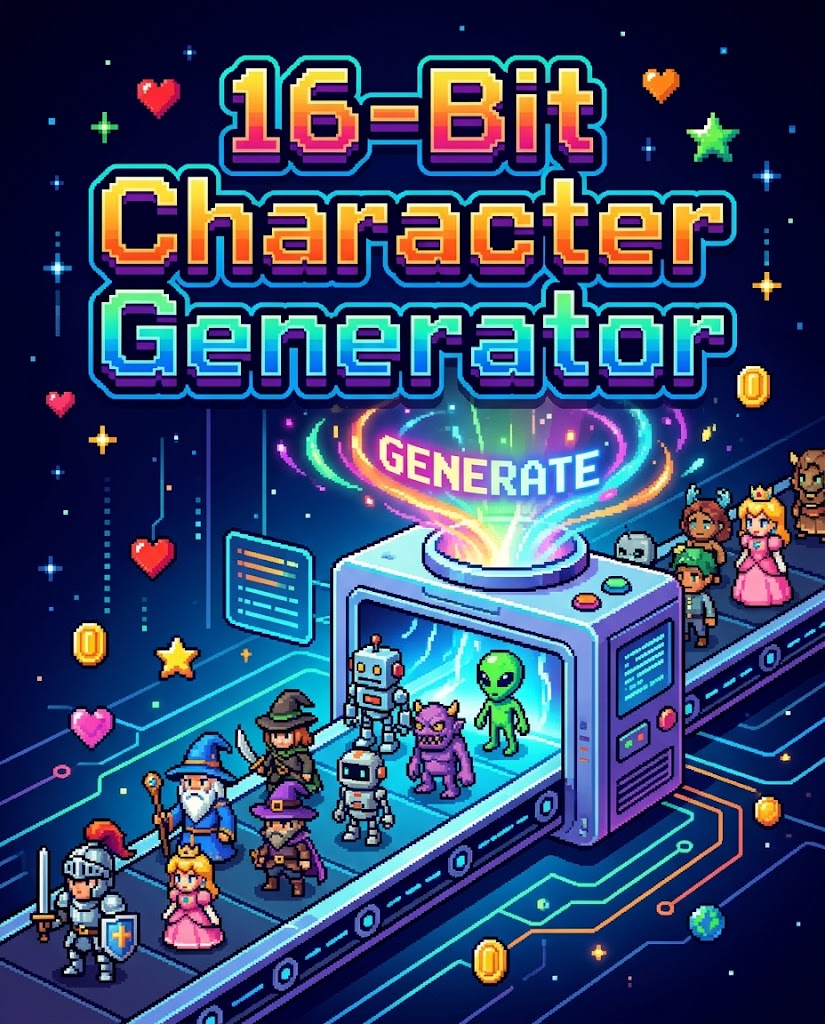
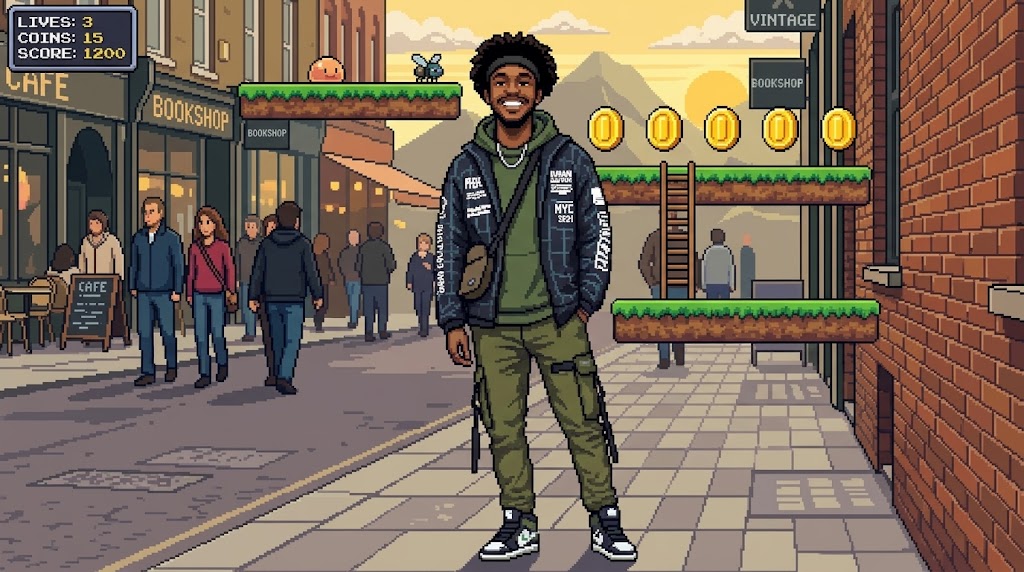
Use 16-Bit Character Generator to instantly transform a real person into a retro hero.
Bring game nostalgia to your photos with 16-Bit Character Generator. This AI 16-Bit Character Generator reimagines a real person as a detailed pixel hero and places them naturally inside a retro game world.
How to Use 16-Bit Character Generator
Using the 16-Bit Character Generator is simple, even for first-time users. Upload a photo, choose an image size, and let the generator build a retro scene around your subject.

Upload a Clear Portrait
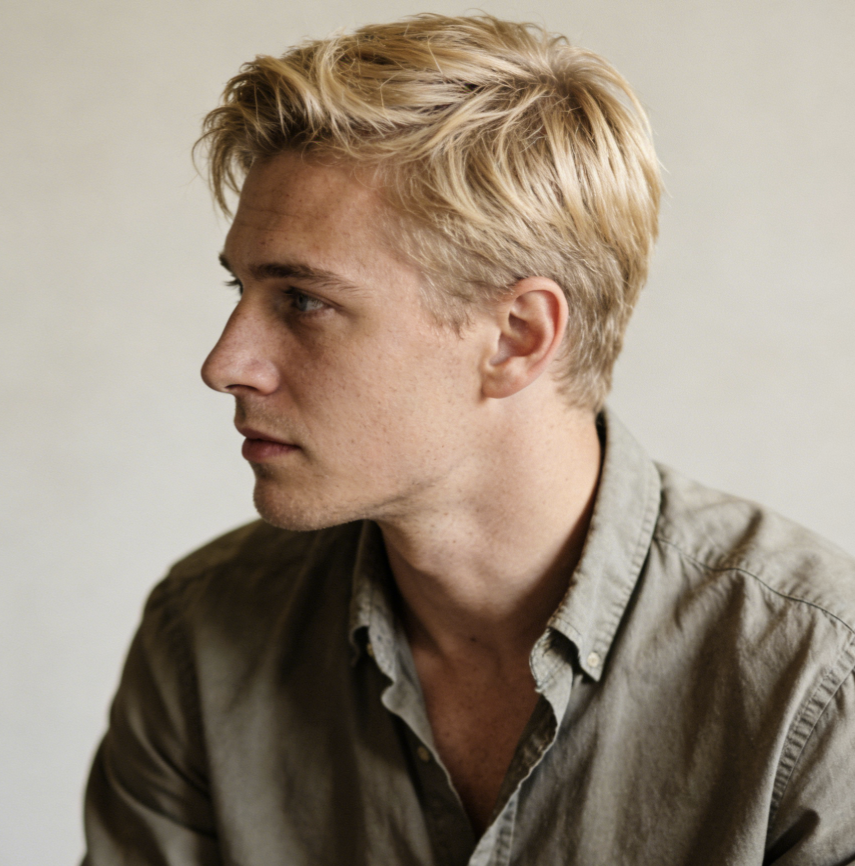
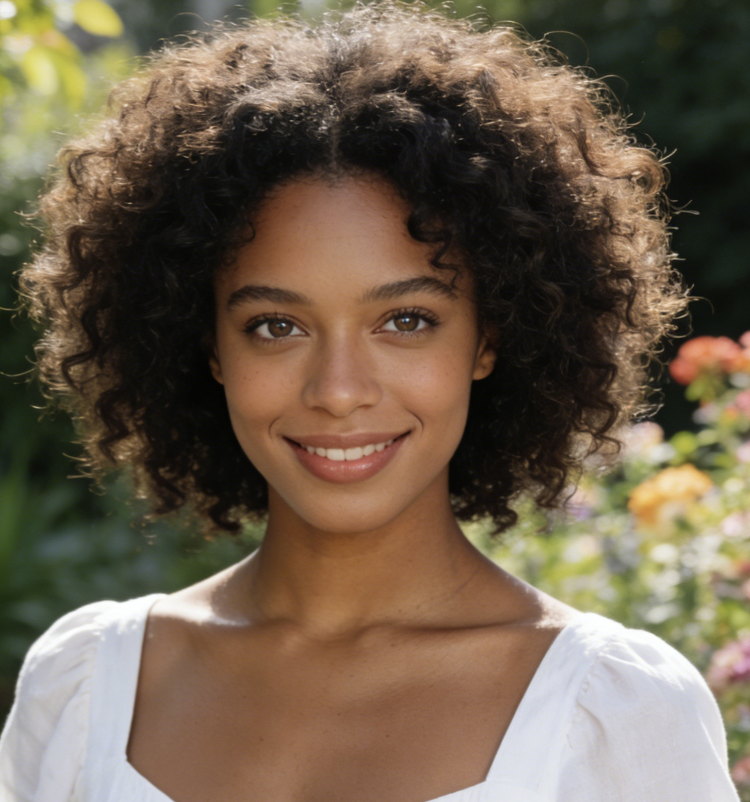
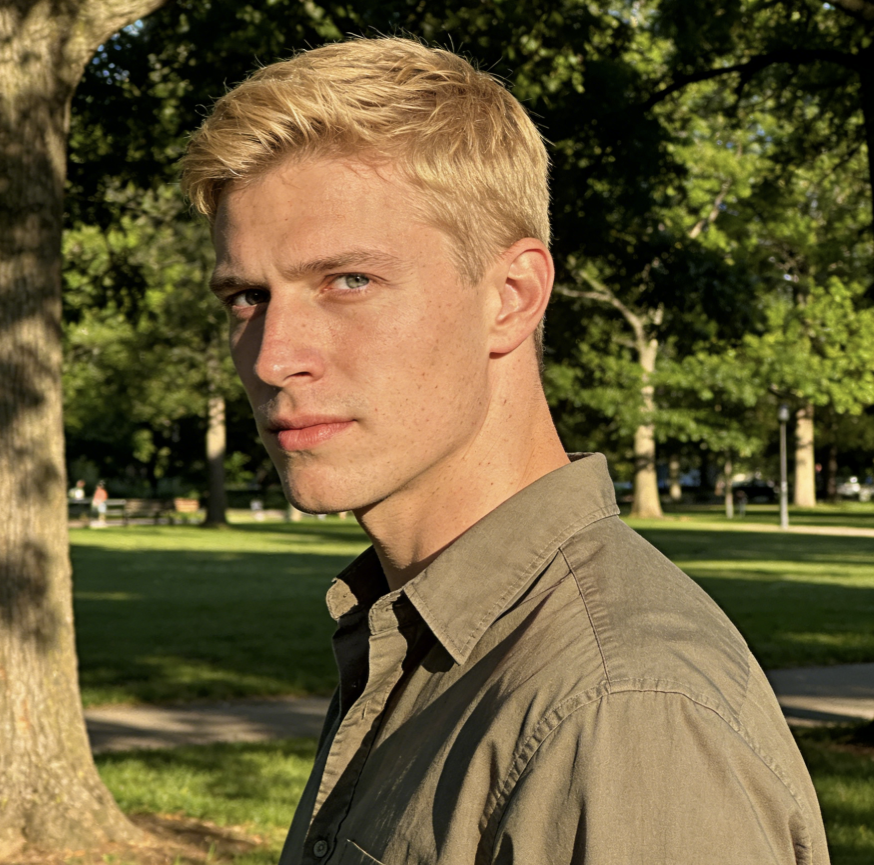
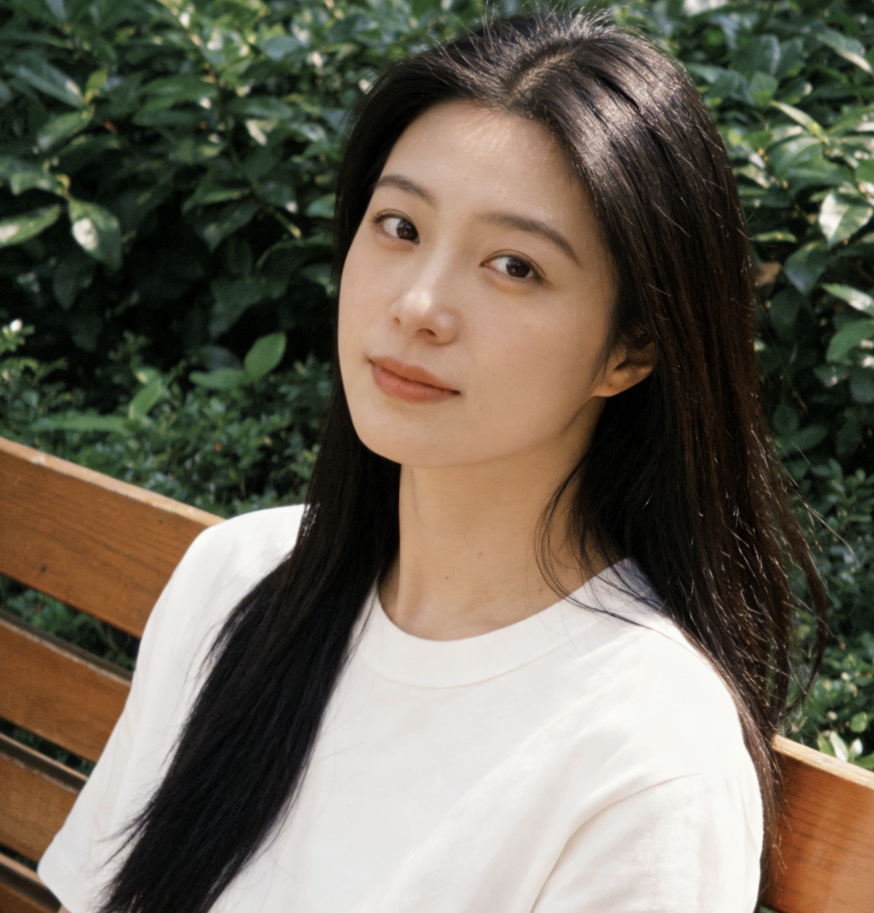
The 16-Bit Character Generator works best when the face, pose, and outfit are easy to identify. That gives it enough visual information to reinterpret the subject into expressive pixel art while keeping the original personality visible.

Choose Image Size and Generate
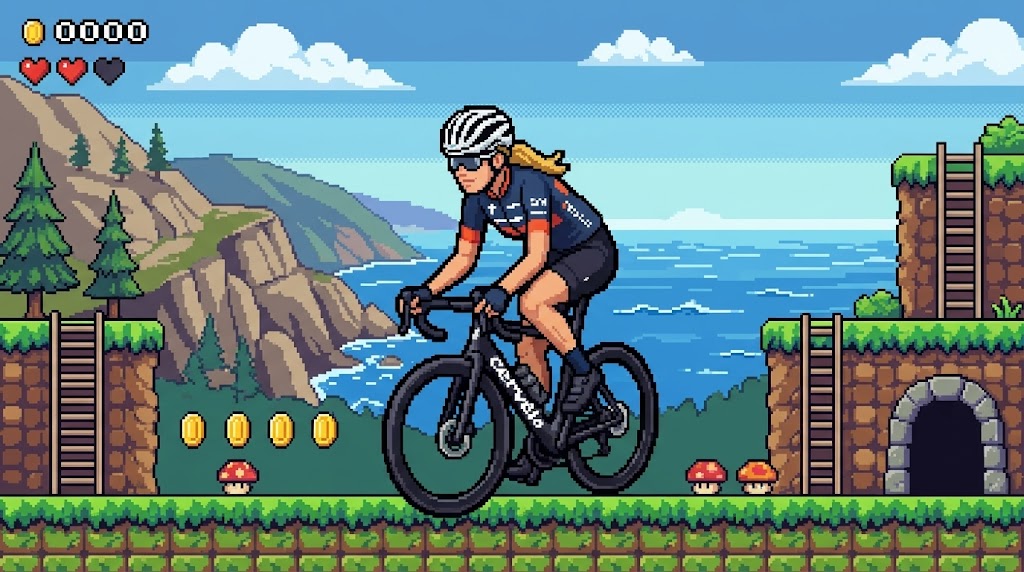
The 16-Bit Character Generator turns the subject into a 16-Bit video game character and places that character inside a complete 2D pixel game environment with platform-style energy, layered backgrounds, and a cohesive retro look.

Download and Share
Preview the result, then save and share your finished artwork. The 16-Bit Character Generator is designed to create images that feel fun, readable, and finished. Whether you use it for an avatar, a meme, or a gift graphic, the output is ready for immediate use.
Best AI Image Tools for Creative Projects
Explore creative tools for image, learn tips and tricks, and see how AI can be your assistant in turning concepts into finished projects.














Features of 16-Bit Character Generator
The AI 16-Bit Character Generator is built for people who want more than a simple filter. This generator combines character reinterpretation, scene composition, and retro gaming atmosphere in one workflow.
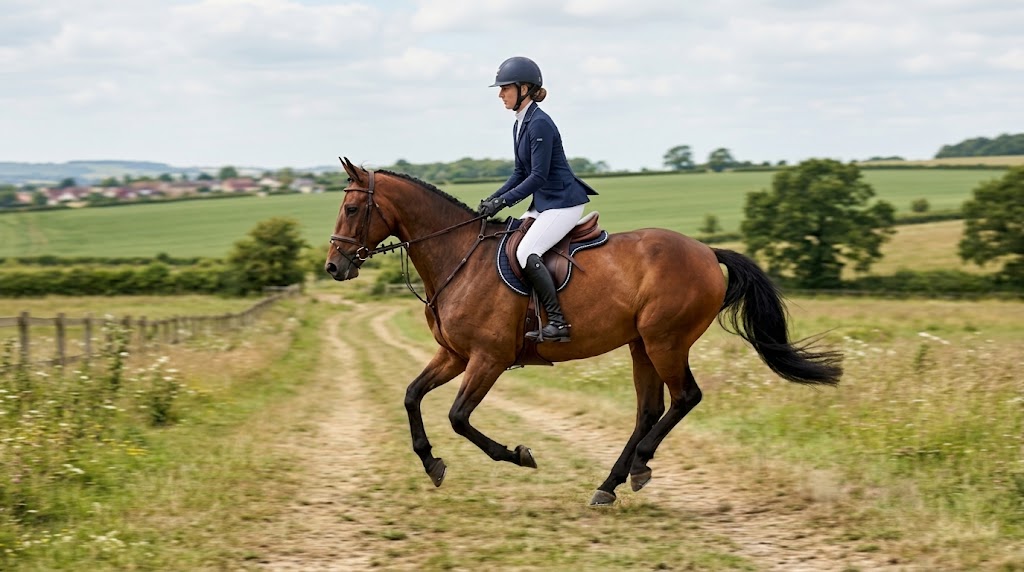
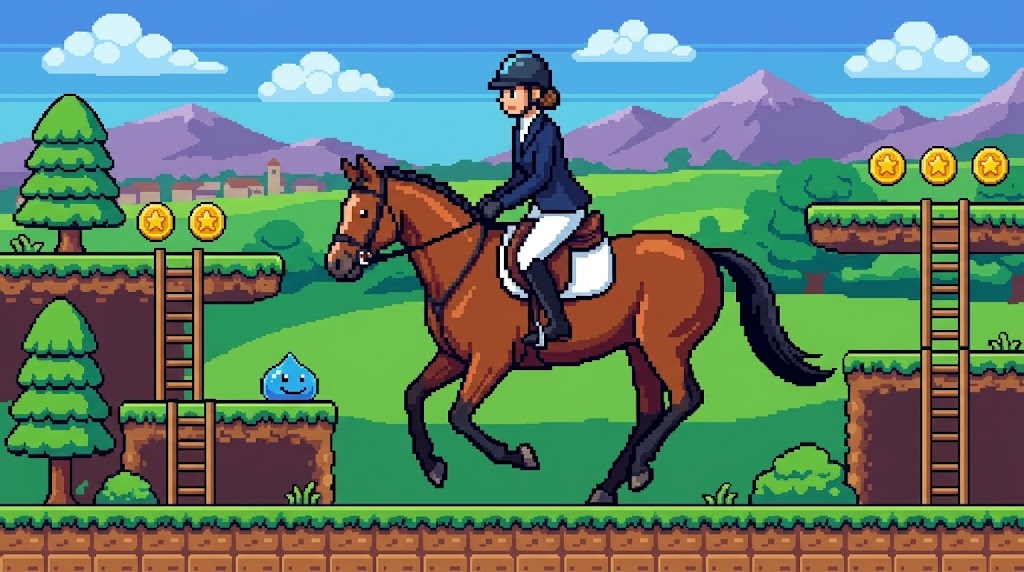
Turn Portraits into Playable-Looking Retro Heroes
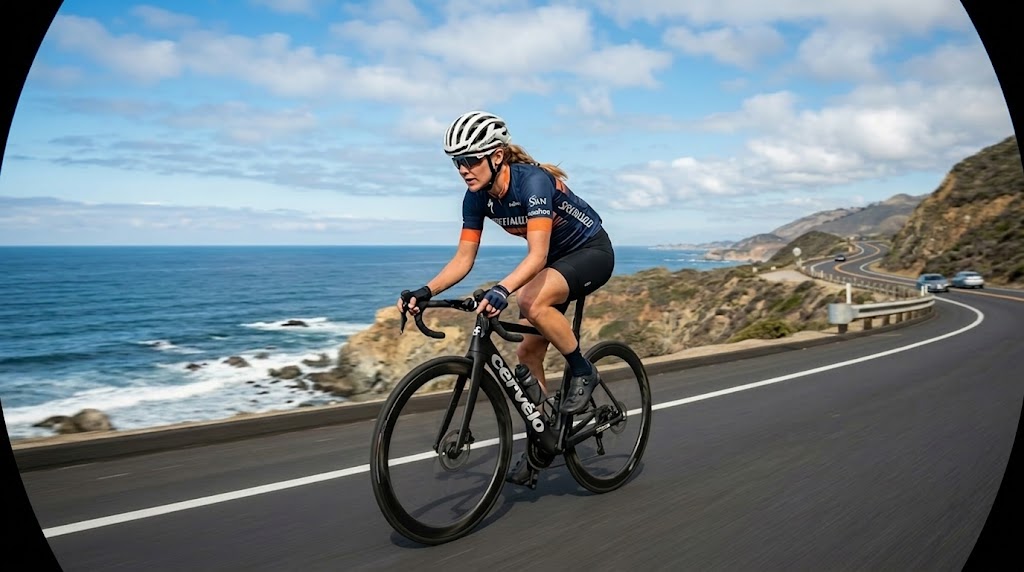
The 16-Bit Character Generator translates real faces, hairstyles, outfits, and poses into a clean retro sprite design that still feels personal. Instead of producing a generic icon, it builds a recognizable 16-Bit video game character with real personality. That makes the 16-Bit Character Generator useful for profile images, fan content, branding assets, and playful identity-driven creative work.

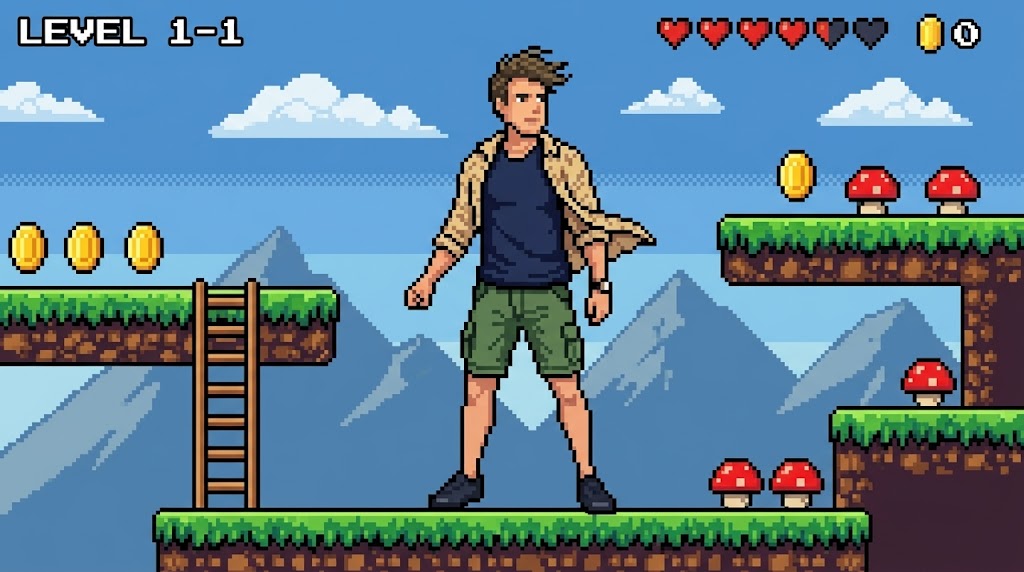
Place the Character Inside a Cohesive Game World
A great retro image needs more than a sprite. The 16-Bit Character Generator creates a full 16-Bit character scene with platforms, layered backgrounds, environmental details, and visual rhythm that resembles a real game frame. Because it builds context around the subject, the result feels more immersive, more polished, and more usable than a simple pixel cutout.
Designed for Social Posts, Avatars, and Creative Content
The 16-Bit Character Generator is useful beyond novelty edits. You can use the generator to turn a selfie into a 2D pixel character for a profile image, build campaign content with a retro twist, or create scroll-stopping visuals for social channels. Because it outputs a complete scene, the result already feels designed rather than unfinished.
Fast Way to Explore Retro Game Aesthetics
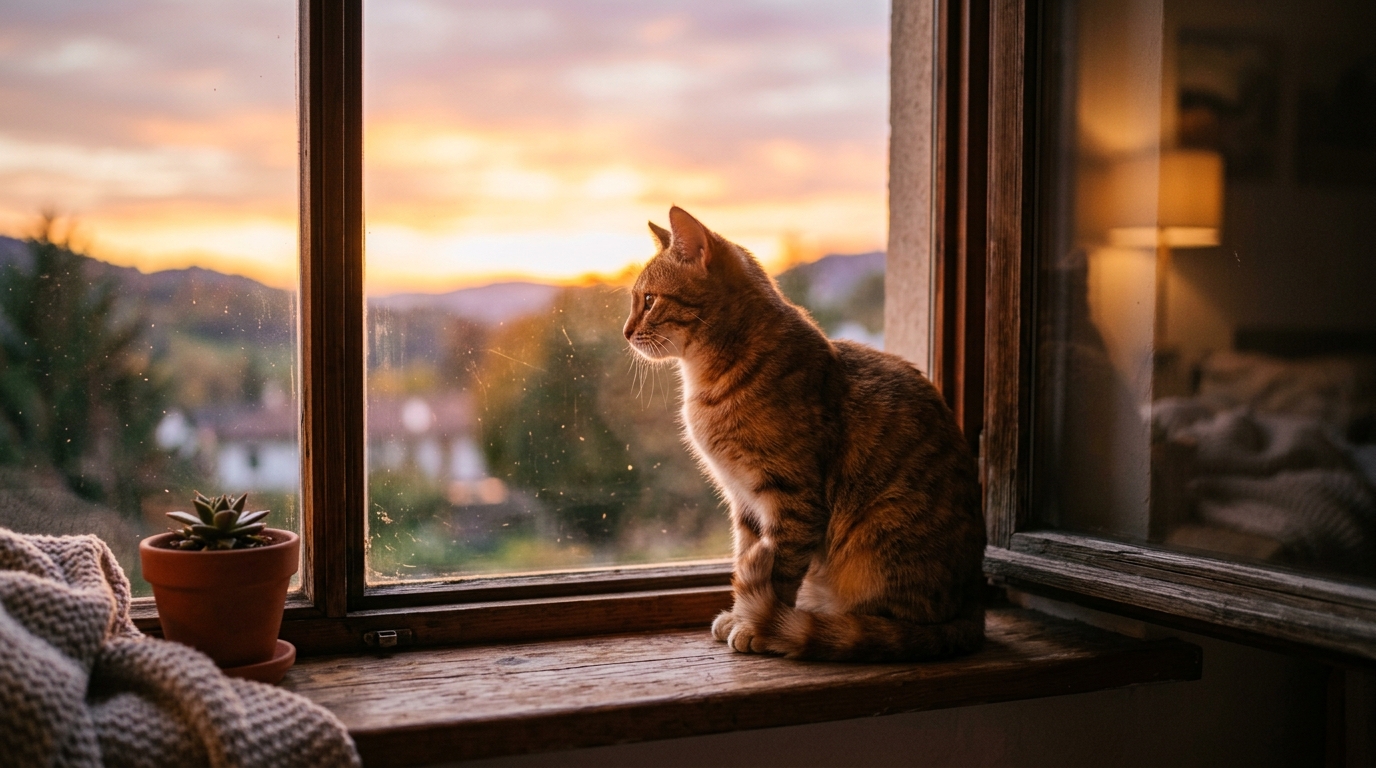
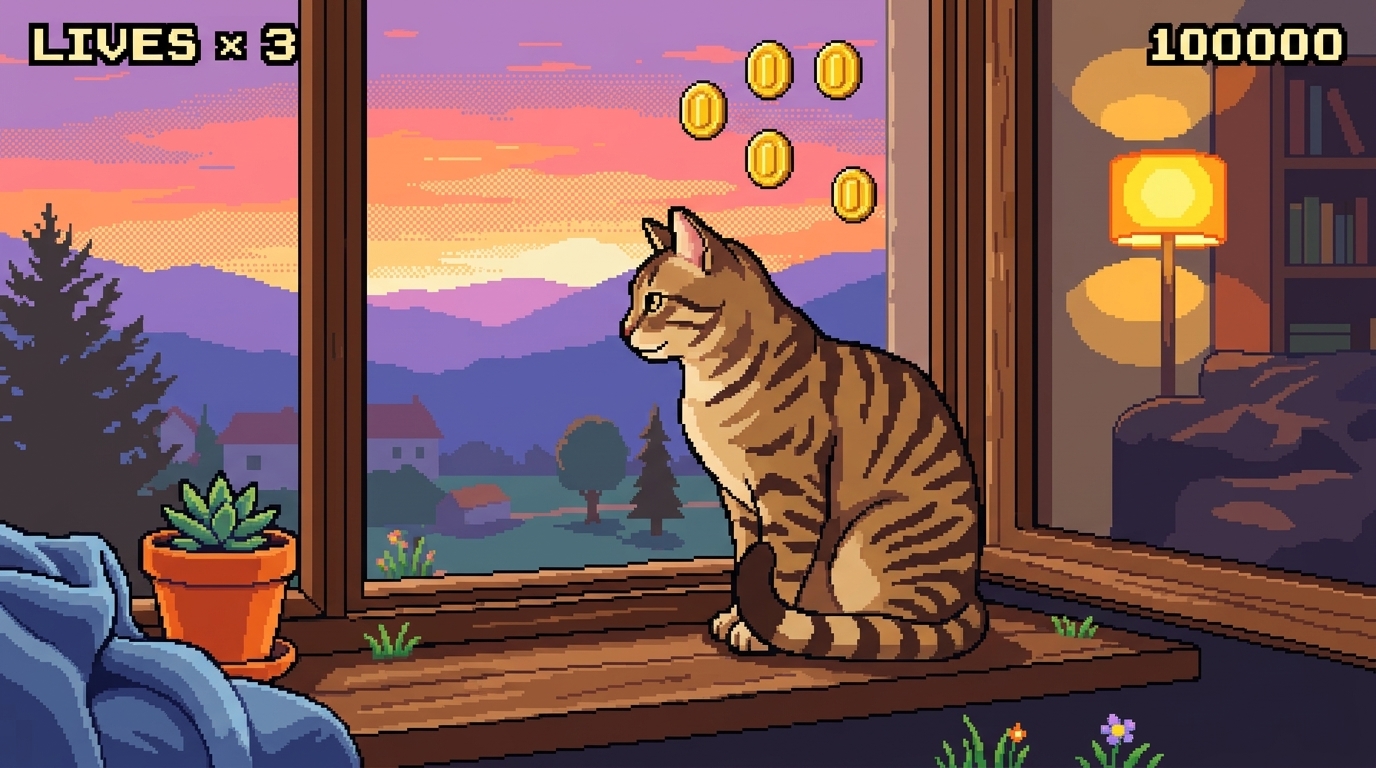
Manual pixel art takes real time and skill. The 16-Bit Character Generator gives creators a faster way to test ideas. With the generator, you can generate a retro-inspired 16-Bit character scene in moments, compare visual directions, and experiment with nostalgic art concepts before investing in more detailed custom illustration work.
Why Choose 16-Bit Character Generator
A strong retro tool should do more than make an image blocky. Our 16-Bit Character Generator focuses on recognizable characters, cohesive scenes, and practical creative use.

Make Distinctive Gamer Style Avatars
If you want a profile image that feels more memorable than a basic selfie, the 16-Bit Character Generator is a strong choice. It turns a real portrait into a 16-Bit video game character with nostalgic charm and clear visual personality. That makes the generator especially useful for Discord, gaming profiles, creator accounts, and community pages.

Create Fun Birthday, Party, and Gift Images
The 16-Bit Character Generator also works well for personal gifts. You can use the generator to transform a friend, partner, or family member into a 2D pixel character and turn that output into a personalized keepsake. Because it places the subject into a full retro world, the final image feels thoughtful and complete.

Build Retro-Themed Social Campaign Visuals
Brands and creators often need visuals that stand out without becoming cluttered. The 16-Bit Character Generator helps by converting portraits into a consistent 2D pixel game style that feels both familiar and fresh. Whether you use the it for launch content, event art, or fandom posts, it adds a strong nostalgic hook to digital campaigns.

Visualize Characters for Storytelling Projects
Writers, streamers, and content teams can use the 16-Bit Character Generator to quickly visualize character ideas. A single photo can become a 16-Bit video game character with a strong silhouette and clear mood. That makes the generator useful for story concepts, cast mockups, creator branding, and retro-themed narrative projects.

Turn Team Photos into Matching Pixel Casts
For team intros and collaborative content, the 16-Bit Character Generator offers a playful but organized visual system. You can use it across multiple portraits so each person becomes a 2D pixel character while still feeling distinct. The shared style helps the generator produce a cohesive retro lineup that works well for communities and creative teams.

Experiment with Retro Art Direction Quickly
Sometimes you do not need final art yet. You need direction. The 16-Bit Character Generator is valuable for fast exploration because the generator lets you see how a real subject might look inside a 2D pixel game world. That speed makes the 16-Bit Character Generator useful for moodboards, concept testing, and early visual development.
What Users Say About 16-Bit Character Generator
Users come to the 16-Bit Character Generator for different reasons, but the response is often similar. They appreciate that the generator creates recognizable retro characters without losing the person behind the photo.
I used the 16-Bit Character Generator to remake my profile photo, and it finally feels like something people remember. It kept enough of my look to feel personal, but the finished image had the charm of an old platform game. What impressed me most was how the generator built a real scene instead of just adding pixels.
Most tools I tried gave me a flat icon and stopped there. This 16-Bit Character Generator gave me a complete 2D pixel game image that felt ready to post immediately. I used the 16-Bit Character Generator for a birthday graphic for my brother, and everyone loved the retro vibe. It felt playful, polished, and much more personal than a standard effect.
As a designer, I care less about novelty and more about whether a tool produces something usable. The 16-Bit Character Generator surprised me because the character and environment felt visually coherent. I used it to mock up a retro campaign concept, and it saved me a lot of early-stage production time while still looking intentional.
I created matching team visuals with the 16-Bit Character Generator, and the results were better than expected. It turned each person into a distinct 2D pixel character, but the overall style still felt consistent. That made the 16-Bit Character Generator perfect for a team intro post that looked fun, organized, and more creative than our usual graphics.
What stood out to me was the scene quality. The 16-Bit Character Generator did not just pixelate my face. It created a proper 16-Bit character scene with depth, platforms, and a strong color palette that felt inspired by classic side-scrollers. I ended up using the output as channel art because it matched my retro music brand so well.
I wanted a fun anniversary gift and used the 16-Bit Character Generator on a photo of my partner. The 16-Bit Character Generator created something warm, funny, and surprisingly well composed. Because the tool made a full game-style environment around the subject, the finished image felt like custom art. I printed the result, and it looked charming right away.


Frequently Asked Questions About 16-Bit Character Generator
From output style and source photo quality to social use cases and creative workflow value, this section explains what the 16-Bit Character Generator does, how it performs, and when it makes sense to use it instead of a basic filter.
The 16-Bit Character Generator takes a photo of a person and transforms that subject into a retro pixel-style character. More specifically, it creates a full image where the subject becomes a 16-Bit video game character placed inside a platform-inspired pixel world. That makes the output feel like a complete game frame rather than a simple pixel portrait.
Yes, that is one of the main goals of the 16-Bit Character Generator. While the 16-Bit Character Generator simplifies the image into pixel art, it still aims to preserve recognizable elements such as hairstyle, clothing cues, body language, and general expression. The final result is stylized, but the person should still feel clearly connected to the source photo.
The 16-Bit Character Generator usually performs best with a clear image that has one obvious subject. A well-lit portrait with visible clothing, pose, and face gives the generator more information to reinterpret. Better source images generally lead to a cleaner 2D pixel character, a more readable 16-Bit character scene, and a stronger overall visual result.
A basic filter usually just lowers visual resolution and makes the image look blocky. The 16-Bit Character Generator goes much further. Instead of simple pixelation, the 16-Bit Character Generator reconstructs the subject as a designed retro character and places that character into a full 16-Bit character scene. The result has stronger composition, clearer style, and more narrative value.
Yes, but the 16-Bit Character Generator usually works best when each image has a clear main subject. Many users run the generator on several separate portraits to build a matching set of retro visuals. That approach allows each person to become a distinct 16-Bit video game character while keeping the overall style consistent across a group or campaign.
No. The 16-Bit Character Generator is made for people who want strong visual results without manual pixel art work. You simply upload a photo, choose the image size, and let it handle the transformation. Because the 16-Bit Character Generator builds both the character and the surrounding scene, the result usually feels much more finished than a typical one-click effect.
A full 16-Bit character scene is useful when you want the image to feel like more than an isolated avatar. The 16-Bit Character Generator adds context, atmosphere, and a sense of story, which is why the 16-Bit Character Generator works well for gift graphics, campaign assets, event visuals, creator branding, and any retro-themed content that benefits from a richer composition.
Manual pixel art is still valuable, especially for highly specific custom work, but it takes more time and budget. The 16-Bit Character Generator is ideal when you want speed, accessibility, and room to experiment. You can use the 16-Bit Character Generator to test concepts, create a polished 2D pixel game image quickly, and explore retro art directions before investing in bespoke illustration.
Create Your Retro Character Now
Upload a photo and let the 16-Bit Character Generator turn it into a memorable retro game-style image in seconds. Whether you want a 16-Bit video game character for your profile, a 2D pixel game graphic for content, or a personalized creative gift, the 16-Bit Character Generator is an easy way to build a polished nostalgic result.
